12.4 Cleaning Reminder
The oven reminds you when to clean it with pyrolytic cleaning.
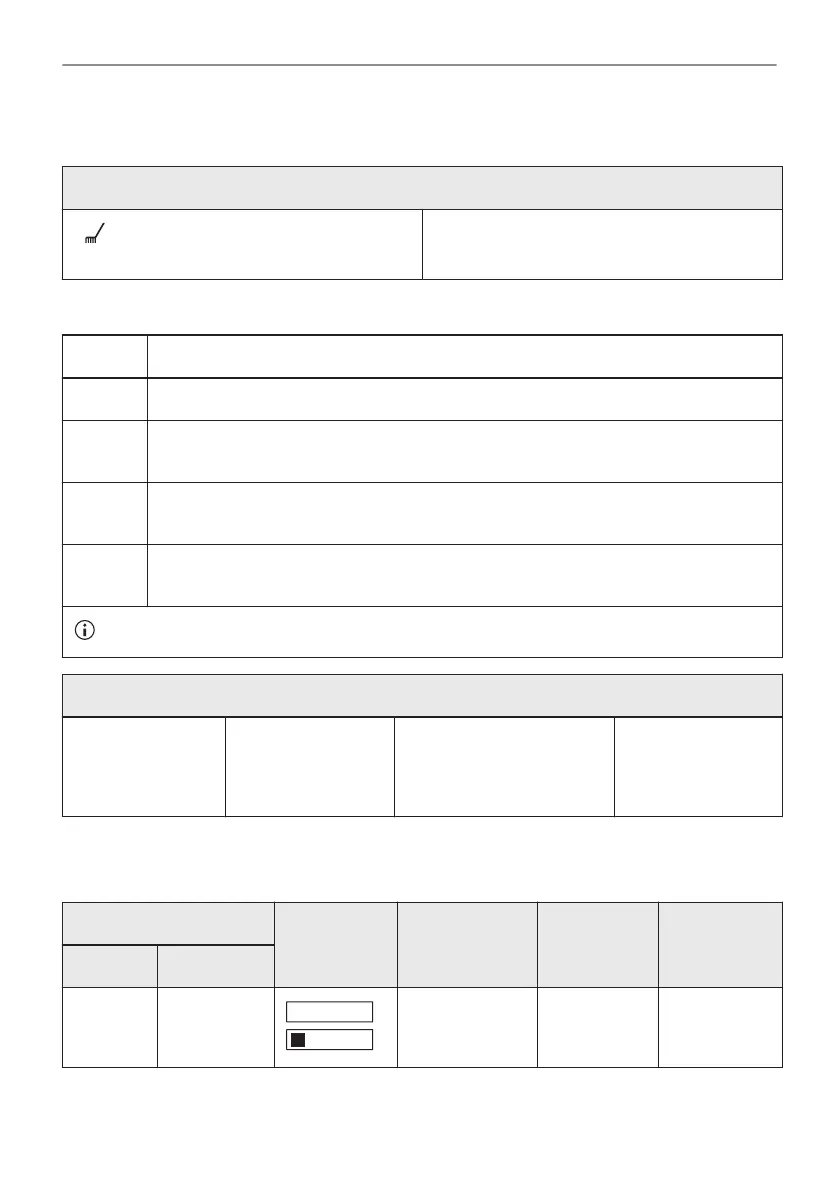
flashes in the display for 5 sec after each
cooking session.
To turn off the reminder enter the Menu and
select Settings, Cleaning Reminder.
12.5 How to clean: Water tank
Step 1 Turn off the oven.
Step 2 Place a deep pan below the steam inlet.
Step 3 Pour water into the water drawer: 850 ml. Add citric acid: 5 teaspoons. Wait for 60
min.
Step 4 Turn on the oven and set the function: Humidity Low. Set the temperature to 230 °C.
Turn off the oven after 25 min and wait until it is cold.
Step 5 Turn on the oven and set the function: Humidity Low. Set the temperature between
130 and 230 °C. Turn off the oven after 10 minutes and wait until it is cold.
To prevent limestone residue empty the water tank after each steam cooking.
When the cleaning ends:
Turn off the oven. Empty the water
tank. Refer to Daily
use, "Emptying the
water tank" chapter.
Rinse the water tank and
clean the remaining lime‐
stone residue with a soft
cloth.
Clean the drain pipe
with warm water
and a mild deter‐
gent.
The table below shows water hardness range (dH) with the corresponding level of calcium
deposit and the quality of water. When water hardness exceeds level 4, fill the water drawer
with bottled water.
Water hardness Test strip Calcium de‐
posit (mg/l)
Water clas‐
sification
Clean the
water tank
every
Level dH
1 0 - 7 0 - 50 soft 75 cycles -
2.5 months
35/44
CARE AND CLEANING






 To Next Page