Setting Lower Oven Controls
Setting Sabbath mode
The example below shows setting the oven to
observe the Sabbath (and Jewish holidays).
Canceling Sabbath mode
The example below shows how to cancel the
Sabbath mode.
Step Press
1. Press LOWER OVEN ,o_R
OVEN
2. Press BAKE. _1
Be sure to make any additional oven setting
changes before going to step 3
3. Press START d._
.
To enter Sabbath mode, press
and hold simultaneously both
the LO and HI keys together for 3
seconds (a beep will sound) and
release.
-I-
Io & hi
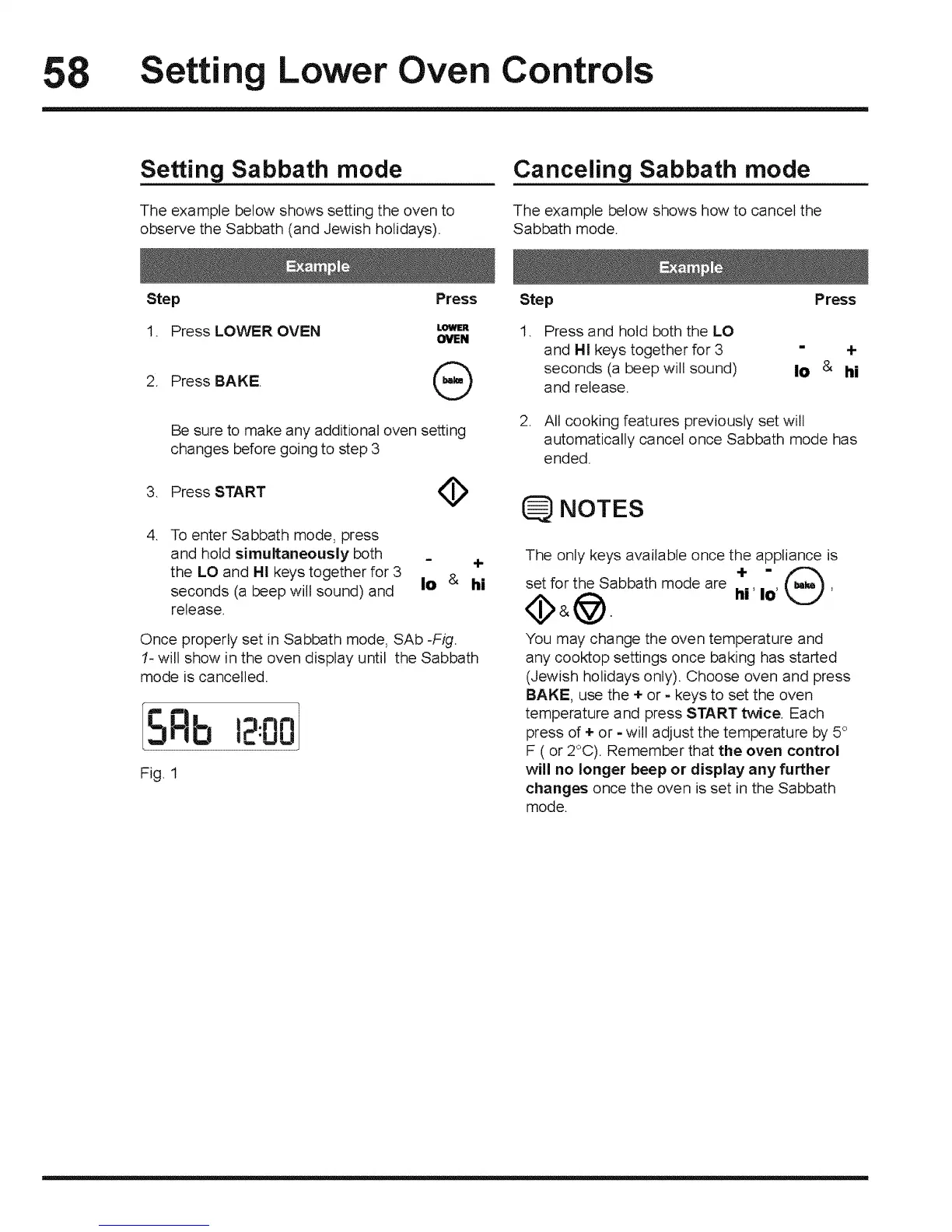
Once properly set in Sabbath mode, SAb -Fig.
t- will show in the oven display until the Sabbath
mode is cancelled.
SRb ,=.nn
IE'UU
Fig. 1
Step
. Press and hold both the LO
and HI keys together for 3
seconds (a beep will sound)
and release.
Press
= +
Io & hi
2. All cooking features previously set will
automatically cancel once Sabbath mode has
ended.
NOTES
The only keys available once the appliance is
set for the Sabbath mode are hi' Io'
You may change the oven temperature and
any cooktop settings once baking has started
(Jewish holidays only). Choose oven and press
BAKE, use the * or - keys to set the oven
temperature and press START twice. Each
press of ÷ or - will adjust the temperature by 5°
F ( or 2°C). Remember that the oven control
will no longer beep or display any further
changes once the oven is set in the Sabbath
mode.







 To Next Page