EDW 7100
Q&CI Technical Support – RA
Chapter 3.1
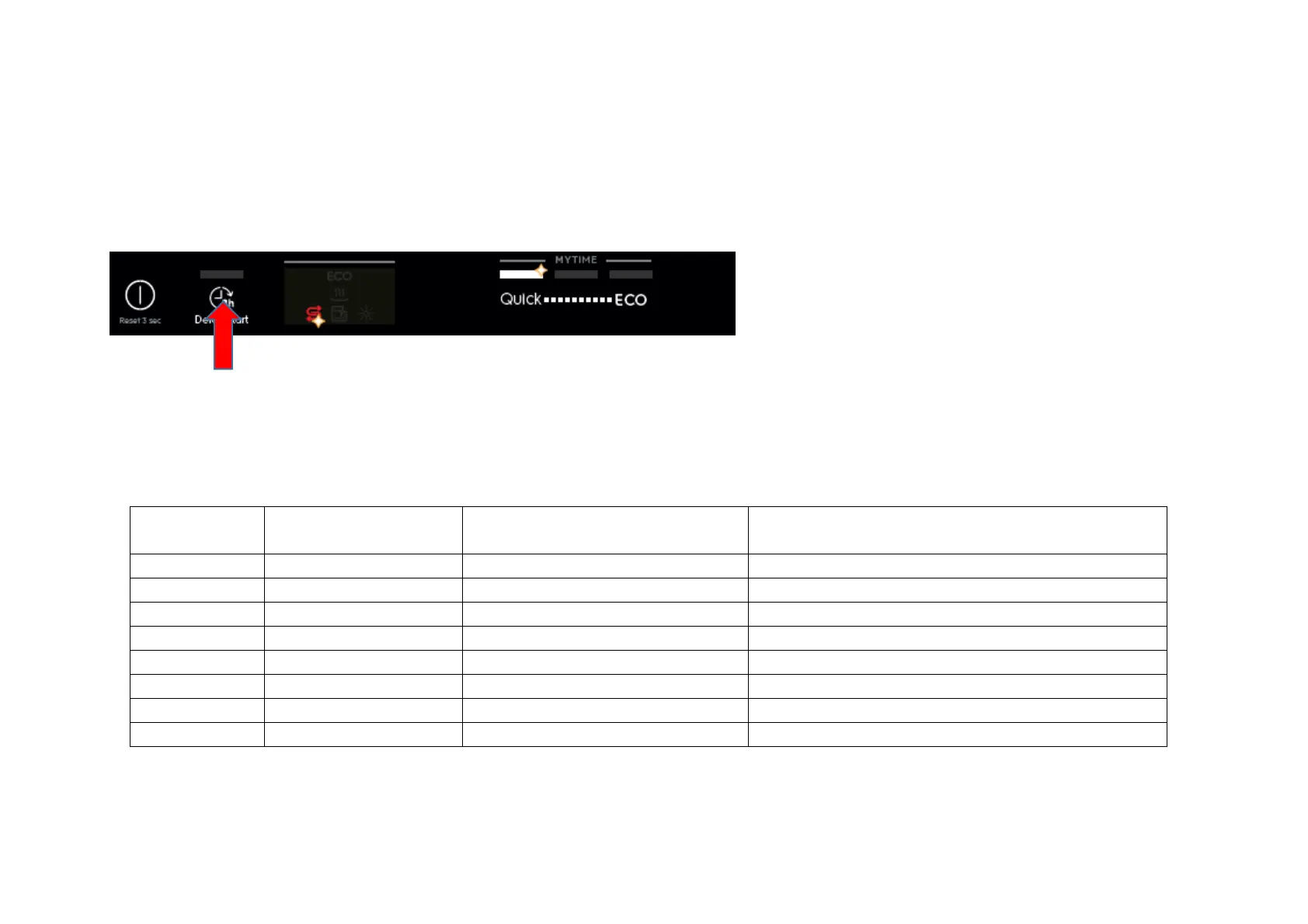
3. Press button S1 once more to show the third alarm code.
4. Press button S1 the fourth time to move to Actuator Test. Press button S1 repeatedly will sequentially turn on one actuator at a time.
L1 is turned off. L2 blinks to indicate the machine is in Actuator Test.
The actuator number is shown by the blinking sequences of Salt icon.
5. Press button S1 when actuator number 11 is activated, the machine will cycle back to Alarm reading and show the first alarm code saved.
6. Switching off the appliance by pressing On/Off button (S0) will exit Service mode.
Number of S1
Pressed
Actuator Number blinked
by Salt icon
Actuator Comment
4 4 Regeneration Valve
5 5 Drain Pump
6 6 Inlet Valve Off when water level reached
7 7 Heater On only if water level reached
8 8 Wash Pump
9 9 Dispenser
10 10 Auto door opener
11 11 SprayZone function



 To Next Page