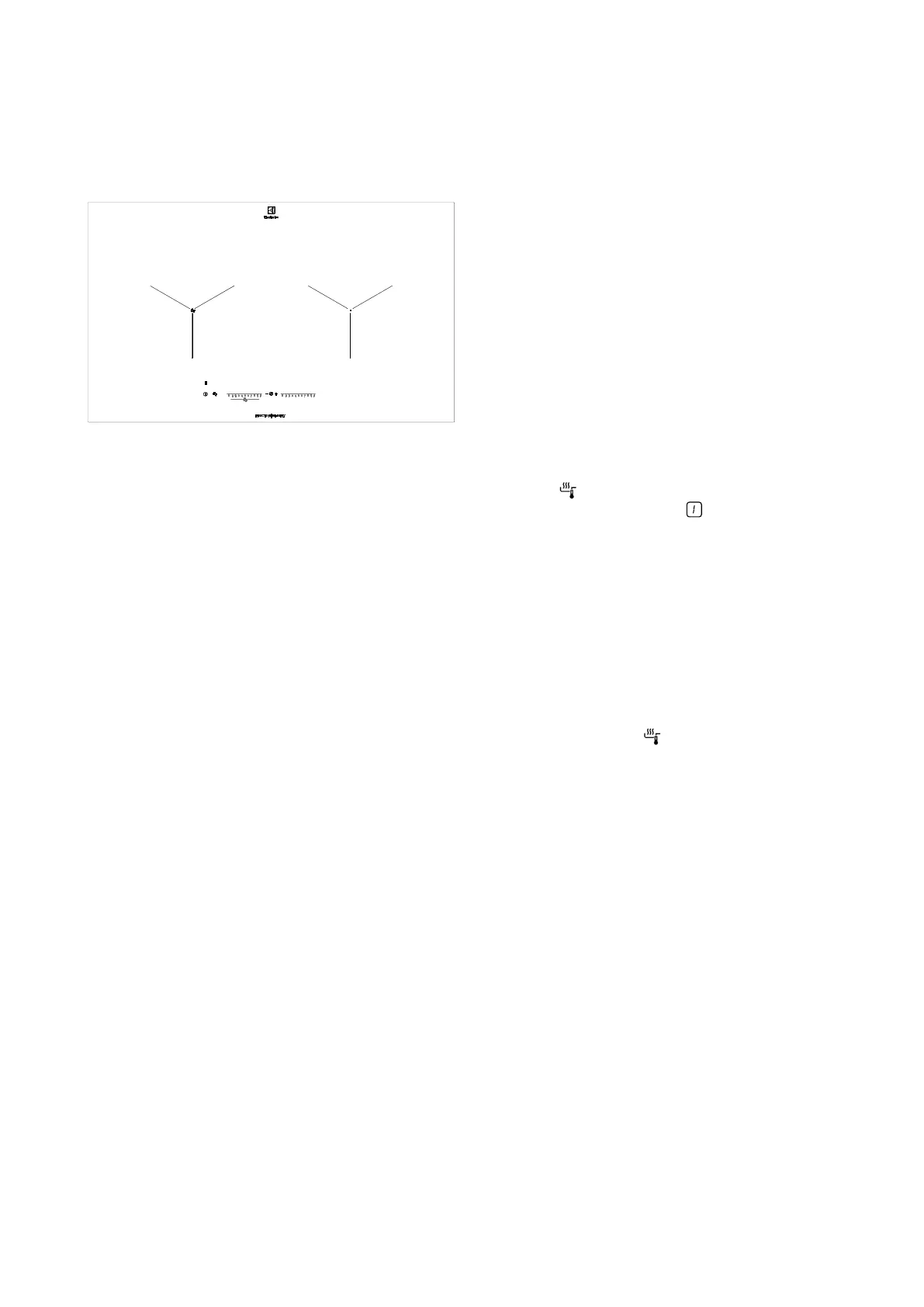
8
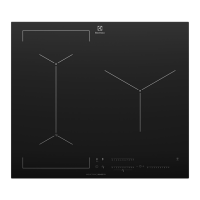
EHI8255BE
SenseFry function
This function lets you set a heat setting level to fry
your food. The hob keeps the selected temperature
automatically while frying. Once the heat setting level is
set, no manual temperature adjustment is necessary.
You can set the function for the corresponding cooking
zone of the hob.
CAUTION! Use laminated pans only with low heat
setting level to prevent overheating and damage of the
cookware.
To activate the function:
1. Put an empty pan on the corresponding cooking
zone. Do not use a lid while using the function.
2. Press . The indicator above the symbol comes on.
The heat setting is set to .
3. Set the best heat setting for the food you want to
fry. Refer to the table in Hints and tips chapter. The
indicators above the symbol start to flash slowly. The
zone is heating up.
4. Wait until the pan reaches the temperature you set.
A signal sounds. All indicators above the symbol are
on.
5. Put the food and some fat on the pan.
To deactivate the function: Touch 0 of the corresponding
cooking zone or touch .
OPERATING INSTRUCTIONS (CONTINUED)



 To Next Page