You can set the core
temperature only when
flashes. If is in
the display but does not
flash before you set the
core temperature, touch
and or to set a
new value.
8. Set the oven function and the oven
temperature.
The display shows the current core
temperature and the heat up symbol
.
When the dish is at the set core
temperature, an acoustic signal sounds
for 2 minutes and the value of the core
temperature and flash. The
appliance deactivates.
9. Touch a sensor field to deactivate the
acoustic signal.
10. Remove the core temperature sensor
from the socket and remove the dish
from the appliance.
WARNING!
There is a risk of burns as
the core temperature sensor
becomes hot. Be careful
when you unplug it and
remove it from the dish.
9.2 Inserting the accessories
Wire shelf:
Push the shelf between the guide bars of
the shelf support .
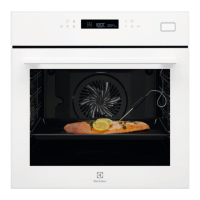
Baking tray/ Deep pan:
Push the baking tray / deep pan between
the guide bars of the shelf support.
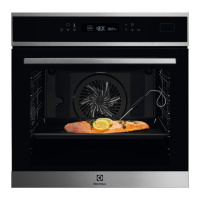
Wire shelf and baking tray / deep pan
together:
Push the baking tray / deep pan between
the guide bars of the shelf support and
the wire shelf on the guide bars above.
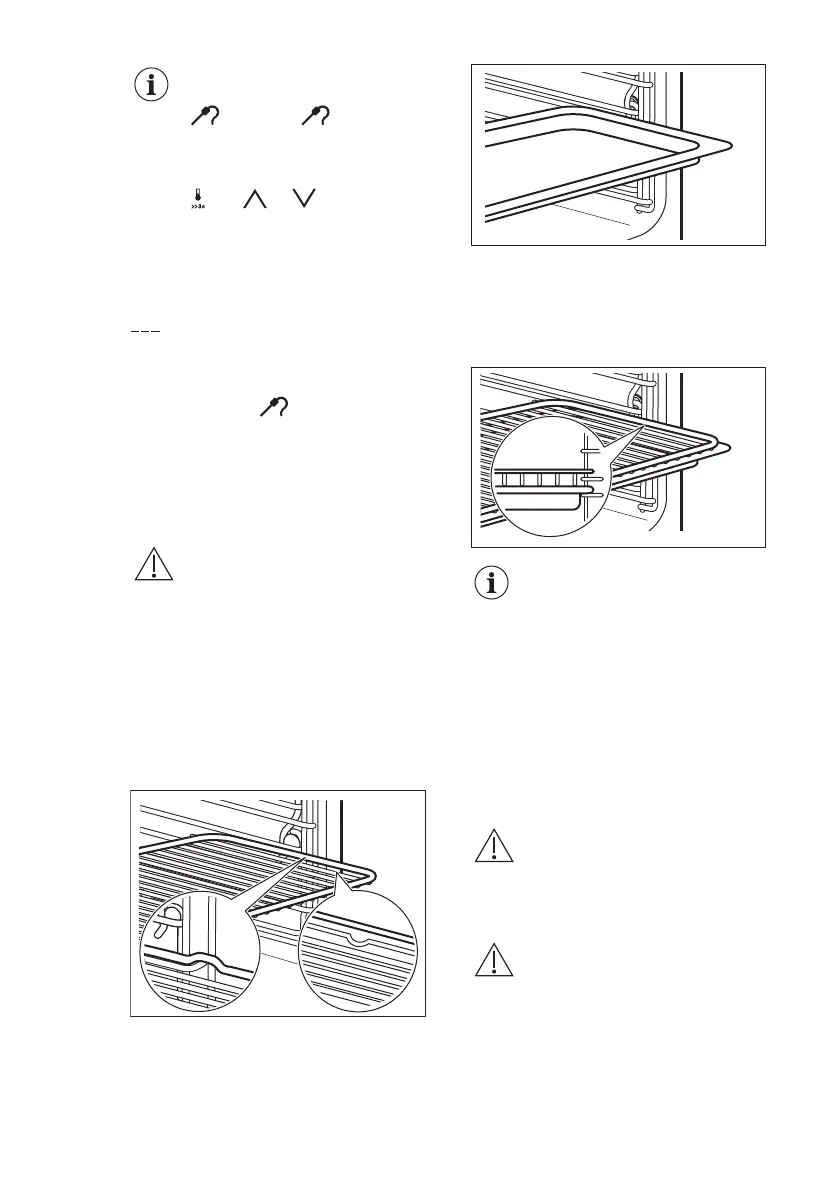
Small indentation at the top
increase safety. The
indentations are also anti-tip
devices. The high rim
around the shelf prevents
cookware from slipping of
the shelf.
9.3 Telescopic runners -
inserting the accessories
With the telescopic runners you can put
in and remove the shelves more easily.
CAUTION!
Do not clean the telescopic
runners in the dishwasher.
Do not lubricate the
telescopic runners.
CAUTION!
Make sure you push back
the telescopic runners fully
in the oven before you close
the oven door.
Wire shelf:
ENGLISH 19



 To Next Page