18
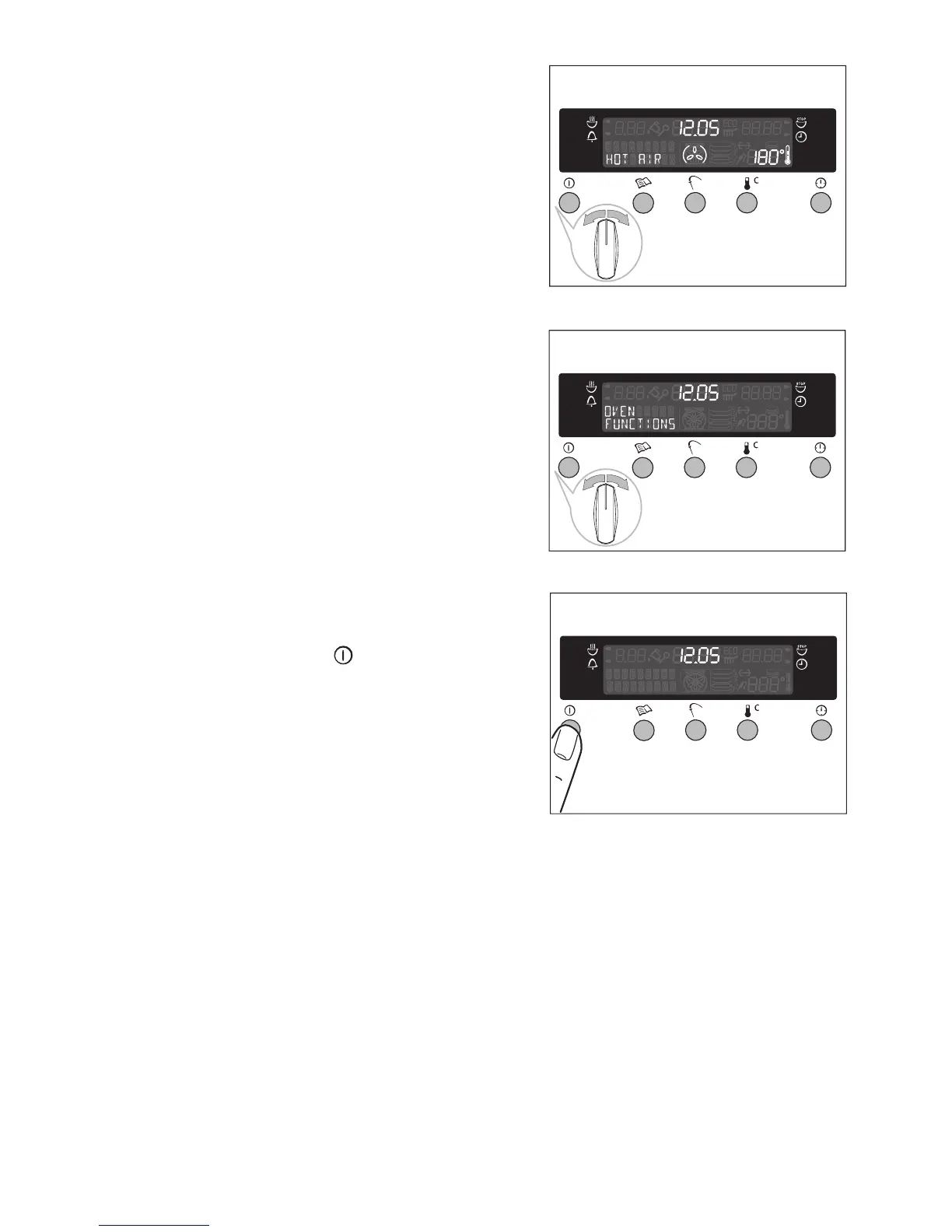
Changing the oven function
Turn the oven functions control knob until
the desired oven function appears.
Switching off the oven function
To switch off the oven, turn the oven
functions control knob until there are no
functions are displayed.
Switching off the oven
Switch the appliance off by pressing the
main power switch .
3 Cooling fan
When the oven is switched on, the fan comes on automatically to keep the
surfaces of the appliance cool. When the oven is switched off, the fan con-
tinues to operate to cool the appliance down, then switches itself off.








 To Next Page