30
Switching off the child security lock
• Press the recipe button and the temperature button simultaneously
until “CHILD SAFETY” disappears from the disply.
The child safety lock has now been switched off and the oven is ready for
use.
Locking use of the buttons
To protect all set oven functions from being inadvertently altered.
Switching on the button lock function
1.Switch the appliance on (if it is off) by pressing the main power button.
2.Select oven function.
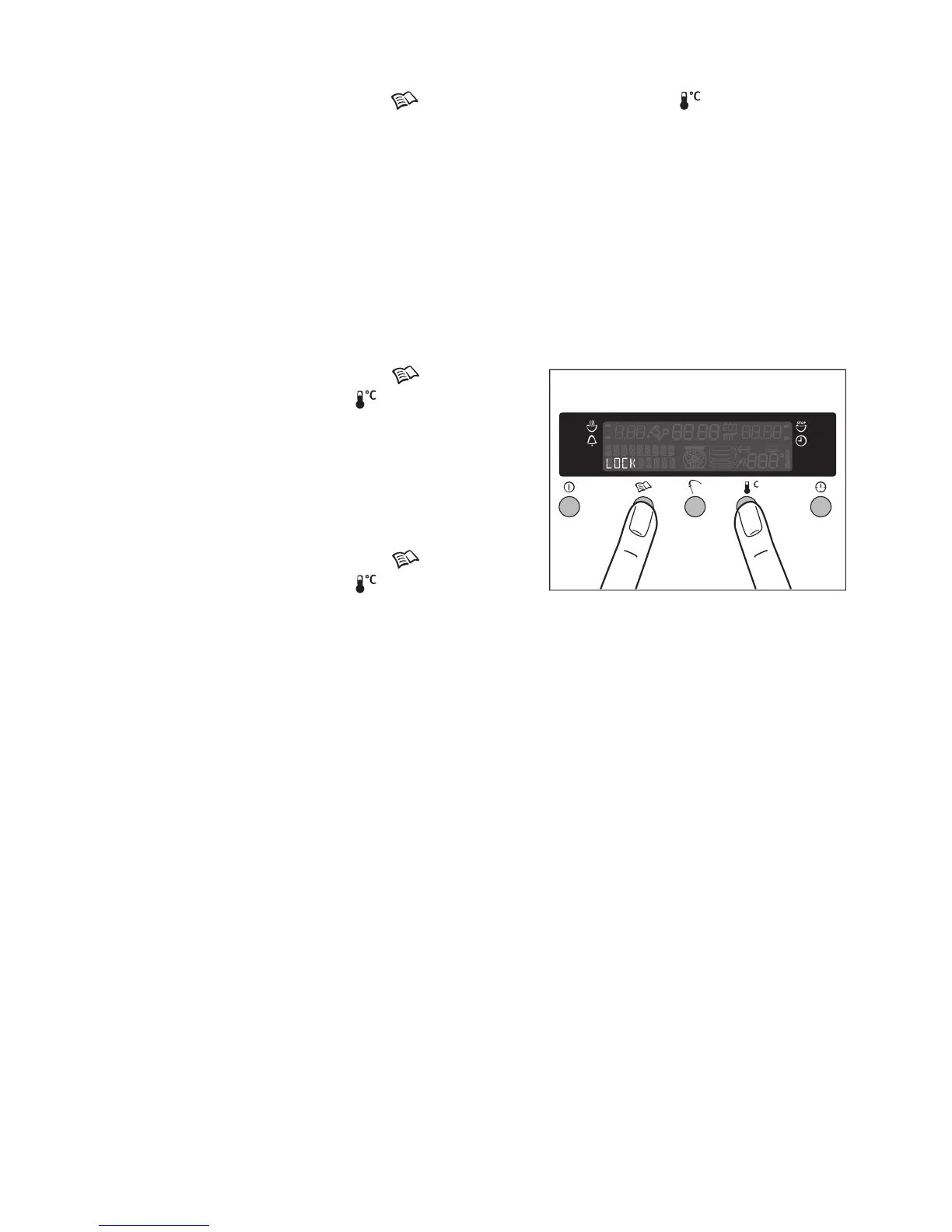
3.Press the recipe button and the
temperature button simultaneously
until “LOCK” appears in the display.
The button lock function is now in opera-
tion.
Switching off the button lock function
• Press the recipe button and the
temperature button simultaneously
for approx. 2 seconds.
The lock on the use of buttons will be automatically cancelled when the ap-
pliance is switched off.








 To Next Page