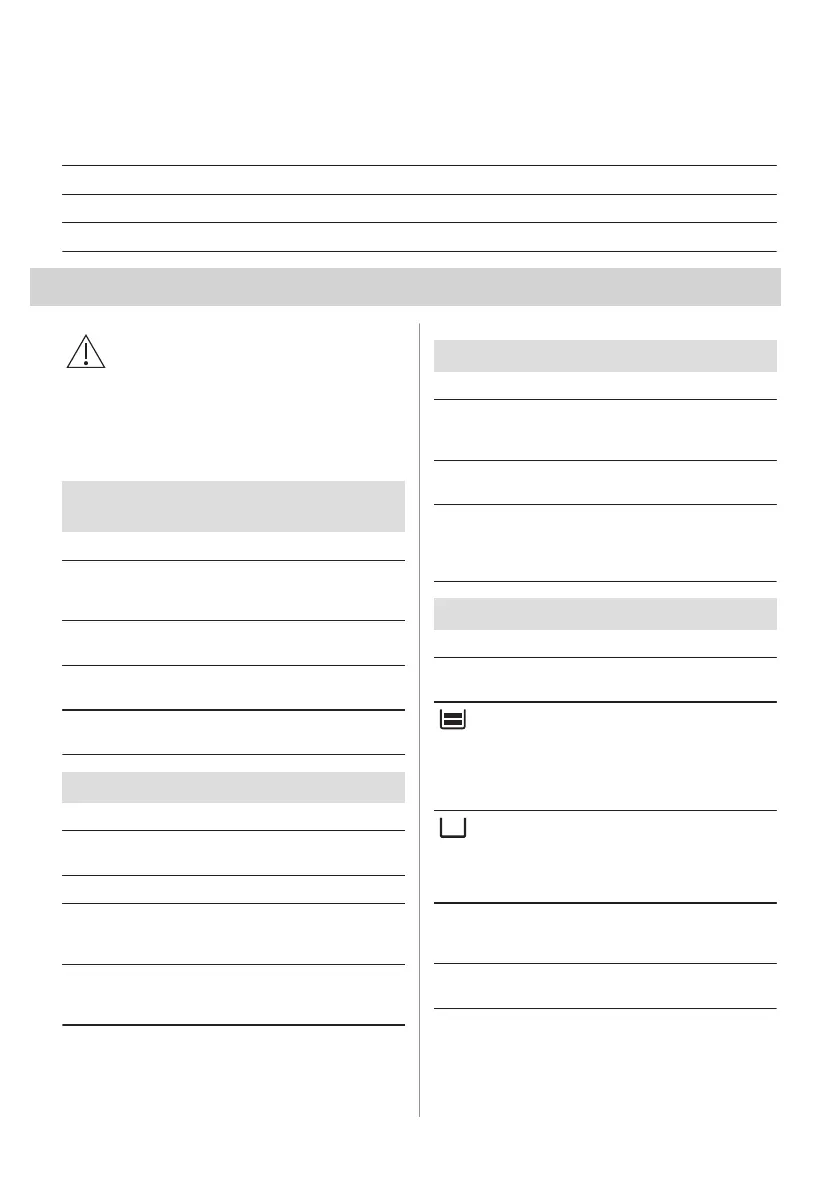
Back lamp
Step 1 Turn the glass cover to remove it.
Step 2 Clean the glass cover.
Step 3 Replace the lamp with a suitable 300 °C heat-resistant lamp.
Step 4 Install the glass cover.
13. TROUBLESHOOTING
WARNING!
Refer to Safety chapters.
13.1 What to do if...
In any cases not included in this table please
contact with an Authorised Service Centre.
The oven does not turn on or does not heat
up
Problem Check if...
You cannot activate or
operate the oven.
The oven is correctly
connected to an electrical
supply.
The oven does not heat
up.
The automatic switch-off
is deactivated.
The oven does not heat
up.
The fuse is blown.
The oven does not heat
up.
The Child Lock is off.
Components
Problem Check if...
The lamp is turned off. Moist Fan Baking - is
turned on.
The lamp does not work. The lamp is burnt out.
The Food Sensor does
not operate.
The plug of the Food
Sensor is fully inserted
into the socket.
The door gasket is dam‐
aged.
Do not use the oven.
Contact an Authorised
Service Centre.
Error codes
The display shows... Check if...
C2 You removed the Food
Sensor plug from the
socket.
12:00 There was a power cut.
Set the time of day.
If the display shows an error code that is not in this
table turn the house fuse off and on to restart the
oven. If the error code recurs contact an Authorised
Service Centre.
Cleaning
Problem Check if...
There is water in the
oven cavity.
There is not too much
water in the water tank.
- indicator is off.
There is enough water in
the water tank. If water
starts to leak in the oven,
and the indicator is still
off contact an Authorised
Service Centre.
- indicator is on.
There is enough water in
the tank. If the tank is full
and the indicator is still
on contact an Authorised
Service Centre.
The steam cooking does
not work.
There is no lime residue
in the steam inlet open‐
ing.
The steam cooking does
not work.
There is water in the wa‐
ter tank.
ENGLISH 27








 To Next Page