Cleaning
It takes more than three
minutes to empty the wa‐
ter tank or the water
leaks from the steam inlet
opening.
There is no lime residue
in the steam inlet open‐
ing. Clean the water tank.
Other problems
Problem Check if...
The appliance is activa‐
ted and does not heat up.
The fan does not oper‐
ate. The display shows
"Demo".
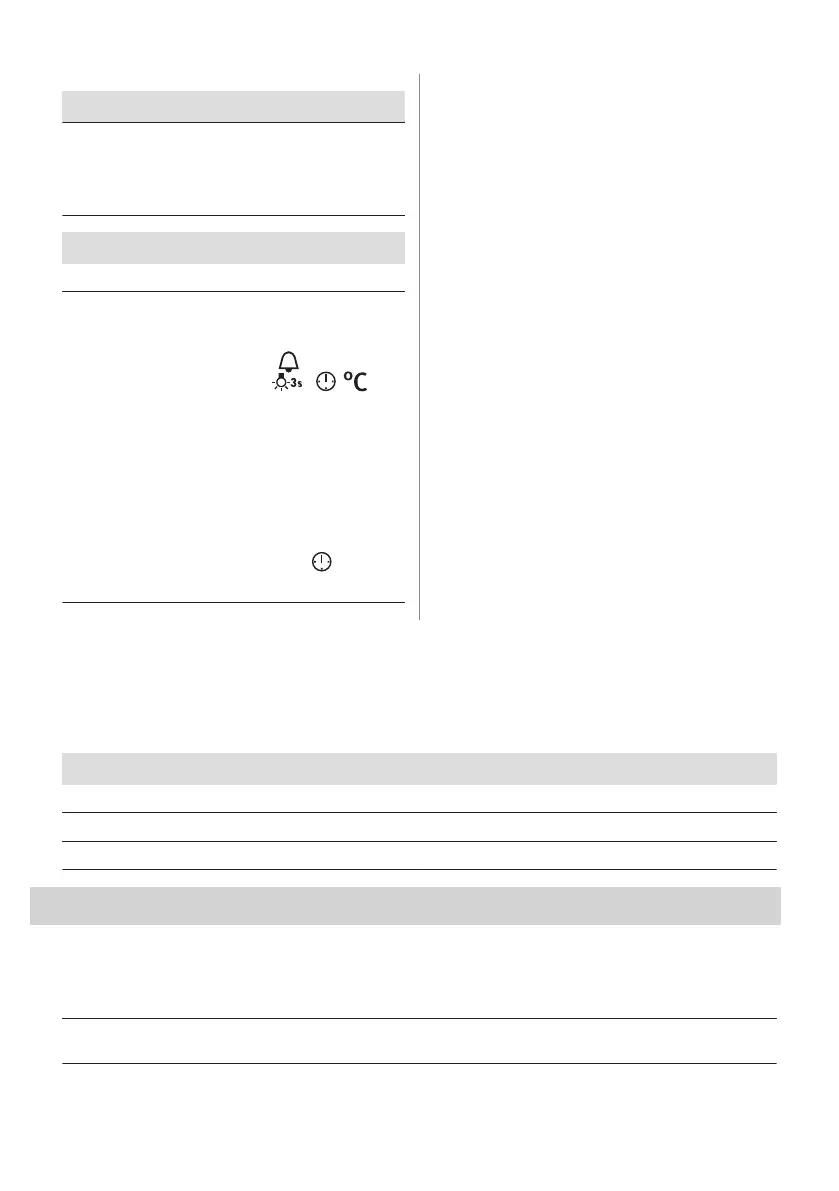
The Demo Mode is deac‐
tivated:
1. Turn off the oven.
2. , , -
press and hold at the
same time.
3. The first digit on the
display and Demo
flash.
4. Turn the knob for
temperature to enter
the code: 2468.
Press: . The next
digit flashes.
13.2 Service data
If you cannot find a solution to the problem yourself, contact your dealer or an Authorised
Service Centre.
The necessary data for the service centre is on the rating plate. The rating plate is on the front
frame of the appliance cavity. Do not remove the rating plate from the appliance cavity.
We recommend that you write the data here:
Model (MOD.) .........................................
Product number (PNC) .........................................
Serial number (S.N.) .........................................
14. ENERGY EFFICIENCY
14.1 Product Information and Product Information Sheet*
Supplier's name Electrolux
Model identification
EOC6H71X 949494467
EOC6H71Z 949494470
28 ENGLISH








 To Next Page