8
1
Description
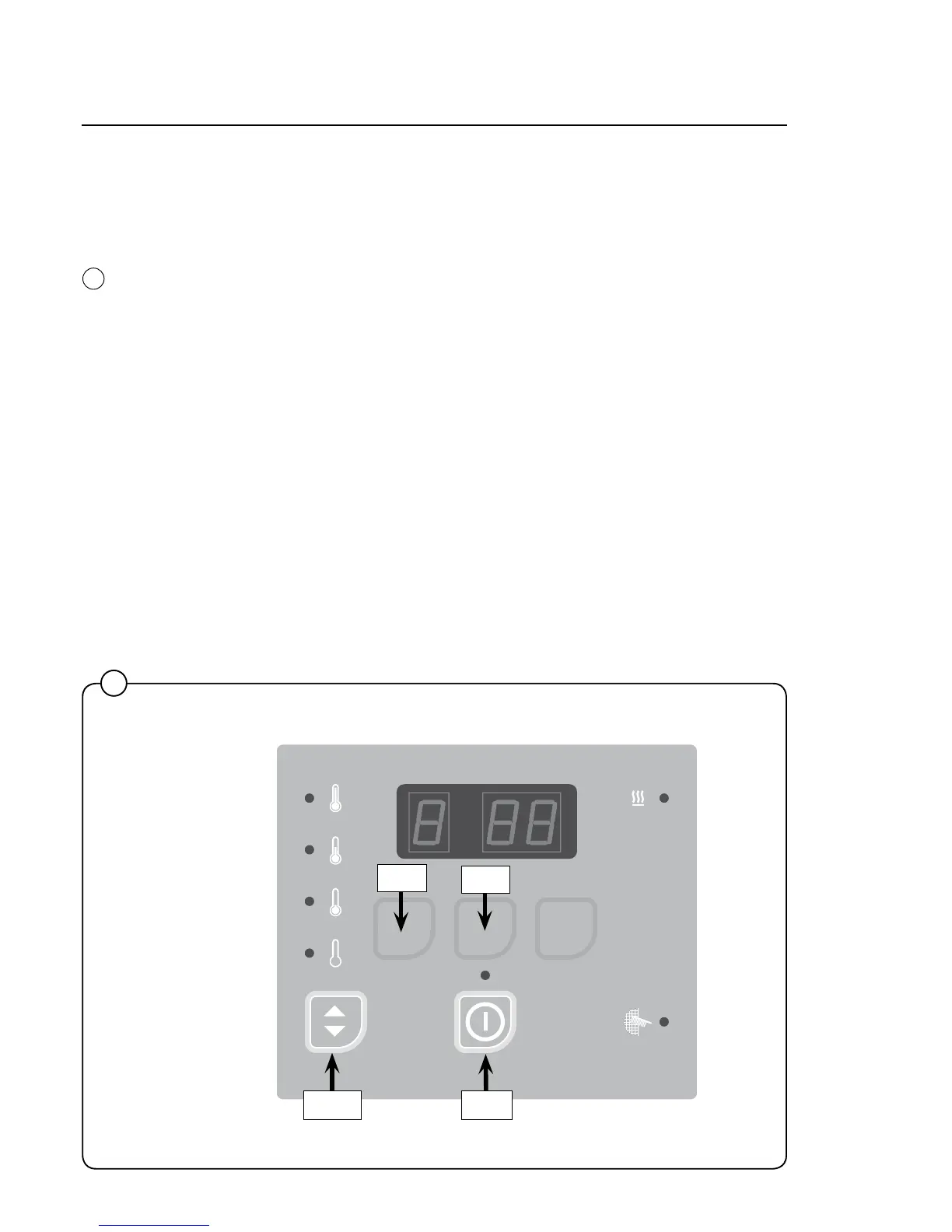
Operating panel
There are different types of operating panels.
On the dryer operating panel the buttons might not have any symbols in
which case they are only usable when the dryer is in service mode.
In service mode the 4 buttons are used for changing the parameters.
Selected temperature
Light emitting diode is lit at the selected temperature or show the default-
temperature setting.
Default temperature can be set in Group A in parameter A 05.
1
487 09 10 01.00
SELECTA CO N TRO L
Down
Up
EnterReturn
High
No heat
Medium
Low






 To Next Page