© 2018 Electromedical Technologies, Inc. Phoenix, AZ USA. Any use of editorial, pictorial or layout composition of this publication without express written consent from Electromedical Technologies,
Inc. is strictly prohibited. This publication was written, illustrated and prepared for print by Electromedical Technologies, Inc
48
Desired AUTO CODE is selected (we chose 211 as an example)
SELECT button is pressed and new AUTO code is selected, etc.
This process can repeat UP TO 50 times to run up to 50 consecutive auto codes on SIDE A.
To complete entering the AUTO Codes for SIDE A and to start entering AUTO Code sequence for SIDE B,
press the START button.
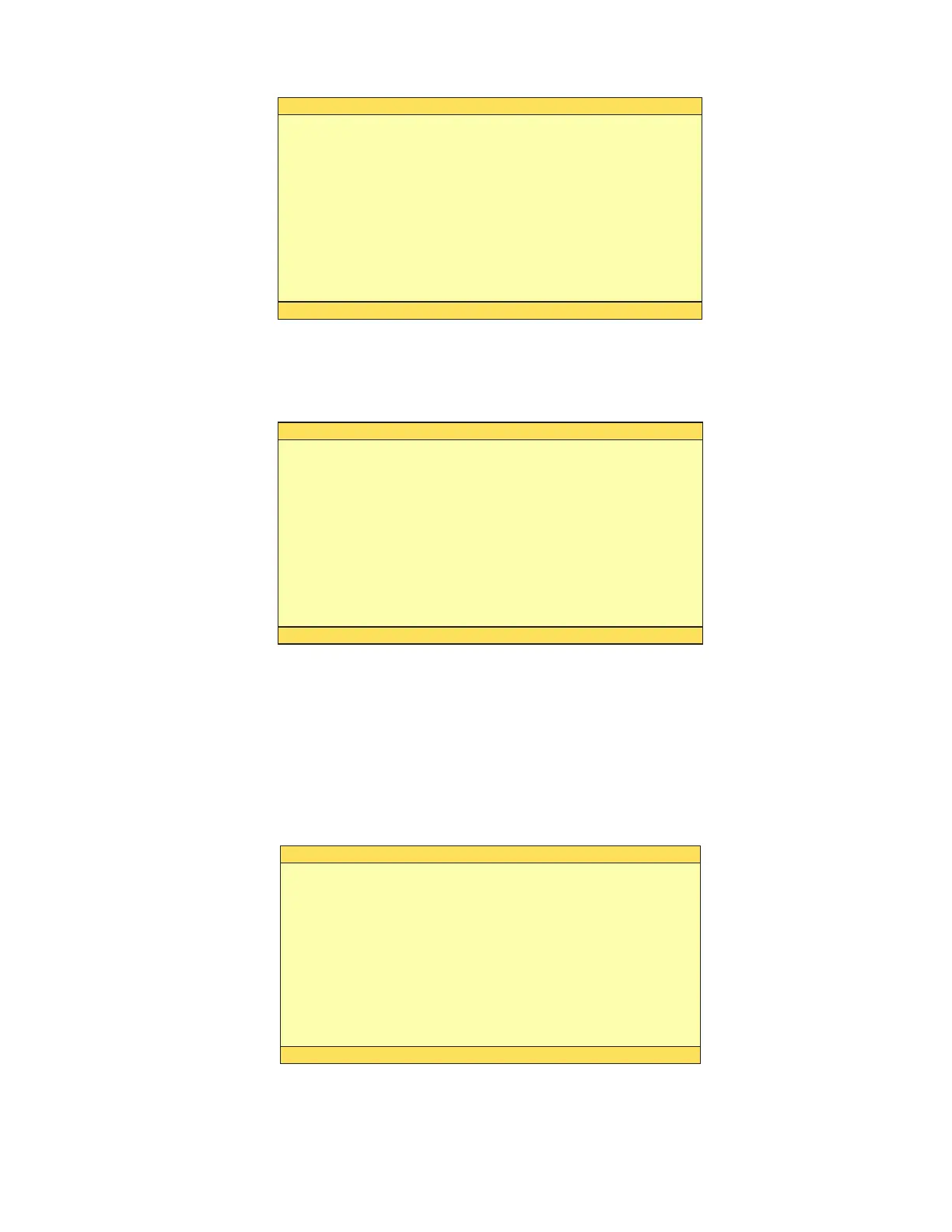
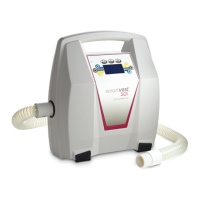
Screen will appear as follows:
Desired AUTO CODE is selected (we chose 352 as an example)
FLUX: on
WellnessPro PLUS
Enter Multiple AUTO Codes (Side A)
Multi AUTO: onDual STIM: on
FLUX: on
WellnessPro PLUS
Enter Multiple AUTO Codes (Side A)
211
Multi AUTO: onDual STIM: on
FLUX: on
WellnessPro PLUS
Enter Multiple AUTO Codes (Side B)
Multi AUTO: onDual STIM: on


 To Next Page