The following table shows the seven-segment display 74HC595 pin correspondence
table:
Seven shows remarkable
control pin (stroke)
Step one: Connect 74HC595
First, the wiring is connected to power and ground:
VCC (pin 16) and MR (pin 10) connected to 5V
GND (pin 8) and OE (pin 13) to ground
Connection DS, ST_CP and SH_CP pin:
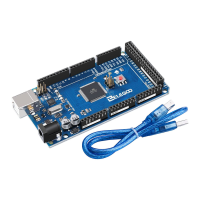
DS (pin 14) connected to MEGA2560 R3 board pin 2 (the figure below the yellow line)
ST_CP (pin 12, latch pin) connected to MEGA2560 R3 board pin 3 (FIG blue line below)
SH_CP (pin 11, clock pin) connected to MEGA2560 R3 board pin 4 (the figure below
the white line)
Step two: Connect the seven segment display
The seven-segment display 3, 8 pin to MEGA2560 R3 board GND (This example uses
the common cathode, if you use the common anode, please connect the 3, 8 pin to
MEGA2560 R3 board + 5V)
According to the table above, connect the 74HC595 Q0 ~ Q7 to seven-segment
display corresponding pin (A ~ G and DP), and then each foot in a 220 ohm resistor
in series.


 To Next Page