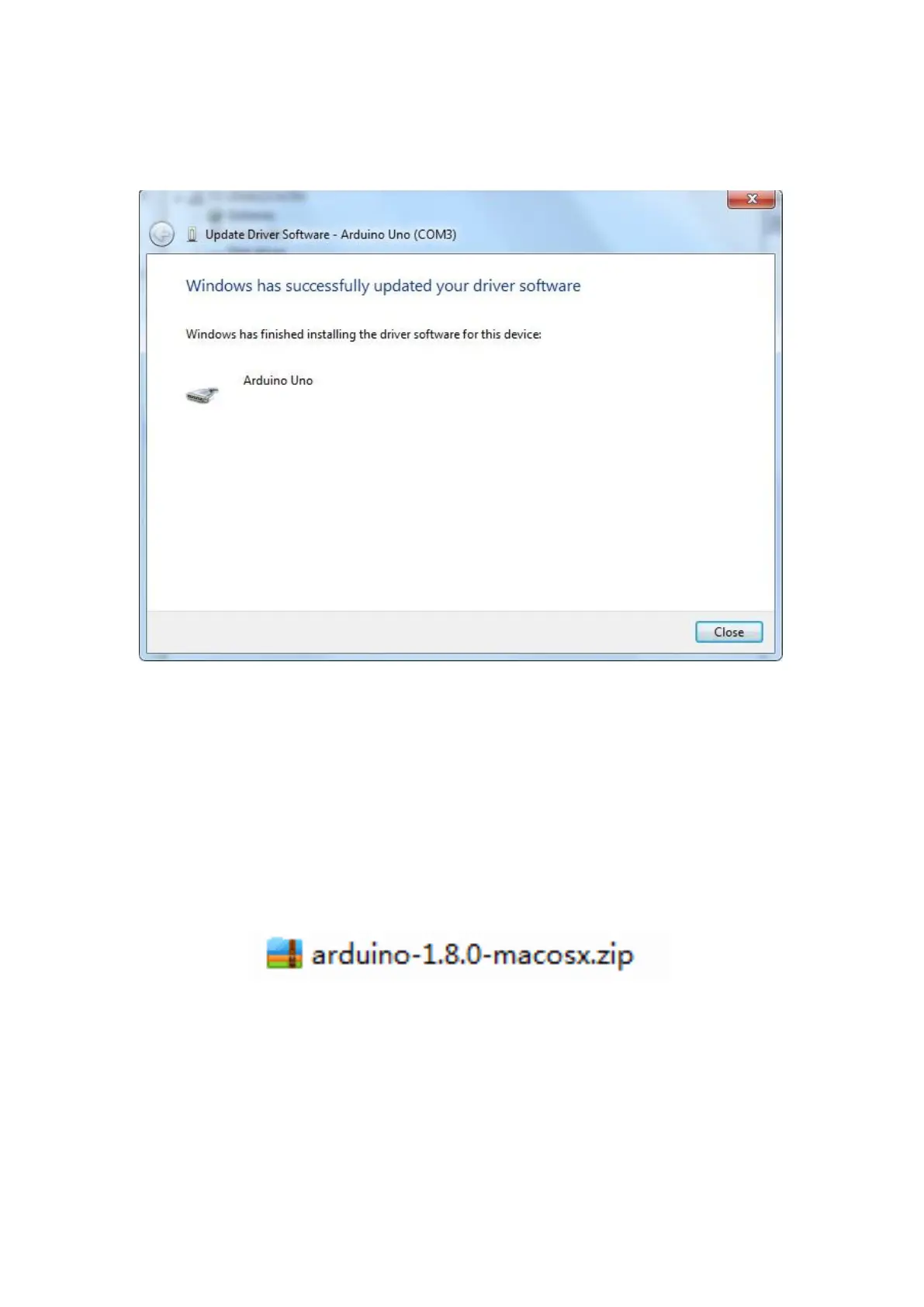
Click 'Next' and you may get a security warning, if so, allow the software to be
installed. Once the software has been installed, you will get a confirmation message.
Windows users may skip the installation directions for Mac and Linux systems and
jump to Lesson 1. Mac and Linux users may continue to read this section.
Installing Arduino (Mac OS X)
Download and Unzip the zip file, double click the Arduino.app to enter Arduino IDE;
the system will ask you to install Java runtime library if you don’t have it in your
computer. Once the installation is complete you can run the Arduino IDE.


 To Next Page