Arduinos and other microcontrollers, they decided to include a serial terminal with
the software. Within the Arduino environment, this is called the Serial Monitor.
Making a Connection
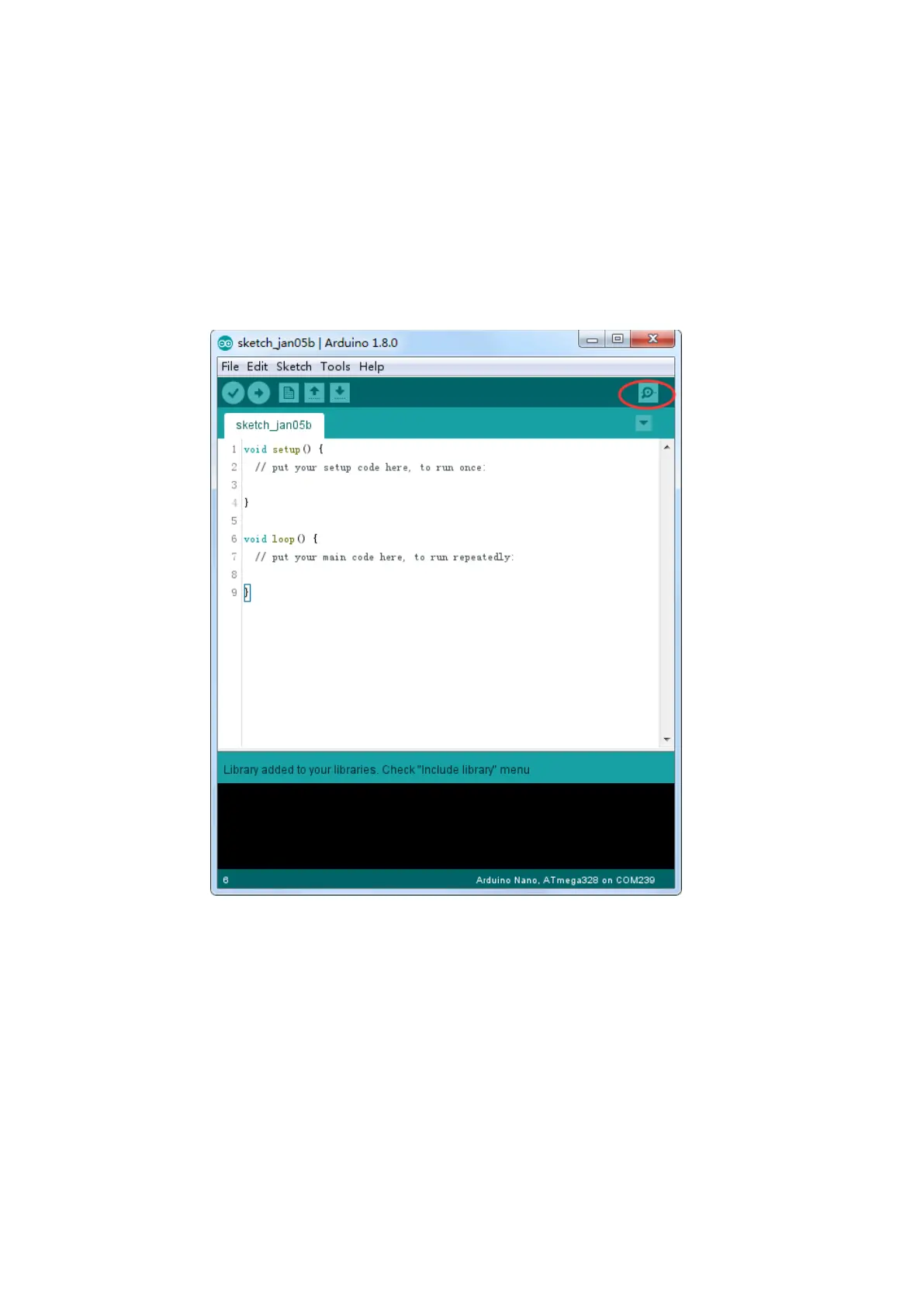
Serial monitor comes with any and all version of the Arduino IDE. To open it, simply
click the Serial Monitor icon.
Selecting which port to open in the Serial Monitor is the same as selecting a port for
uploading Arduino code. Go to Tools -> Serial Port, and select the correct port.
Tips: Choose the same COM port that you have in Device Manager.


 To Next Page