The code below does not use a separate power supply (ie a battery), it uses instead
the 5v power from the Arduino. Note that this would be risky without the L293D
controlling it.
You should _never_ connect a motor directly to the Arduino, because when you
switch a motor off you get an electrical feedback. With a small motor, this will
damage your Arduino, and with a large motor, you can watch an interesting flame
and sparks effect.
Code
After wiring, please open the program in the code folder- Lesson 29 DC Motors and
click UPLOAD to upload the program. See Lesson 2 for details about program
uploading if there are any errors.
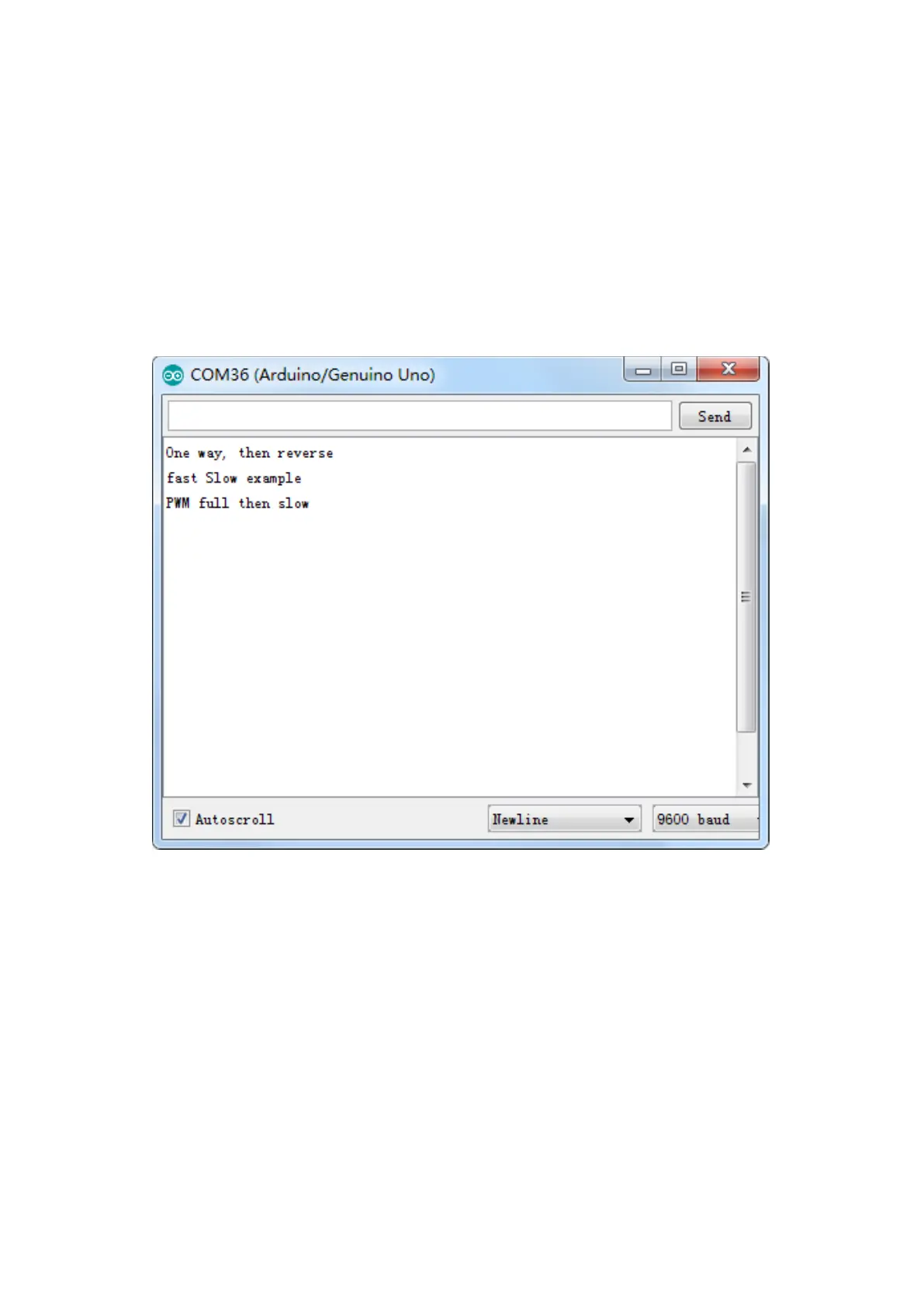
After program loading, turn on all the power switches. The motor will slightly rotate
clockwise and anticlockwise for 5 times. Then, it will continue to dramatically rotate
clockwise. After a short pause, it will dramatically rotate anticlockwise. Then the
controller board will send PWM signal to drive the motor, the motor will slowly
reduce its maximum RPM to the minimum and increase to the maximum again.
Finally, it comes to a stop for 10s until the next cycle begins.


 To Next Page