12
Error codes
In case of a malfunction, an error code is indicated on the digital multifunction display 54 and the corresponding error description
appears on the LCD display 50. As long as an error code is indicated, welding operation is not possible.
Code lock function
The lock function in menu Extras is secured with a code lock. A three-digit code must be entered before the lock function can be
changed. Only after the correct code is entered, the lock function can be altered. After leving the menu, a new code number can
be set or the old code number is acknowledged. Code "000" is the default (factory setting) number.
Procedure:
switch to menu Extras, lock function
pressing button 44 (minus) or 48 (plus) question „change parameter ?“ is displayed
acknowledge with button 51 (up)
set three-digit code number with button 44 (minus), 48 (plus) or encoder 53
acknowledge the code number with button 51 (up)
set desired lock function number with buttons 44 (minus) or 48 (plus)
leave menu with button 46 (END)
if requested, set a new code number with buttons 44 (minus), 48 (plus) or encoder 53
acknowledge the code number with button 51 (up)
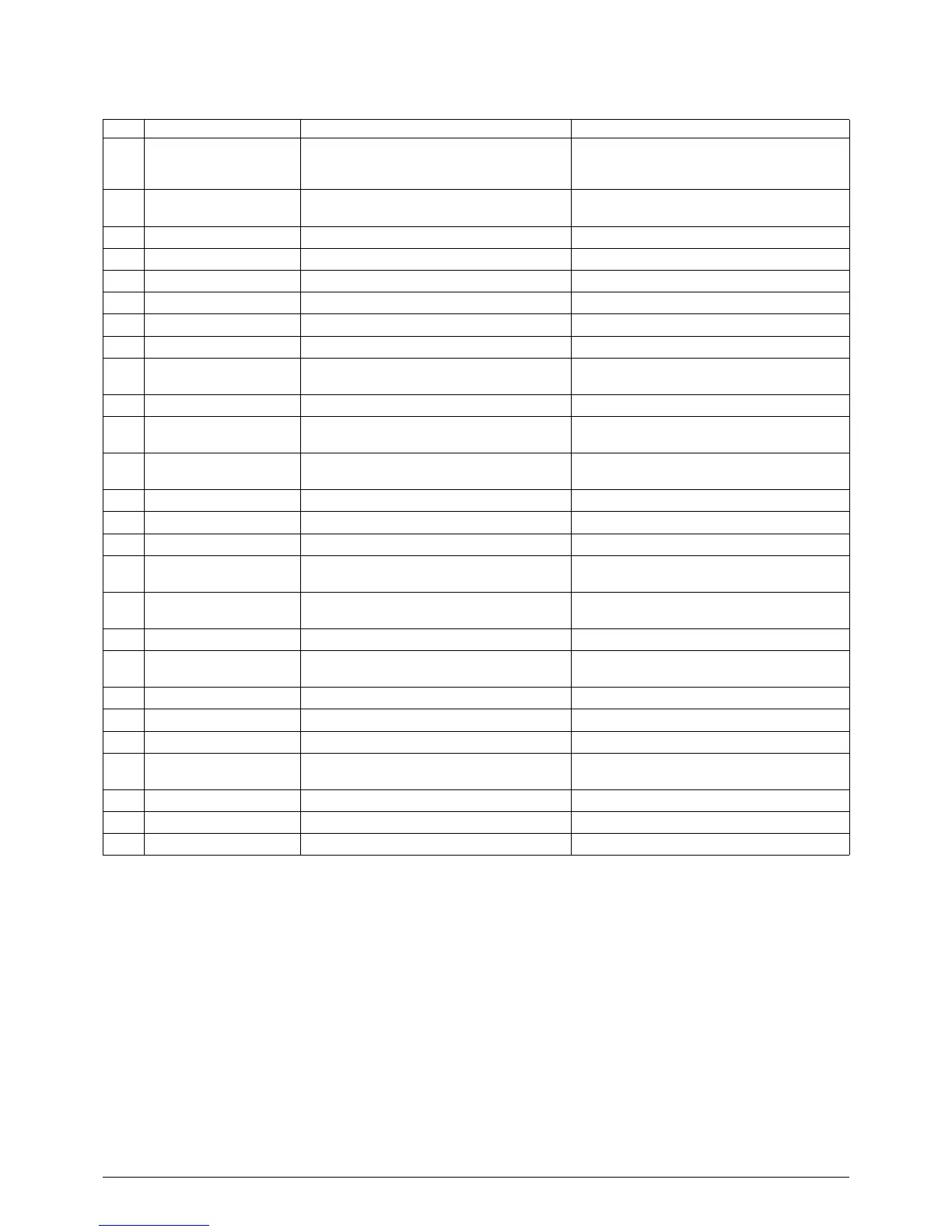
Code Error description Remark Remedy
E00 no Prog No welding parameters for the selected
material-wire-gas combination (no sensible
combination)
Choose a different material-wire-gas
combination
E01 Thermal overload The system has been overheated Allow the system to cool down in standby;
check the ventilation
E02 Mains overvoltage Mains voltage too high Check mains voltage
E03 Overcurrent Output current too high Notify service technician
E04 Air-cooling error Flow rate of air too low Clean the air intake 9; check fan
E05 Faulty cooling circuit No or too little flow rate of water Check level of cooling liquid and coolant filter
E06 Overvoltage Output voltage too high Notify service
E07 EEProm checksum error Adjustment data faulty or not available Switch system off and then on again
E08 Wire feed / tacho Current input from feed motor too high
No tacho signal available
Blow out torch package with compressed air
and check wire feed unit
E09 Error v/a measuring Faulty current / voltage measuring systems Notify service
E10 Torch socket / cable Faulty torch switch cable or torch switch
socket
Check torch
E11 Remote control socket Faulty remote control or socket of remote
control
Check remote control
E12 Communication process Defective communication CAN-Bus (process) Switch system off and then on again
E13 Error, temperature sensor Thermo sensor not operative Notify service
E14 Supply voltage Internal supply voltage too low Check mains voltages
E16 Overcurrent protection 1 Allowable maximum power supply of power
unit 1 too high
Notify service
E18 Overload protection Safety switch device for protection of
electrical components
Allow the system to cool down in standby
E20 Overvoltage secondary Output voltage too high Notify service
E21 Output voltage / current Power unit delivers voltage / current without
drive
Notify service
E22 Mains undervoltage 1 Mains voltage at power unit 1 too low Check mains voltages
E23 Mains overvoltage Mains voltage too high Check mains voltages
E24 Overcurrent protection 2 Power supply of power unit 2 too high Notify service
E25 Power-module detection Power unit not being recognized or unallowa-
ble combination of power units
Notify service
E27 No program (DSP) Welding programs faulty or not available Notify service
E30 Mains undervoltage 2 Mains voltage at power unit 2 too low Check mains voltages
E31 Communication error Faulty communication CAN-Bus (master) Switch system off and then on again



 To Next Page