EasyManua.ls Logo

Elektron MULTISPOT MI-100control - User Manual

Elektron MULTISPOT MI-100control
90 pages
Print Icon
To Next Page IconTo Next Page
Loading...
Made in Germany
Operating Manual
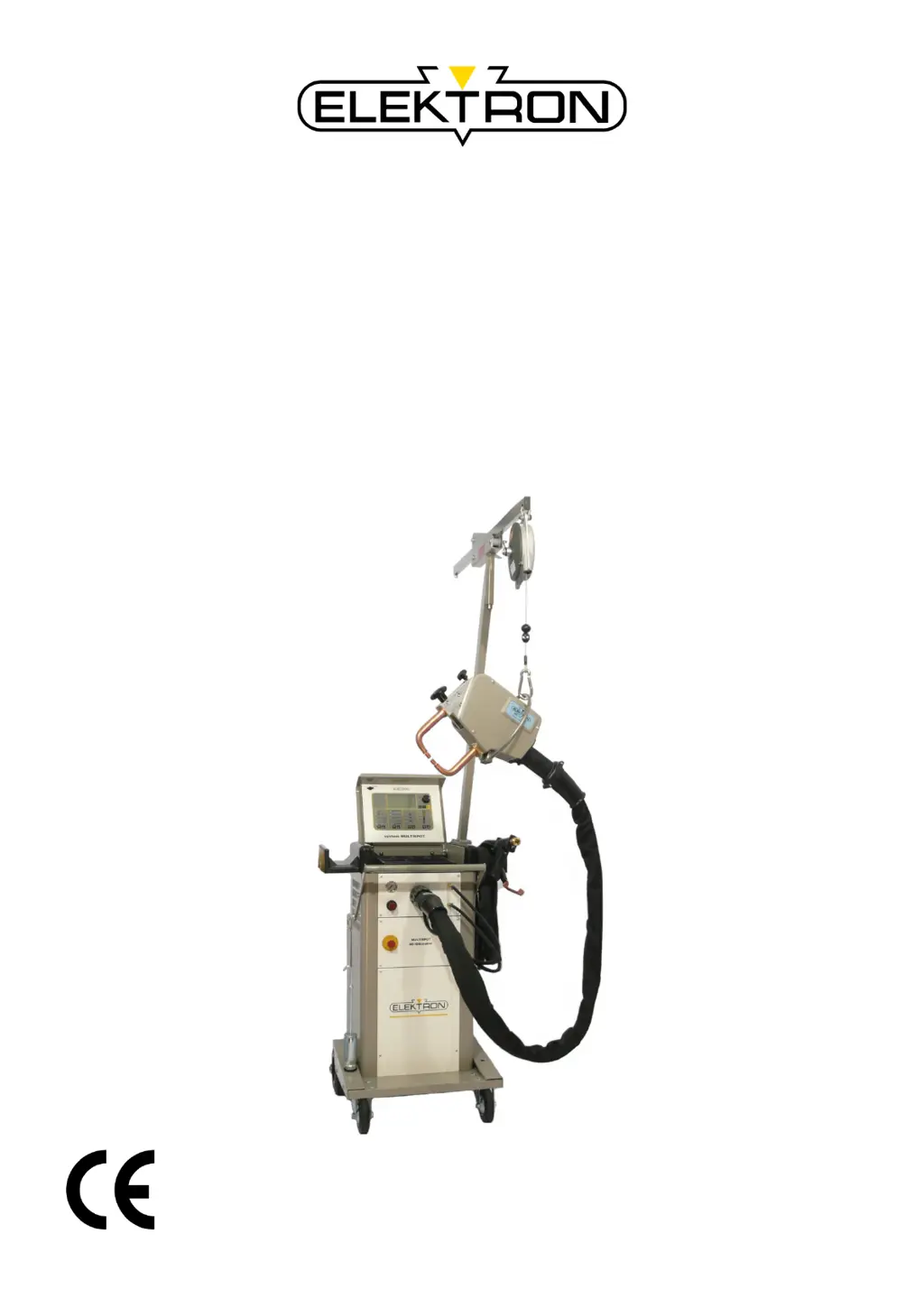
MULTISPOT MI-100control
Resistance welder
Item no.: 328 010
Revision: 0.9 – Translation
Version:
31. July 2013
Be sure you have read and understood this operating
manual before you carry out any works on and / or with
this equipment.

Table of Contents

Questions and Answers

Summary

General Information

Information concerning the operating manual

Details about the operating manual's purpose, storage, and understanding.

Copyright

Information on the manual's copyright protection and usage restrictions.

Disclaimer

States the basis of the manual's content and manufacturer's liability limitations.

Symbols

Explanation of symbols used to highlight important safety information.

Warranty and guarantee

Conditions regarding warranty and guarantee as stipulated by the manufacturer.

Customer service

Information on how to obtain technical support and provide feedback.

Health and safety

Intended purpose

Specifies the exclusive purpose and intended use of the resistance welder.

Responsibilities of the operating company

Outlines the legal obligations concerning health, safety, and risk assessment.

Particular dangers

Details specific hazards associated with the equipment and its environment.

Correct behaviour in accidents and dangerous situations

Provides guidelines for preventive measures and actions during accidents.

Measures to be taken in case of work at the device

Lists essential safety steps before and during maintenance or repair work.

Safety devices

Describes the safety features and devices integrated into the equipment.

Safety labels and markings on this equipment

Explains the meaning and location of various safety labels and markings.

Spare and wear parts

Warns about hazards associated with using incorrect or defective parts.

Waste management and environmental protection

Provides guidelines for the proper disposal of environmentally harmful substances.

Transport, packaging, storage

Safety during transport

Emphasizes caution and adherence to proper procedures during transport.

Symbols on packaging

Illustrates and explains the meaning of symbols found on the packaging.

Unpacking

Provides instructions for safely unpacking the equipment and handling materials.

Acceptance after shipping

Details the procedure for checking delivery for integrity, missing pieces, and damage.

Handling

Provides guidance on safe handling procedures, including using forklifts.

In case of return of goods; further transport needs

Outlines steps for preparing the equipment for return or subsequent transport.

Storage

Specifies the recommended conditions for storing the equipment.

Design and functionality

Overview

Presents a visual overview of the MULTISPOT MI-100control system.

Description

Provides a general description of the resistance welder's design and purpose.

Display and control elements

Details the components and functions of the display and control panel.

Connections

Illustrates and describes the various connection points on the equipment.

Accessories

Lists optional accessories and required tools for the equipment.

Installation

Before installation

Outlines preliminary works and checks required before equipment installation.

Filling up cooling water tank

Step-by-step guide for filling the cooling water tank.

Venting coolant circuit

Instructions for venting the coolant circuit to prevent heat build-up.

Assembling the balancer

Provides instructions for assembling the balancer unit.

Electrical connections

Details requirements and procedures for making electrical connections.

Connecting the pneumatics

Guides on connecting the pneumatic supply to the welder.

Connecting the pliers

Instructions for connecting the welding pliers, cooling, and sensors.

Connecting the welding gun

Details on connecting the welding gun and grounding cable.

Operation

Preliminary works before welding

Covers preparation of sheets and welding pliers before starting welding.

Switching on

Procedure for powering up the welder and initial calibration steps.

Basic settings

Instructions for setting basic parameters like language and welder registration.

Register welder

Details on how to register the welder for full functionality.

Recurring settings

Covers regular maintenance tasks like electrode cap care and mode selection.

Keyboard operation

Explains how to manually set welding parameters via keyboard input.

Setting welder in mode “Keyboard operation”

Guides on setting specific parameters within the keyboard operation mode.

OEM programs

Describes how to select and use pre-set welding programs provided by OEMs.

Free mode

Details on using the free mode for custom welding parameter entry and storage.

Electrode recognition

Information on the automatic electrode recognition system and manual input.

Manual tool selection

Procedure for manually selecting tools for emergency or service purposes.

Switching off the cooling water pump

Explains how to stop the cooling water pump and its implications.

Important information concerning welding

Provides critical safety information related to welding processes.

Calling up welding parameters

Instructions on how to display current and all welding parameters.

Settings in the service menu

Introduction to accessing and using the service menu for advanced settings.

Service menu: settings (page 2)

Details advanced service menu settings and functions.

Updating software

Guides on how to update the welder's software via CD-ROM or email.

Operating the welding gun

Covers various welding gun operations like push spot welding and dent repair.

Troubleshooting

Health and safety during troubleshooting

Highlights safety precautions and responsibilities during troubleshooting.

Error messages and troubleshooting tables

Lists error messages, their causes, and recommended solutions.

Problems NOT displayed on the control panel

Addresses issues not indicated by error messages on the control panel.

Possible causes and remedies in case of unsatisfactory welding results

Provides solutions for common welding quality issues.

Maintenance

Maintenance schedule

Defines regular intervals and tasks for equipment maintenance.

Carrying out maintenance jobs

Specifies personnel responsibilities for performing maintenance tasks.

Replacing water filter

Step-by-step instructions for replacing the water filter.

Empty cooling water tank

Provides procedures for safely emptying the cooling water tank.

Measures to be taken after maintenance

Lists actions to perform after maintenance before switching the welder back on.

Specifications

Dimensions and weights

Lists the physical dimensions and weight of the equipment.

Power requirements

Details the electrical power supply specifications and requirements.

Supplies

Lists consumables and supplies required for the equipment's operation.

Working conditions

Specifies the ambient environmental conditions for operation.

Exposure limit values

Provides exposure limit values according to EU directives.

Type plates

Explains the information provided on the equipment's type plates.

Appendix

Training Report

A template for recording training sessions and participant details.

Elektron MULTISPOT MI-100control Specifications

General IconGeneral
BrandElektron
ModelMULTISPOT MI-100control
CategoryWelding System
LanguageEnglish

Related product manuals