Resistance welder MULTISPOT MI-100control
Operation
70
6.9.4 Pushing-in dents
Small high spots dents caused by overlapping load in the boot or by beating out with pulling tool can
easily be flattened with contact piece (only for sheets up to 1 mm thickness).
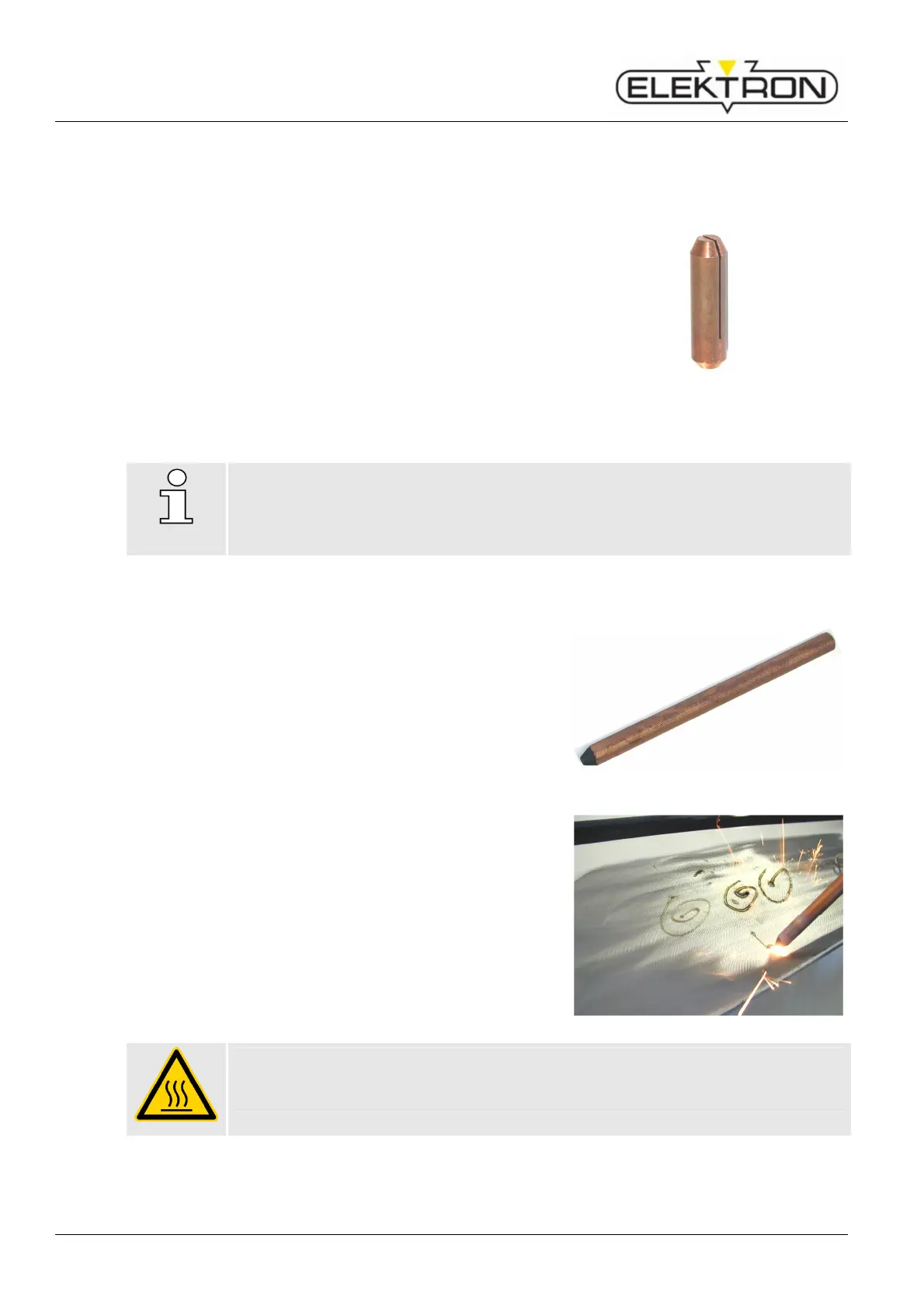
Insert contact piece U-B (Fig. 97) into the gun.
2. Select “pushing in dent” and sheet thickness
(≈ projection) on display.
3. Fine-adjust, if necessary.
4. Position welding gun with contact piece U-B on the dent
and press firmly.
5. Press release button of the gun.
6. The welding program performs automatically.
Fig. 97: Contact piece U-B
NOTE!
Do not lift off welding gun until the welding time has expired
6.9.5 Shrinking sheet
1. Grind damaged area to a bright metal finish.
2. Insert carbon electrode (Fig. 98) into contact piece of the
welding gun.
3. Select “anneal/shrink” on display (time controller is now
inoperative).
4. Locate the damaged area by finger pressure.
5. Position carbon electrode in the centre of the damaged
area.
6. Press and keep hold of release button of the gun and
heat the metal sheet with spiral motions from the centre
outwards.
7. Immediately quench the sheet with a wet cloth or
compressed air.
Repeat if necessary.
If necessary, the degree of annealing can be increased or
decreased on the display (sheet gauge) by one level up
or down.
Fig. 98: Carbon electrode
Danger of injury and fire!
The carbon electrode becomes red-hot!
Wear protective gloves!



 To Next Page