Resistance welder MULTISPOT MI-100control
Operation
61
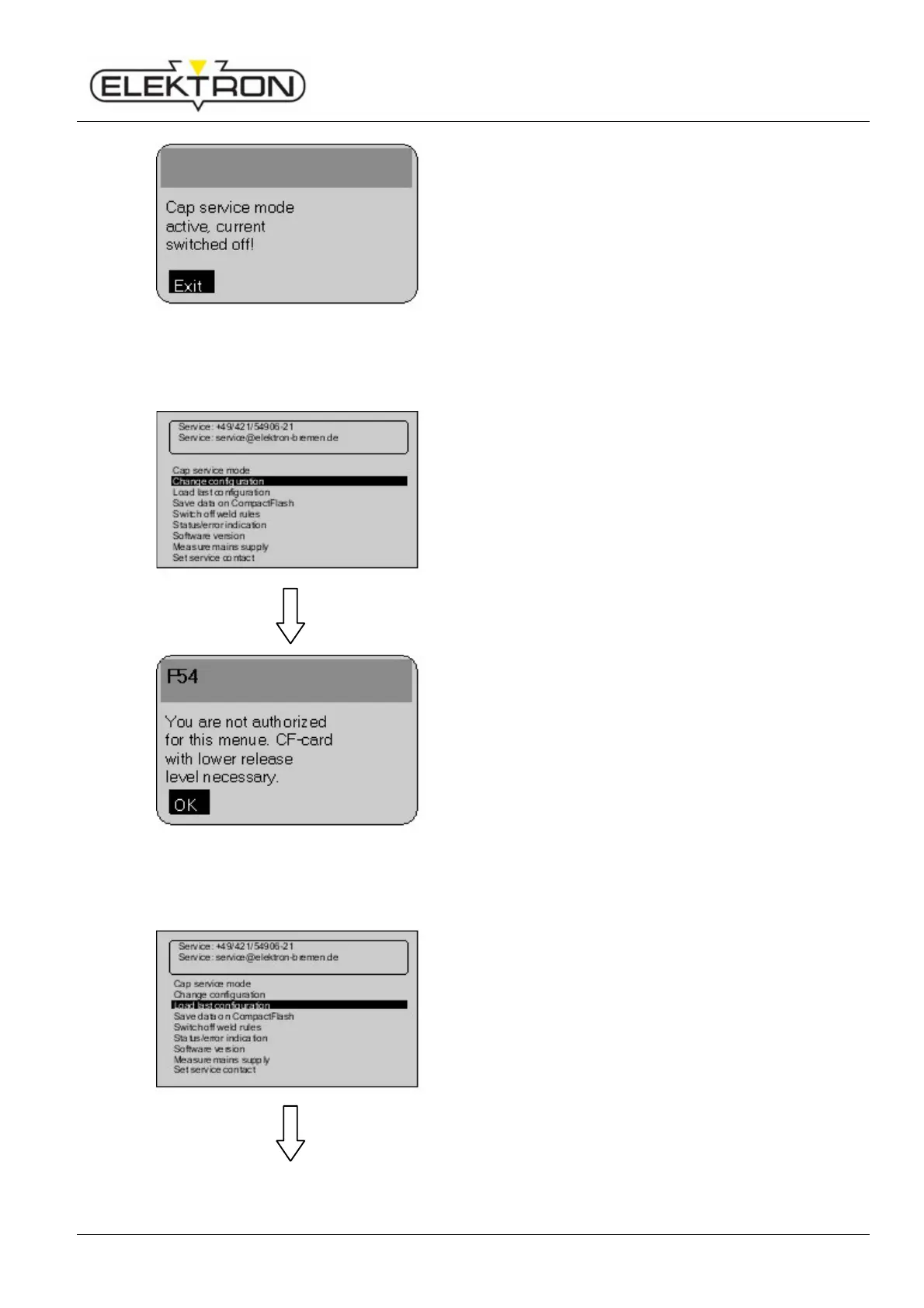
Fig. 81: Cap service activated
You will see the message shown here on the left.
6.7.2.2 Changing configuration
Use the menu item “Change configuration” to carry out
changes to the configuration. You need appropriate access
rights.
In addition, you need an “Expert” CF memory card.
Fig. 82: Changing the configuration
If no “Expert” CF memory card has been slotted, you will see
the message shown here on the left.
6.7.2.3 Loading most recent configuration
With the menu item “Load last configuration”, you can
restore the most recent configuration used.
If the new configuration fails, the system will automatically
revert to the previous version.
Use the control knob to select “Load last configuration”.
Press to confirm.



 To Next Page