Resistance welder MULTISPOT MI-100control
Operation
60
6.7.1.7 Setting languages
see “6.3.1”
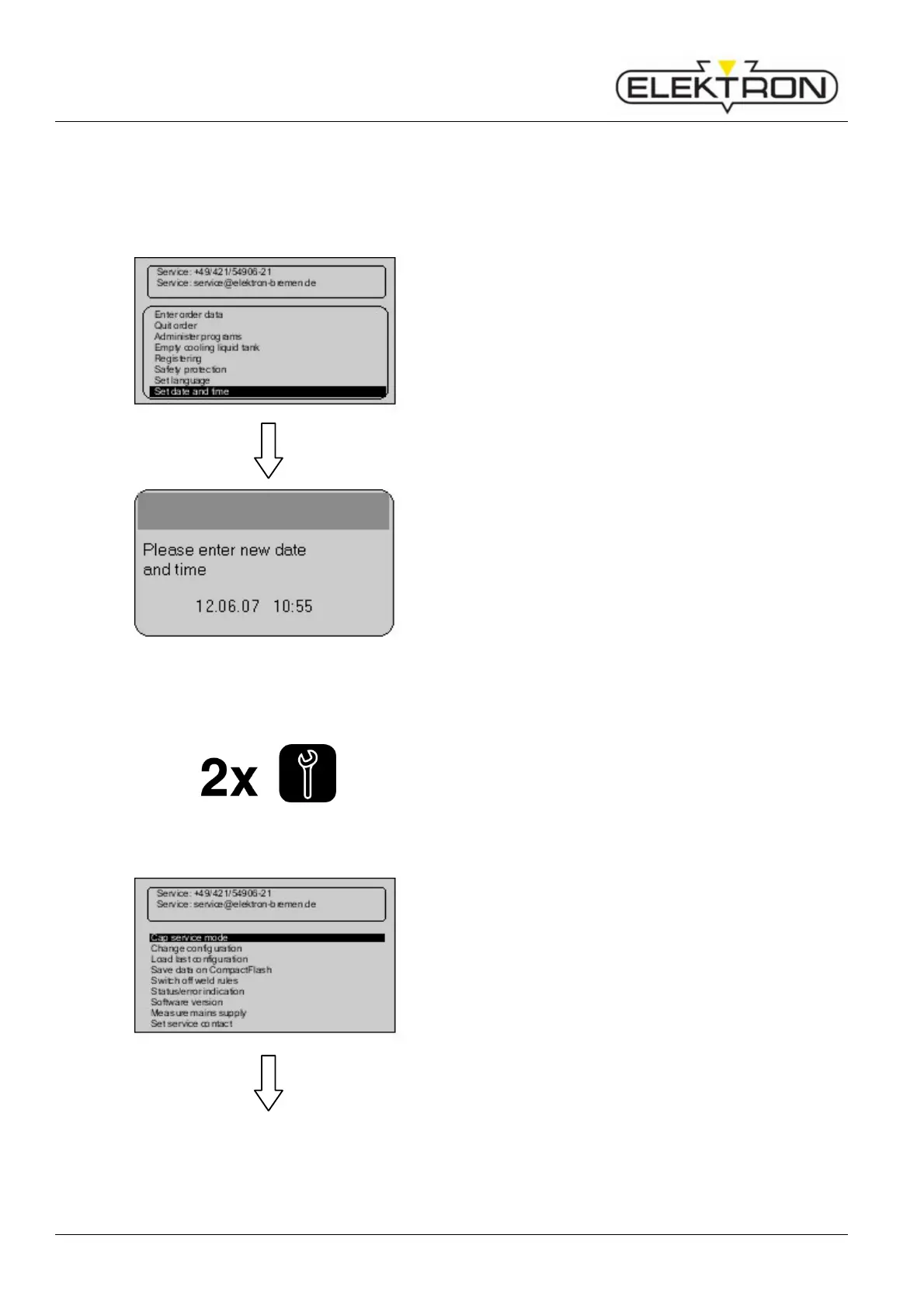
6.7.1.8 Setting time and date
Use menu item “Set date and time” to set the time and date.
1. Use the control button to select “Set date and time”.
Press to confirm.
Fig. 80: Setting time and date
2. Use the control button to set the date and / or time. Press
to confirm.
6.7.2 Service menu: settings (page 2)
Press service button on the control panel - twice.
This will call up the “Service” menu (page 2).
6.7.2.1 Calling up electrode-cap service mode
Use the menu item “Cap service mode” to manually call up
electrode cap cleaning.
In this mode, the power supply is cut off. Only the electrode
clamp system works.
Use the control knob to select “Cap service mode”. Press to
confirm.



 To Next Page