Resistance welder MULTISPOT MI-100control
Operation
45
6.4 Recurring settings
6.4.1 Maintaining electrode caps
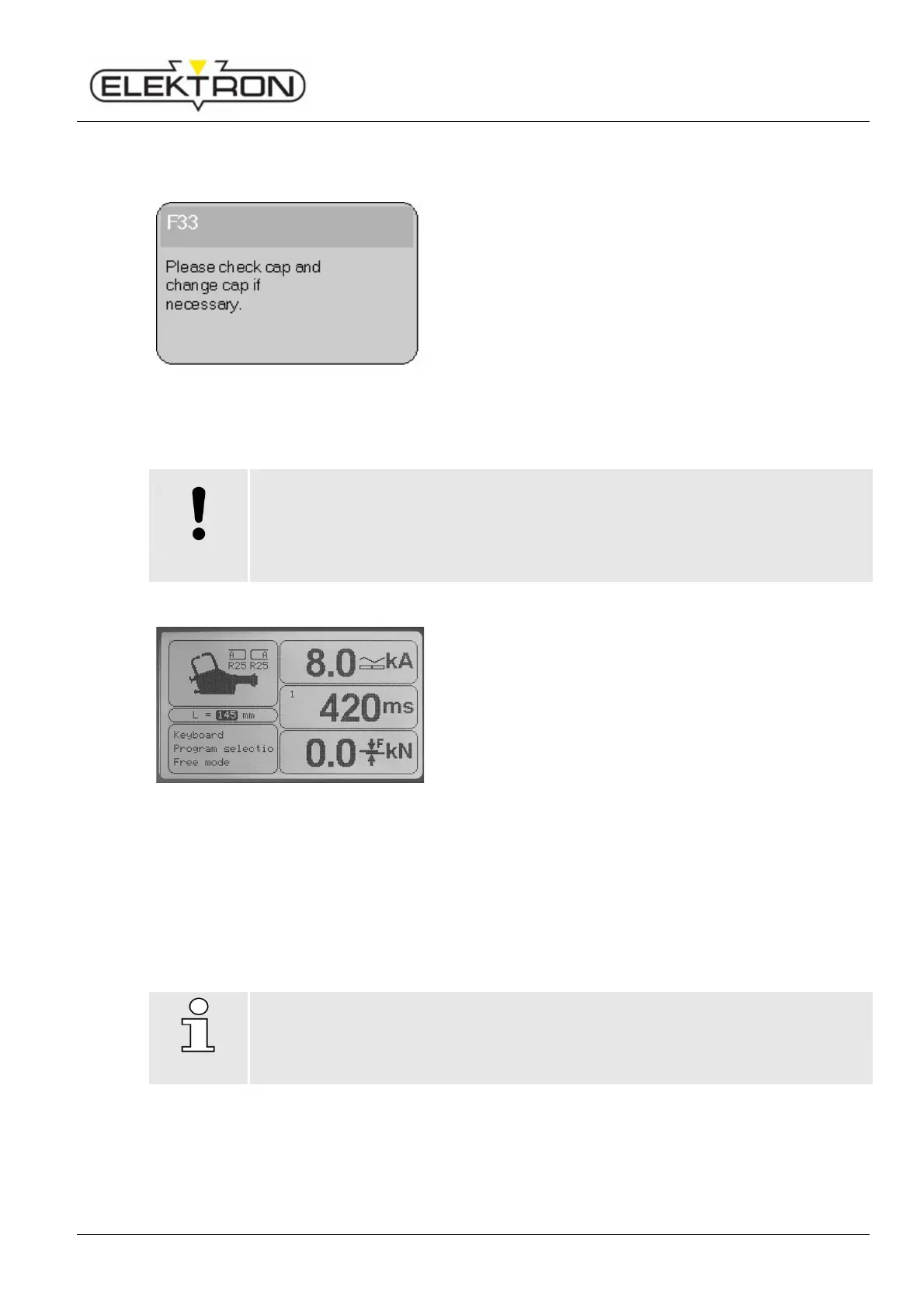
Fig. 49: Prompting operator to service caps
Whenever you switch on the welder and in regular intervals
during operation, you will be reminded to take care of the
electrode caps (Fig. 49).
What to do:
1. Check the caps. If necessary, clean, mill or replace the
caps.
2. Only then confirm by switching control knob to “OK”.
6.4.2 Selecting control mode
lead to improper welding!
Failure to properly set the risk of faulty welds.
Therefore:
Welding parameters in the “Free mode” must be set by skilled welding operators,
exclusively.
Fig. 50: Main menu
Press the control knob twice, quickly.
2. Use the control knob to select one of the three following
control modes.
“Keyboard operation”
For the welding job at hand, the following parameters
may be set manually;
see “6.4.2.2”.
“OEM programs“
To select programs provided by the OEMs;
see “6.4.2.3”.
“Free mode”
This mode is suitable for skilled operators who have
experience in setting welding program parameters and
know exactly about their effects and consequences;
see “6.4.2.4”.
NOTE!
If the OEM provided a welding program, operate the welder in mode “Prg. Selection”.



 To Next Page