Basic operation – Selecting input source
15
SELECTING INPUT SOURCE
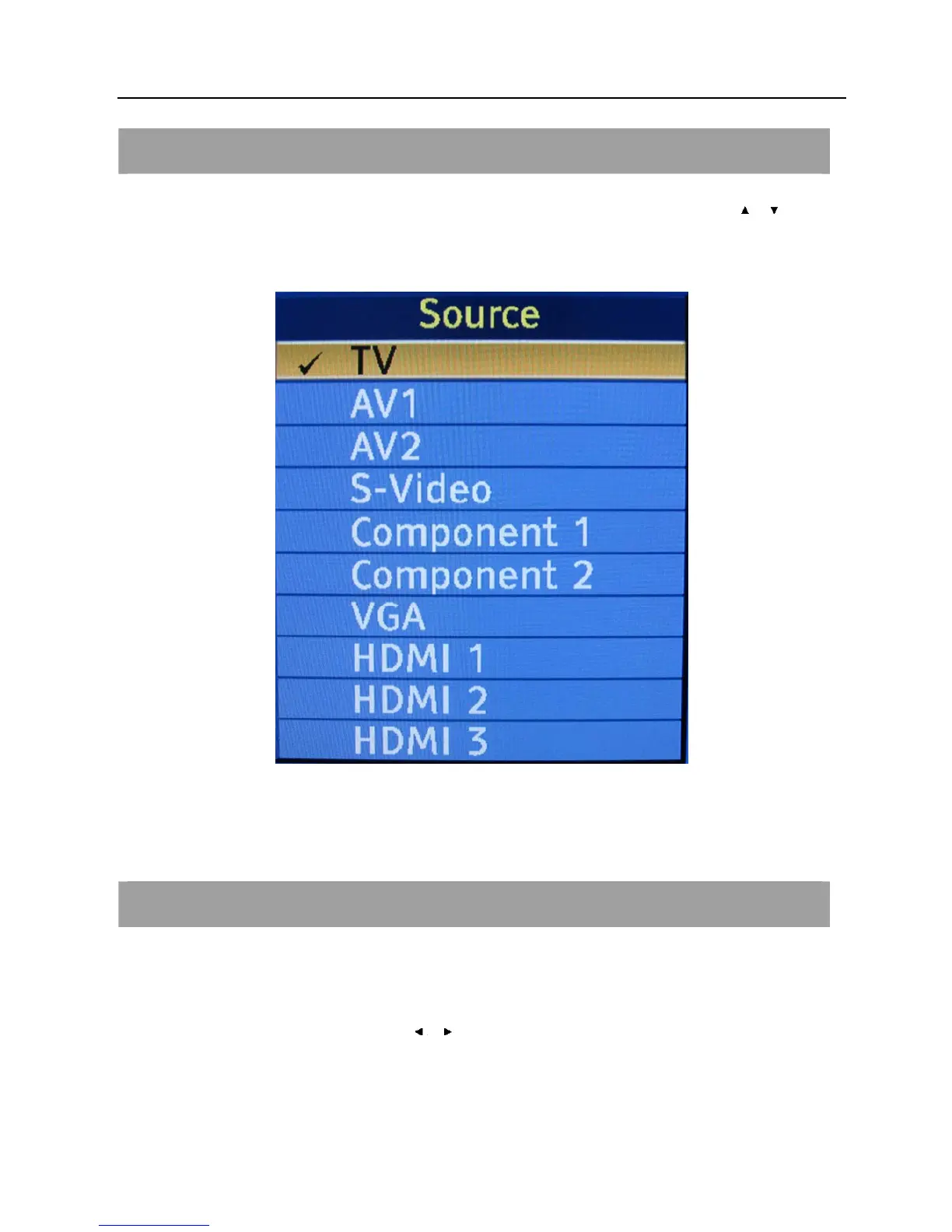
Press the INPUT button to select TV, AV, S-Video, Component, VGA, HDMI inputs. Use the
/ to move
the cursor and ENTER button to confirm the source.
VOLUME ADJUSTMENT
1. Press VOL+/- to adjust the volume.
2. If you want to switch the sound OFF, press the MUTE.
3. You can cancel the mute function by pressing MUTE or VOL+/-.
4. When OSD menu is not used, the arrow keys
/ can also work as VOL - / VOL + buttons.



 To Next Page