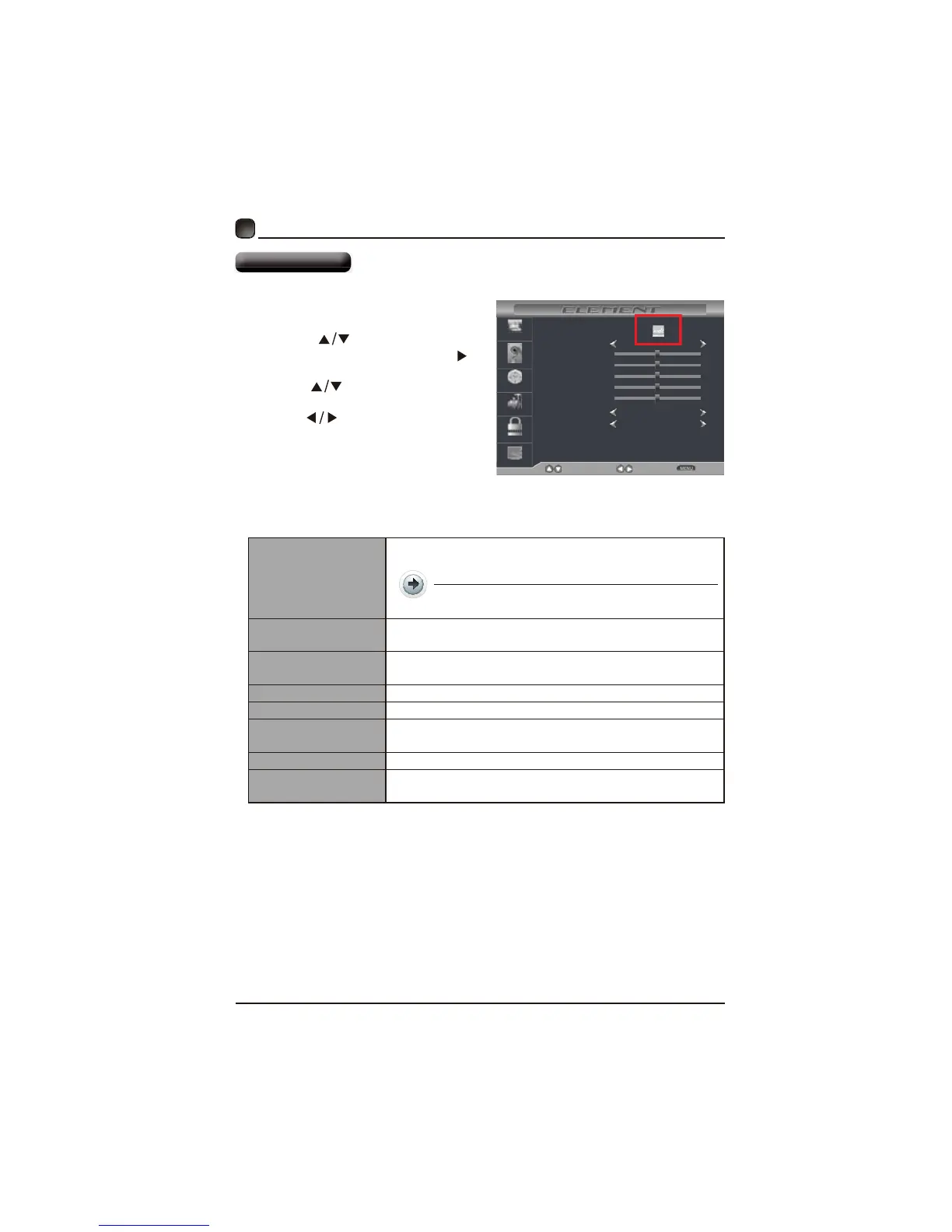
Picture Mode
Contrast
Brightness
Color
Standard
Normal
SelectMove Exit
Picture
Audio
Time
Setup
Lock
Channel
Tint
Sharpness
Color Temp.
Blue Screen On
50
50
50
50
0
13
CUSTOMIZING TV SETTINGS
Picture Settings
PresstheMENUbuttononthemai
unitorontheremotecontrolthe
pressthe
tcelesotsnottub
PICTURE
OKr.
Pressthe
buttonstoselectth
followingpictureoptionsanthe
press
buttonstost
option’
Picture Mode
Cycleamongpicturemoes:Star/Dynamic/
Movie/Natural/User.
Alternative:youmaypresstheP. M OD E
y.
Contrast
thefferencebetweenlightlevels
Brightness
Increaseorecreasethe amountofwhiteinth
picture.(ForUser
Color Controlthecolorintensity.(ForUser
Tint
Sharpness
Austthelevelofcrispnessintheegesbetwee
lightareasofthepicture.(ForUser
Color Temperature Warm.
Blue Screen
AllowthebluetoOn/Off
c



 To Next Page