14
CUSTOMIZING TV SETTINGS
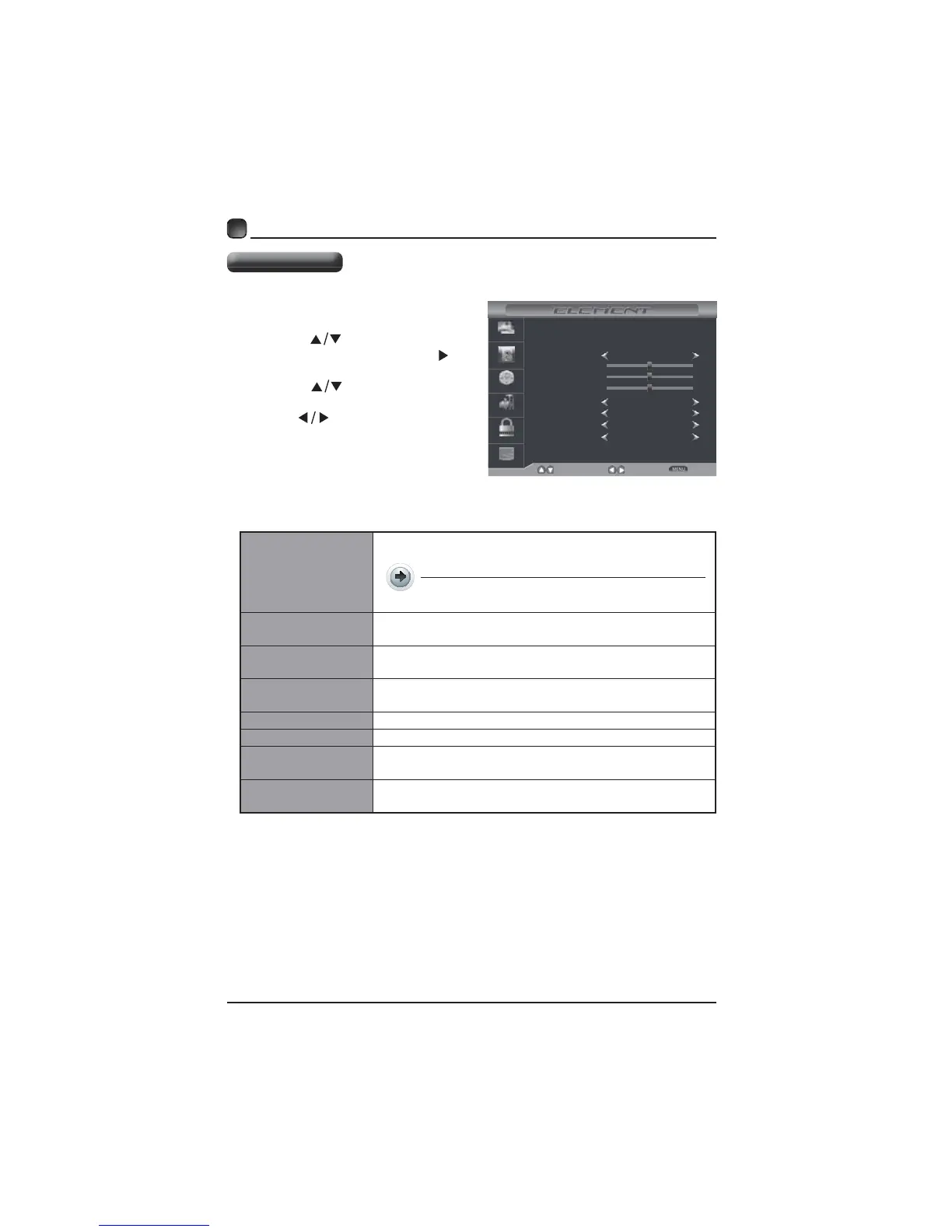
Pressthe MENUbuttononthemai
unitoronthe remotecontrolthe
pressthe
tcelesotsnottub
AUDIOmenuandthenpressthe
OKr.
Pressthe
buttonstoselec
thefollowingaudiooptionsandthe
press
buttonstoadjust
option’
Sound Mode
Bass
Treble
Select
Move
Exit
Picture
Audio
Time
Setup
Lock
Channel
Balance
Surround Sound
Auto Volume
SPDIF Type
Off
On
RAW
Standard
50
50
0
Audio Language English
Sound Mode
Allowtheselectionofanaudio-enhancemen
r.
Alternative:Youmaypress theS.MODE
y.
Bass
(Formode)
Treble
(Formode)
Balance
Adjusttheaudiooutput betweentheleftandthe
speakers.
Surround Sound
Auto Volume V
SPDIF Mode
electthedigitalaudio outputmodebetweenRAW
Audio Language
electaudiolanguageamong: English,French
Audio Settings



 To Next Page