15
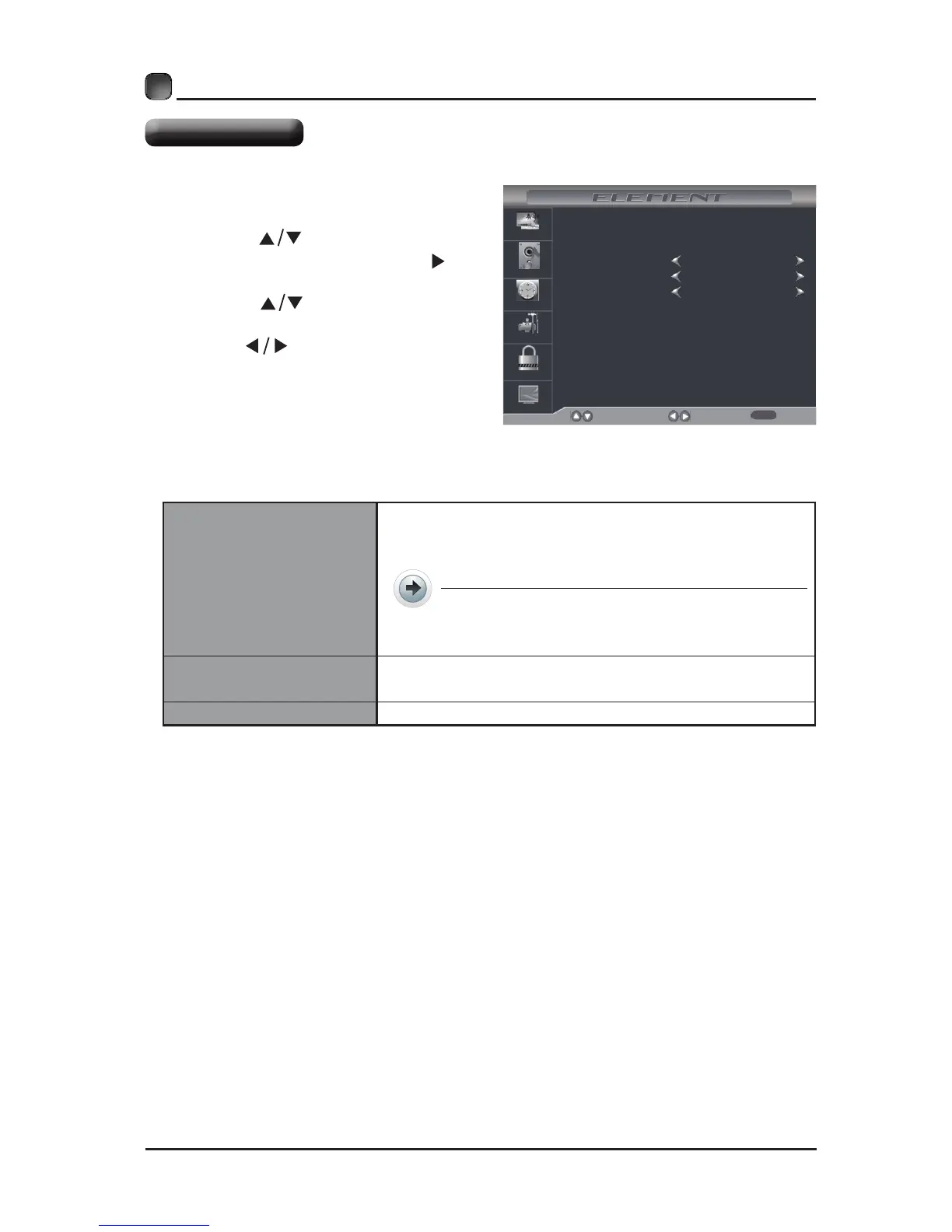
Sleep Timer
Time Zone
Daylight Saving Time
Select
Move Exit
Picture
Audio
Time
Setup
Lock
Channel
Off
Pacific
Off
CUSTOMIZING TV SETTINGS
• Press the MENU button on the main
unit or on the remote control then
press the
buttons to select
TIME menu and then press the or
the OK button to enter.
• Press the buttons to select
the following time options and then
press the
button to adjust each
option’s setting.
Sleep Timer
Select a period of time after which the TV
automatically switches to standby mode:
Off/5/10/…/180/240 min.
Alternative: You may press the SLEEP
button repeatedly to select the number
of minutes directly.
Time Zone
SelectaTimeZoneamong:Pacic/Alaska/Hawaii/
Eastern/Central or Mountain.
Daylight Saving Time
Select to turn On/Off daylight saving time.
Time Settings



 To Next Page