21
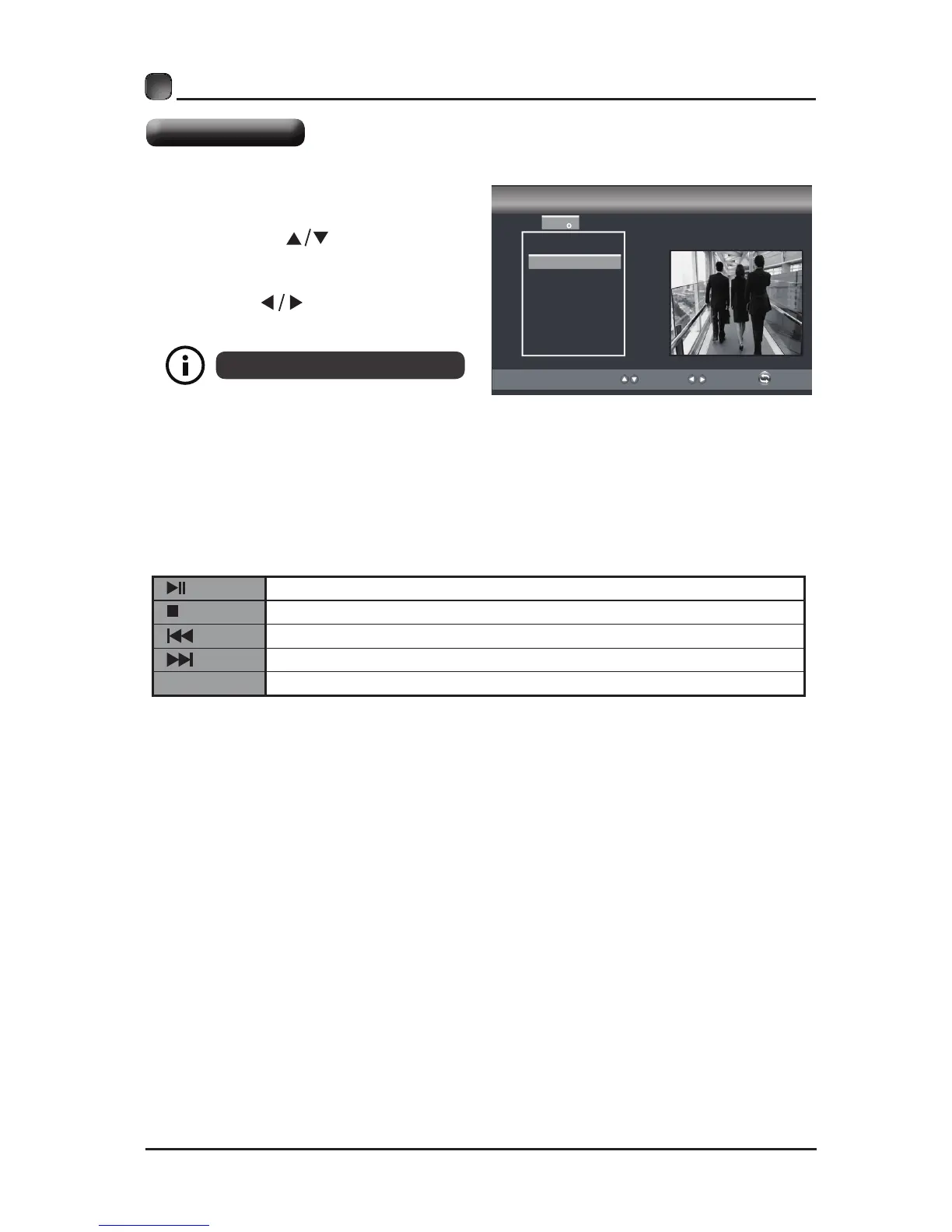
• Press the SOURCE button on the
main unit or on the remote control
then press the
buttons to select
the USB mode and then press OK
button.
• Press the buttons to select
PHOTO and then press OK button.
USB MULTIMEDIA
File format supported: JPEG.
Operation Tips
Press to start or pause the music or photo playback.
Press to stop music or photo playback.
Press to play the previous track or view the previous photo.
Press to play the next track or view the next photo.
REPEAT Press to select different repeat mode.
Viewing Pictures



 To Next Page