EasyManua.ls Logo

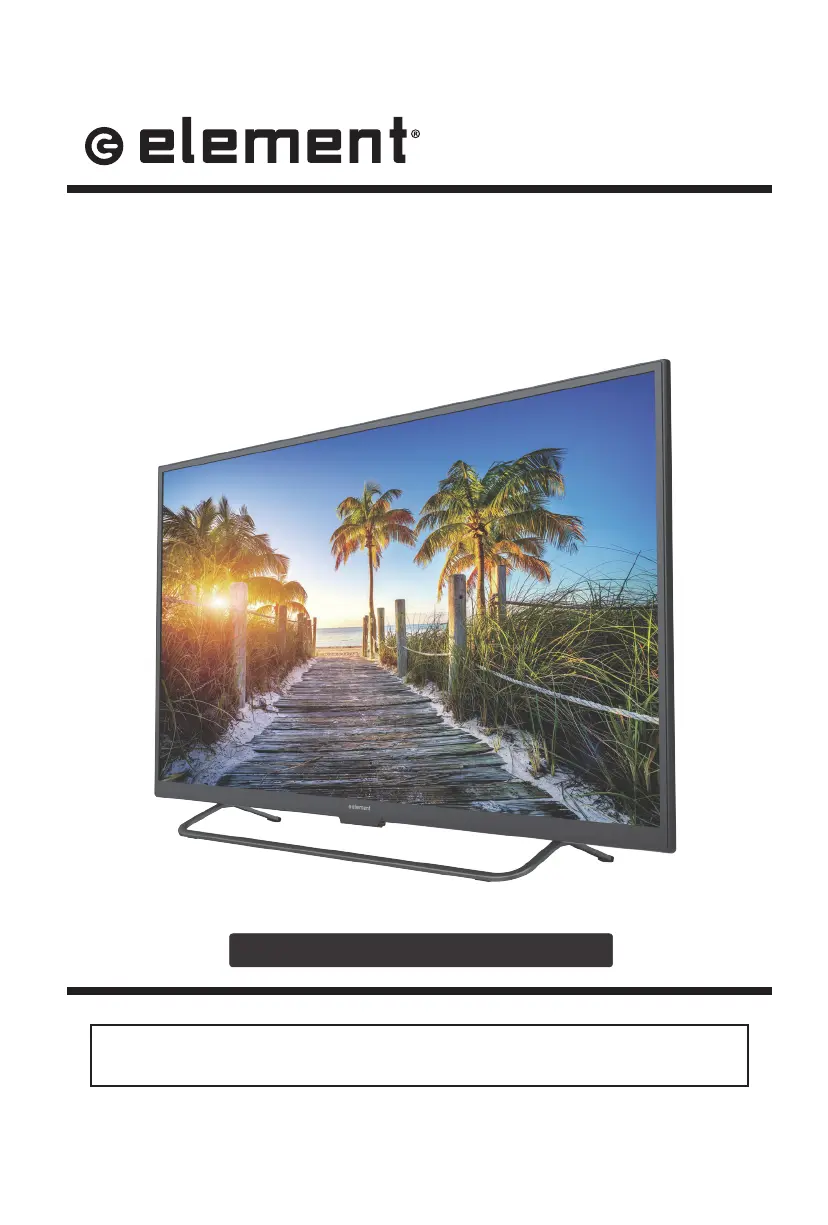
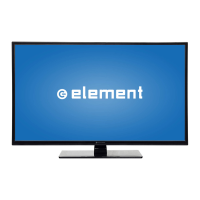
Element ELST3216H - User Manual

Element ELST3216H
32 pages
Print Icon
To Next Page IconTo Next Page
Loading...
ELST3216H
INSTRUCTION MANUAL
Please read all the instructions carefully before using this TV,
and keep the manual for future reference.
32" HD Digital LED TV

Other manuals for Element ELST3216H

Questions and Answers

  • M
    mandywardSep 1, 2025
    Why does my Element TV have a normal picture but no sound?
    • L
      laura11Sep 2, 2025
      If your Element TV has a normal picture but no sound, check the volume level. Ensure that the sound isn't muted by pressing the MUTE button. Try another channel to rule out a broadcast issue. Also, make sure the audio cables are installed properly.
  • R
    Ryan MorrisSep 2, 2025
    Why is my Element TV dead with no red LED light?
    • J
      Jane NealSep 2, 2025
      If your Element TV is dead and there is no red LED light, it may be set in standby mode. Press either the Power button or the Standby button on the remote control.
  • N
    Nicholas PhillipsSep 3, 2025
    What to do if my Element TV power suddenly turns off?
    • D
      Dominique LongSep 3, 2025
      If your Element TV power suddenly turns off, check if the sleep timer is set. Also, check the power connection to ensure power hasn't been interrupted. It's also possible there's no broadcast on the tuned station.
  • R
    Ruth RothSep 3, 2025
    Why does my Element TV say the signal is out of range?
    • J
      Jose WatsonSep 3, 2025
      If your Element TV displays 'The signal is out of range', adjust the resolution, horizontal, or vertical frequency. Check whether the signal cable is connected or loose. Also, check the input source.
  • J
    Jason LucasSep 4, 2025
    How to fix no sound on Element LED TV?
    • A
      Amanda BruceSep 4, 2025
      If your Element LED TV has no sound, first ensure that the sound isn't muted by turning the mute function off. Also, check the volume settings to make sure they are not set too low. If you are using external leads, verify that they are properly connected.
  • M
    meghan79Sep 5, 2025
    What to do if Element LED TV remote control does not work?
    • K
      kaitlyn94Sep 5, 2025
      If your Element LED TV's remote control isn't working, check for obstructions between the remote and the TV. Ensure the batteries are correctly installed with the proper polarity (+/-). Verify that the correct remote operating mode is set (TV, VCR, etc.). If these steps don't work, try installing new batteries.
  • H
    Heather LeeSep 5, 2025
    Why does my Element ELST3216H LED TV have picture but no sound?
    • K
      Kathleen RuizSep 5, 2025
      If your Element LED TV picture is normal, but there is no sound, check the volume level and ensure that the sound is not muted by pressing the MUTE button. Try changing to another channel to rule out a broadcast issue. Also, check that the audio cables are installed properly.
  • M
    Matthew ChapmanSep 6, 2025
    Element ELST3216H is dead, how to fix it?
    • L
      lriggsSep 6, 2025
      If your Element LED TV is completely dead with no LED lit, it indicates that the TV is not receiving power. Check all connections to the TV's AC socket to ensure it is properly connected.
  • C
    Christopher HarrisSep 6, 2025
    How to reset password on Element LED TV?
    • J
      John WestSep 6, 2025
      To reset a forgotten password on your Element LED TV, select the SET Password setting in the LOCK menu, then enter the master password “8899”. This will clear your previous password and allow you to enter a new one.
  • A
    Ashley BaileySep 7, 2025
    How to improve poor color or picture on Element ELST3216H?
    • S
      Scott BuckleySep 7, 2025
      If you are experiencing poor color or picture quality on your Element LED TV, adjust the color settings in the Menu option. Ensure there is sufficient distance between the TV and any VCRs. Try tuning to another channel to rule out broadcast issues. Also, check that the VIDEO cables are properly installed and activate any function to restore the brightness of the picture.

Summary

Important Safety Instructions

Additional Safety Information

Electrical Safety

Detailed electrical safety guidelines for the TV.

Physical Safety

Guidelines for safe handling and placement of the TV.

Preparations

Remote Control

Identifies buttons and functions of the remote.

Connecting External Devices

Customizing TV Settings

TV Settings Menu

Main menu for TV configuration options.

General Settings

General TV settings like language and zoom.

Picture Settings

Adjusting picture quality settings.

Parental Control

Restricting content based on age and ratings.

Rating Systems Explained

Details MPAA and TV Parental Guideline rating systems.

Initial Setup

Step-by-step guide for initial TV configuration.

Network Settings

Configuring network connections.

Troubleshooting

Maintenance and Cleaning

Element ELST3216H Specifications

General IconGeneral
Screen Size32 inches
Display TechnologyLED
Resolution1366 x 768
Aspect Ratio16:9
Refresh Rate60 Hz
HDMI Ports3
USB Ports1
VGA InputYes
Built-in TunerYes
Audio Output10W
Power Consumption45W
Smart TVNo
Weight4.5 kg

Related product manuals