EasyManua.ls Logo

Element ELSW3917BF - User Manual

Element ELSW3917BF
32 pages
Print Icon
To Next Page IconTo Next Page
Loading...
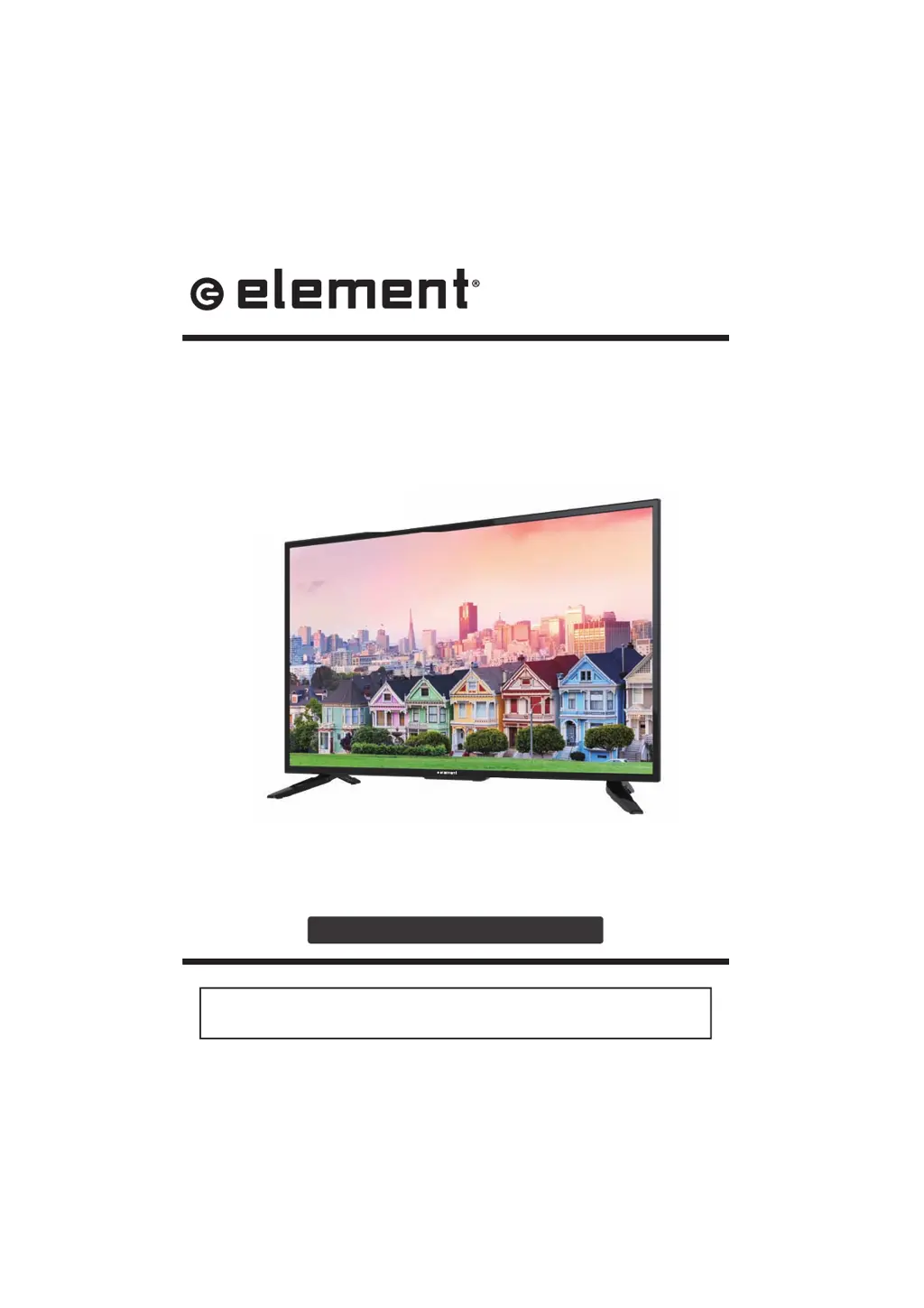
INSTRUCTION MANUAL
Please read all the instructions carefully before using this TV,
and keep the manual for future reference.
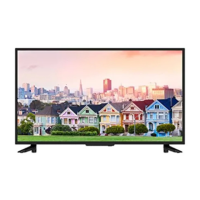
38.5" HD Digital LED TV
ELSW3917BF

Questions and Answers

  • R
    Ryan MolinaSep 10, 2025
    Why is the reception poor on some channels of my Element LED TV?
    • K
      kimberlywadeSep 10, 2025
      Poor reception on some channels of your Element LED TV might be due to the station or cable experiencing problems, try tuning to another station. It could also be that the station signal is weak, try reorienting the antenna for better reception. Check for sources of possible interference as well.
  • A
    april59Aug 23, 2025
    Why is my Element ELSW3917BF showing a blue screen?
    • A
      Anna OlsonAug 23, 2025
      A blue screen on your Element LED TV usually indicates no signal. Press the SOURCE button to select the correct source.
  • K
    karenfloresAug 25, 2025
    Why is there no sound coming from my Element LED TV?
    • S
      Sarah ValenciaAug 25, 2025
      If there's no sound, first ensure that the sound isn't muted. If it is, turn mute off. Also, check the volume settings to make sure the volume isn't set too low. If you're using external leads, verify that they are properly connected.
  • N
    Nicholas EstradaAug 27, 2025
    What to do if my Element ELSW3917BF has no sound and picture?
    • K
      Kristin JensenAug 27, 2025
      If your Element LED TV has no sound and picture, make sure the main plug is connected to a wall outlet and that you have pressed the POWER button on the front of the TV. Also, check the picture contrast and brightness settings.
  • J
    Jeffrey SalinasAug 27, 2025
    Why does my Element ELSW3917BF LED TV power suddenly turn off?
    • M
      Michael MartinAug 28, 2025
      If your Element LED TV suddenly turns off, check if the sleep timer is set. Also, check the power connection to ensure the power isn't interrupted. The issue might also be due to no broadcast on the tuned station.
  • J
    Jorge ThomasAug 29, 2025
    Why is the picture on my Element LED TV poor?
    • T
      Thomas ThompsonAug 29, 2025
      If you're experiencing poor color or picture quality on your Element LED TV, try adjusting the color in the Menu option. Also, ensure there's sufficient distance between the TV and any VCRs. Trying another channel can help determine if the broadcast is the issue. Check that the VIDEO cables are properly installed and activate any function to restore the brightness of the picture.
  • M
    matthewskarenSep 18, 2025
    Why is the screen color unstable or a single color on my Element LED TV?
    • C
      codyholtSep 18, 2025
      If the screen color on your Element LED TV is unstable or a single color, check the signal cable. You may also need to reinstall the PC video card.
  • R
    Rebecca DillonSep 12, 2025
    What causes lines or streaks in pictures on my Element ELSW3917BF LED TV?
    • W
      wmartinezSep 12, 2025
      Lines or streaks in pictures on your Element LED TV can be caused by the antenna. Check the antenna and change its direction.
  • O
    omossSep 8, 2025
    What causes horizontal or vertical bars or picture shaking on Element ELSW3917BF?
    • W
      William McfarlandSep 8, 2025
      Horizontal or vertical bars or picture shaking on your Element LED TV can be caused by local interference. Check for sources of interference, such as an electrical appliance or power tool.
  • M
    Mary AndersonSep 5, 2025
    What to do if my Element LED TV is dead and no LED is lit?
    • B
      Billy JacksonSep 5, 2025
      If your Element LED TV is dead and no LED is lit, the cause is likely that there is no power to the TV. Check all connections to the TV's AC socket.

Summary

Important Safety Instructions

Additional Safety Information

Electrical Safety

Safety guidelines related to electrical connections and usage.

Physical Safety

Safety guidelines concerning the physical handling and placement of the TV.

Preparations

What is Included?

Lists the items included in the TV package.

Front;Rear View

Identifies and describes the TV's front and rear components.

Rear View

Details the various ports and connections on the rear of the TV.

Wall Mounting

Provides instructions and warnings for mounting the TV on a wall.

Remote Control

Explains the functions of the TV remote control buttons.

Connecting External Devices

Customizing TV Settings

Turning On;Off Your TV

Instructions for powering the TV on and off.

Initial Setup

Guides the user through the initial TV setup wizard.

Source

How to select different input signal sources for the TV.

Channel Selection

Methods for selecting TV channels.

Volume Adjustment

Instructions on how to adjust the TV's volume.

Streaming

Information on accessing streaming apps and services.

Media

Accessing and managing media files like photos and music.

Viewing Photos

How to view photo files from a USB drive.

Listening To Music

How to play music files from a USB drive.

Watching Videos

How to play video files from a USB drive.

TV Settings

Navigates to the main TV settings menu.

General

General TV settings like language and zoom mode.

Picture Settings

Adjustments for picture quality, brightness, contrast, etc.

Audio Settings

Settings related to sound modes, bass, treble, and language.

Network Settings

Configuration for connecting the TV to a network.

Channel Settings

Options for managing TV channels, including auto-scan.

Time Settings

Adjustments for sleep timer, OSD timer, and time zone.

Lock Settings

Settings for parental controls and system locking.

APP Settings

Managing application settings and deactivating apps.

Parental Control

Tools to restrict content based on age ratings and other criteria.

Troubleshooting

Password Reset

Procedure for resetting the lost password.

FCC Notes

FCC Statement

Compliance statement regarding FCC rules and regulations.

FCC Radiation Exposure Statement

Information on FCC compliance for radiation exposure.

Specifications

Technical specifications of the TV.

OTT App Service

Element ELSW3917BF Specifications

General IconGeneral
BrandElement
ModelELSW3917BF
CategoryLED TV
LanguageEnglish

Related product manuals