5
PREPARATIONS
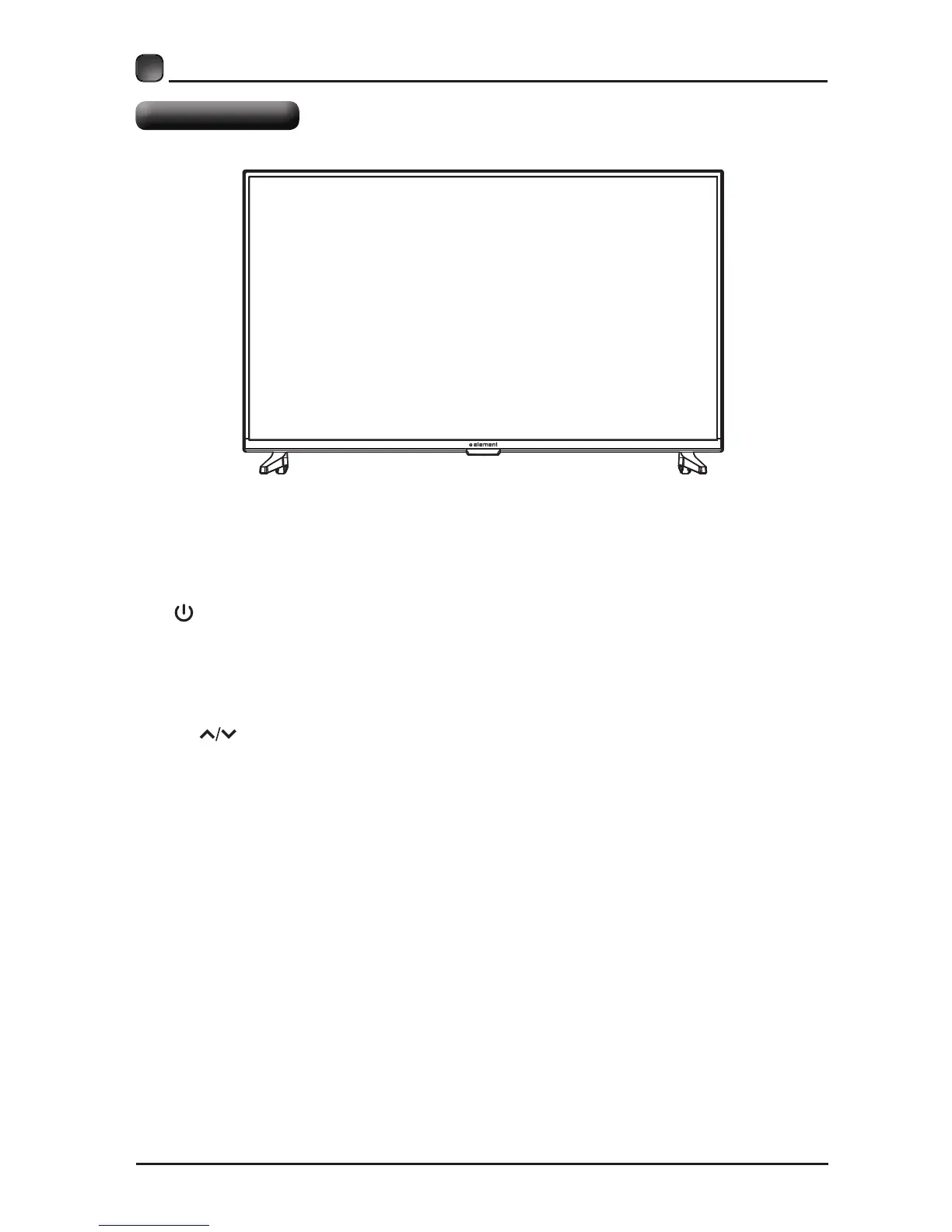
Front View
Switch the TV between On / Standby mode.
SOURCE
Press to select among different input signal sources.
MENU
CH
Press to select a channel.
VOL +/-
Press to adjust the volume.
LED
The LED light indicates when the TV is activated.
IR
Infrared Receiver.


 To Next Page