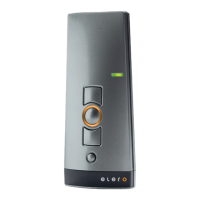
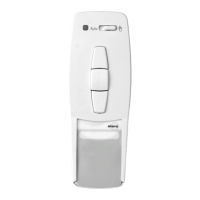
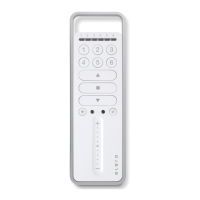
GB-9
Intermediate position for roller
shutter/awning/venetian blind
GB-10
GB
Intermediate position for roller
shutter/awning/venetian blind
Programming Pos B
Prerequisite:
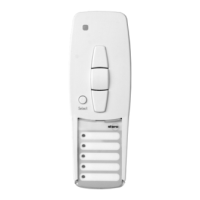
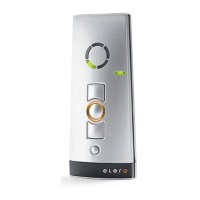
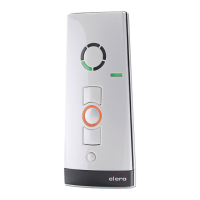
The transmitter has been programmed and the end limit
positions have been set.The roller shutter/awning/
venetian blind is in the upper end limit position.
1. Adjust the roller shutter/awning/venetian blind into the desired
position using the DOWN button.
Note: Keep the DOWN button pressed until the desired position
is reached.
2. When the roller shutter/awning/venetian blind has reached the
desired position,press the STOP button in addition.
The curtain/canopy/blind will come to a stop.The intermediate
position has been successfully programmed.
Programming Pos V
Prerequisite:
The transmitter has been programmed and the end limit
positions have been set.The roller shutter/awning/
venetian blind is in the upper end limit position.
1. Move the roller shutter/awning/venetian blind in the UP direction
using the handheld transmitter until the ventilation slits are open
or the reverse position has been reached.
Note: Keep the UP button pressed until the desired position is
reached.
2. When the roller shutter/awning/venetian blind has reached the
desired position,press the STOP button in addition.
The roller shutter/awning/venetian blind will come to a stop.The
ventilation/reverse position has been successfully programmed.
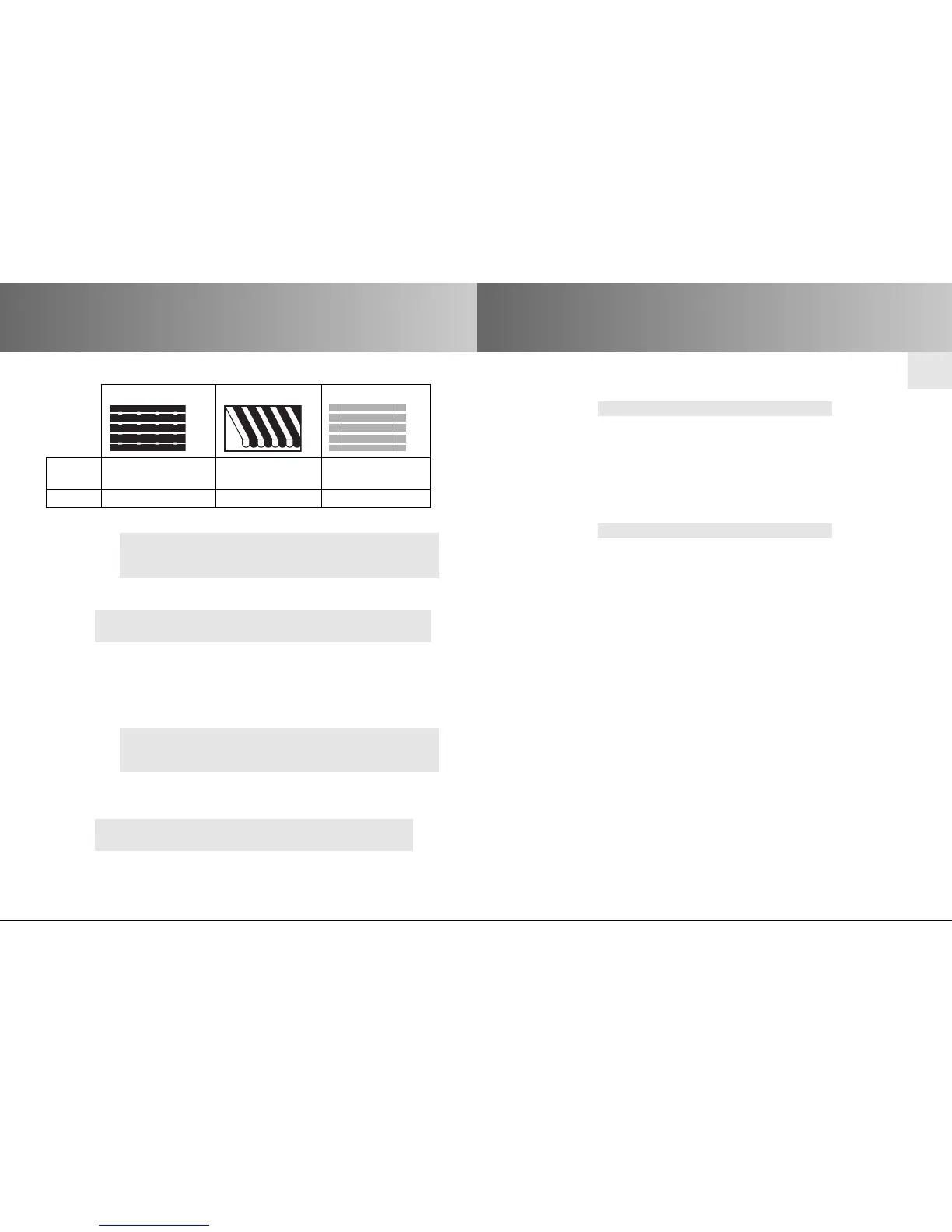
Roller shutter Awning Venetian blind
Pos B
Intermediate Intermediate Intermediate
position position position
Pos V Ventilation position Canopy tension Reverse position
Adjustment to Pos B
Prerequisite: The transmitter has been programmed.
1. Press the UP button twice in quick succession.
2. The drive will adjust the
roller shutter/awning/venetian blind
into the stored intermediate position. If no intermediate
position is stored, the
roller shutter/awning/venetian blind
is
automatically adjusted into the lower limit position.
Adjustment to Pos V (roller shutter,awning)
Prerequisite: The transmitter has been programmed.
1. Press the UP button twice in quick succession.
2. The
roller shutter/awning
is adjusted into the stored ventilation
position. If no ventilation position is stored,the
roller shutter/
awning
is automatically adjusted into the upper limit position.
Adjustment to Pos V (venetian blind)
Prerequisite: The transmitter has been programmed.
1. Press the UP button twice in quick succession.
2. The venetian blind is adjusted into the stored reverse position.
If no reverse position is stored, the venetian blind is
automatically adjusted into the lower limit position.
Deleting Pos B
1. Press the following buttons simultaneously:
• DOWN button
• STOP button
2.
Keep these two buttons pressed until the LED goes out briefly.
Deleting Pos V
1. Press the following buttons simultaneously:
• UP button
• STOP button
2.
Keep these two buttons pressed until the LED goes out briefly.


 To Next Page