3. MANTENANCE
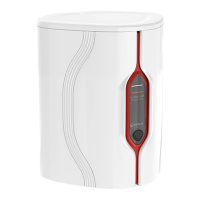
Display Lights
Constant White Signifying water purity, unit is operating correctly
Blinking White Consumables are nearing the end of useful life
Constant Red System needs immediate attention
Blinking Red / White USB Software update
Process Button Operation
Press for 10 seconds Select Languages Language Menu
Press
(At any time)
Start / Stop Modules
process
Start and stops modules process
Insert a blank USB and
press once. To stop
recording data, press once
(OFF) before removing the
USB.
Load rmware from
USB Flash devices
Automatically loads system rmware from USB ash device.
Re-start on completion.
Default Alarm Settings
Set Temperature Alarm Set default values from rmware le. Adjustable set point using application
service module. Service module is an engineers tool, only an engineer can adjust the settings.
Select to either 30°C, 35°C, 40°C. Default 35°C. https://elgalab.discovertheweb.co.uk
Set Water Purity Alarm
Chorus 2
Set default values from rmware le. Adjustable set point using application service
module. Resistivity range select from 1.0MΩ.cm,10.0MΩ.cm or 15.0MΩ.cm.
Default Alarm point 15.0MΩ.cm.
Over ll Protection Alarm Feature activates drain valve if water level is greater than maximum and stops water entering the
system to prevent a ood. When alarm is active:V2 energised. If alarm for 5 mins, stop module
process. Enter re ll cycle on over ll alarm deactivation. Alarm status removed (Reservoir 95%)
Chorus 2 Operator Manual MANU40003 Version 03 3/19 Page 7
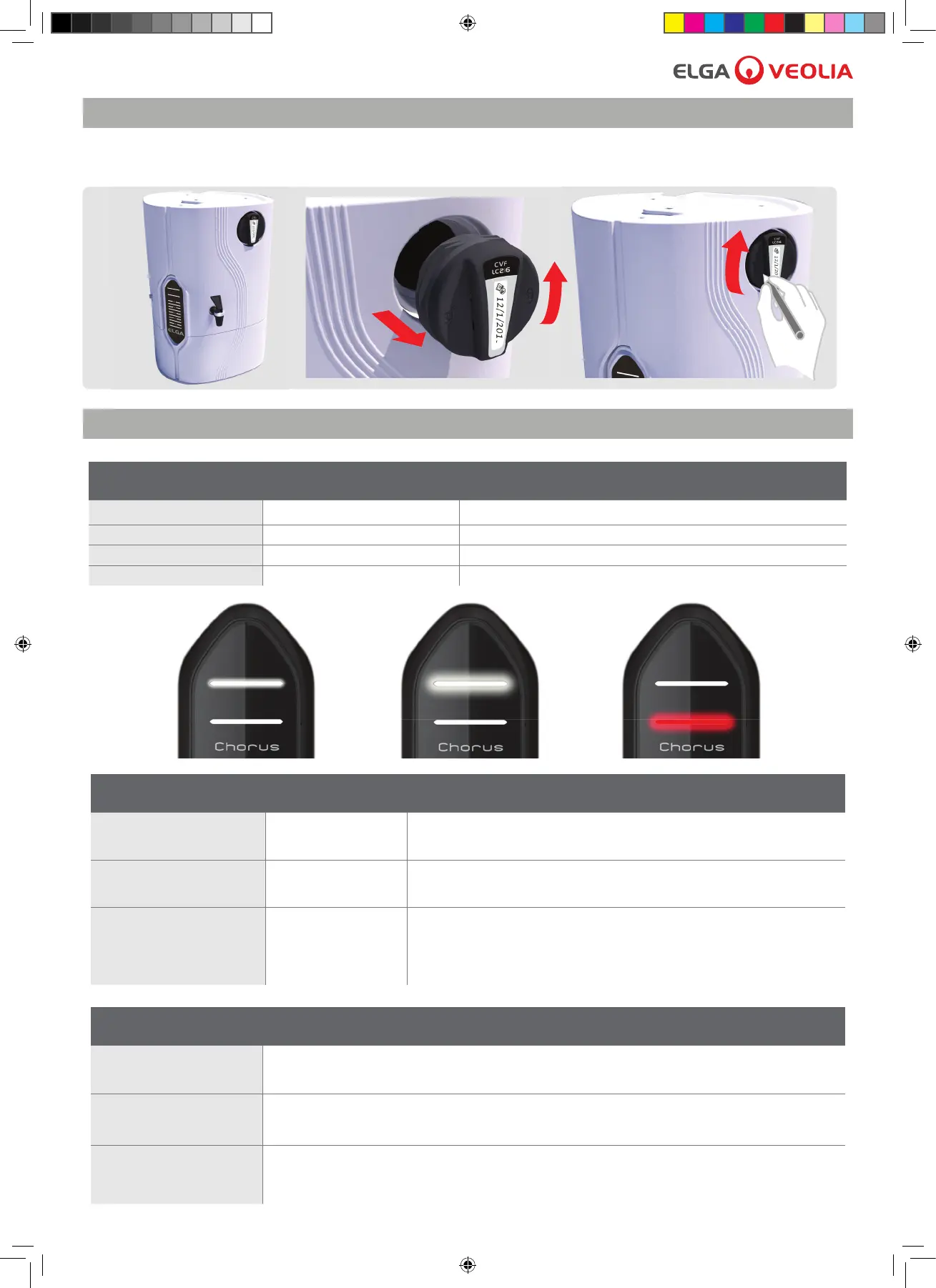
3.5 Replacing the Composite Vent Filter LC216
Follow the instructions below.
4. SELF HELP GUIDELINES



 To Next Page