EasyManua.ls Logo

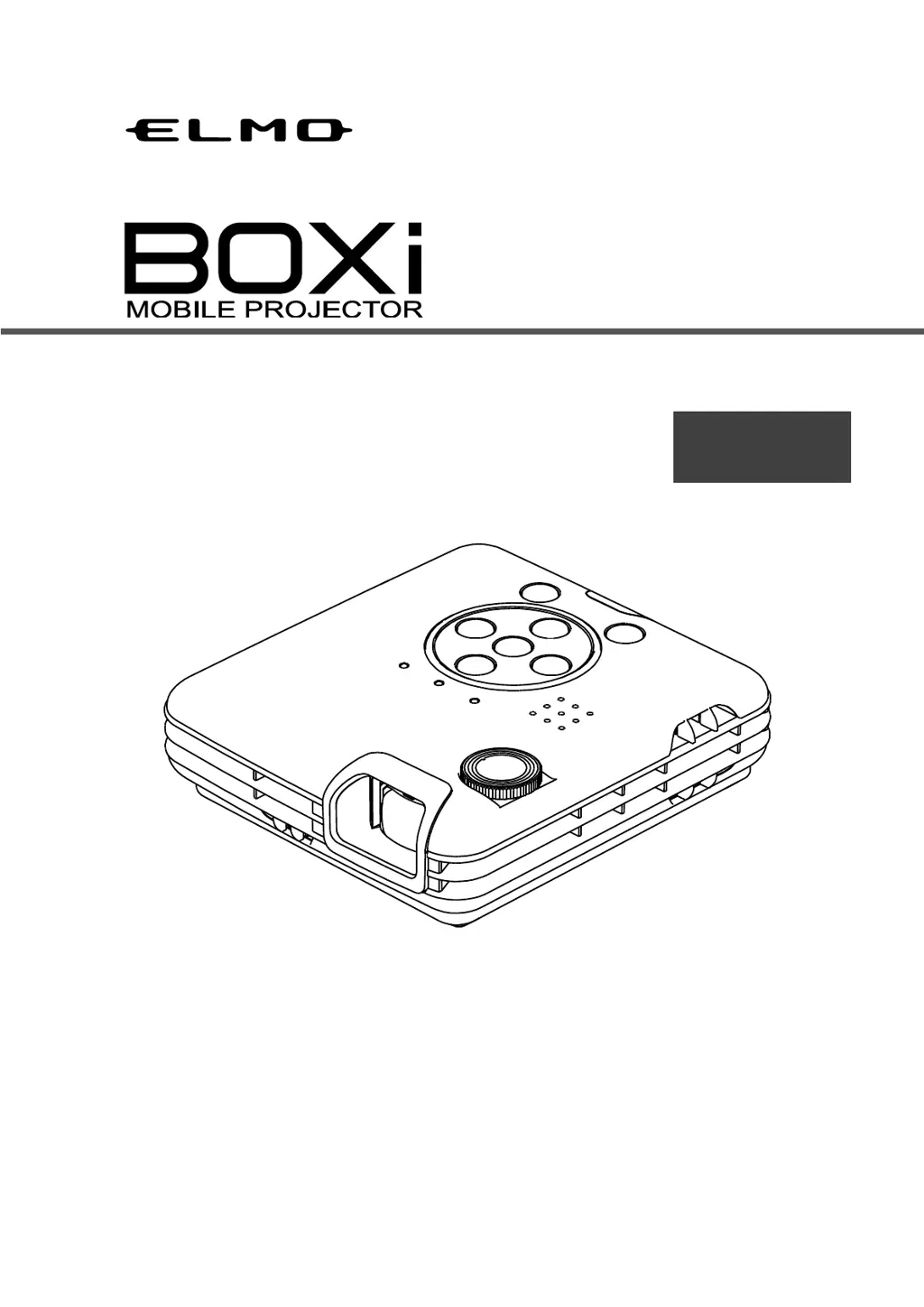
Elmo BOXi T-350 - User Manual

Elmo BOXi T-350
81 pages
Print Icon
To Next Page IconTo Next Page
Loading...
Read the separate “IMPORTANT SAFEGUARD” carefully before using the projector.
Keep this guide in a safe place for future reference.
©2013 Copyright ELMO Co., Ltd. All rights reserved.
T-350
English
Instruction Manual

Table of Contents

Other manuals for Elmo BOXi T-350

Questions and Answers

  • L
    Lisa ThompsonAug 18, 2025
    Elmo BOXi T-350 has no power, what to do?
    • R
      Ronnie KennedyAug 18, 2025
      If your Elmo Projector has no power, check if the power cord is correctly connected to the outlet, if the outlet has electricity, if the AC adapter is correctly connected, if the power cord is damaged, and if the temperature of the projector is too high. If the temperature is too high, the projector won't turn on as a protection measure.
  • K
    Kimberly SmithAug 20, 2025
    Why is there no sound from my Elmo BOXi T-350 Projector?
    • E
      Elizabeth SchultzAug 21, 2025
      If there is no sound from your Elmo Projector, check if the volume is set to mute, if the volume is adjusted to low, and if the sound is output from the connected video source.
  • C
    cynthia88Aug 23, 2025
    How to fix temperature warning on Elmo Projector?
    • G
      Gregory FordAug 23, 2025
      If your Elmo Projector displays a temperature warning, it means the internal temperature has increased. Immediately turn off the projector and let it cool down for at least 30 minutes. Then, ensure the ventilator isn't blocked, isn't covered with dust and that the surrounding temperature doesn't exceed 35 degrees Celsius before turning the projector back on.
  • J
    Joel HammondAug 26, 2025
    What to do if my Elmo BOXi T-350 Projector shows a temperature error?
    • N
      Nicholas GilbertAug 26, 2025
      If your Elmo Projector displays a temperature error, it means the internal temperature has increased. Immediately turn off the projector and allow it to cool down for at least 30 minutes. Before turning it back on, make sure that the ventilator isn't blocked, isn't covered with dust and that the surrounding temperature doesn't exceed 35 degrees Celsius.
  • O
    Oscar BurtonAug 28, 2025
    Why does my Elmo BOXi T-350 show a FAN error?
    • J
      John MillerAug 28, 2025
      If your Elmo Projector fan is not working properly, it means there is a problem with the internal fan. Turn off the projector immediately and allow it to cool down for at least 30 minutes. Make sure that no foreign objects are inserted between the rotating fan blades and that there are no magnetic objects near the projector before turning it back on.
  • Z
    zhensleyAug 30, 2025
    Why is the image on my Elmo Projector so dark?
    • J
      Jacqueline BurchAug 30, 2025
      If your Elmo Projector's image is dark, check if the brightness is adjusted correctly. Also, verify if the projector is in ECO mode, and consider whether the LED lamp is nearing the end of its lifespan.
  • L
    lawrencehodgesSep 2, 2025
    Why does my Elmo BOXi T-350 Projector have no image?
    • D
      Daniel StantonSep 2, 2025
      If your Elmo Projector is not displaying an image, check if the projector is in blank screen mode. Also, verify if the cable is correctly connected to the input terminal, if the video signal is output from the connected video source, if the contrast setting is set to minimum, and if the input signal is supported by the projector.
  • D
    Daniel HarmonSep 4, 2025
    Why does my Elmo Projector power turns off automatically?
    • J
      jerryfullerSep 5, 2025
      If the power on your Elmo Projector turns off automatically, check if the warning icon is displayed before it turns off, if the indicator is flashing, and if the auto power off function is enabled (default setting is 180 minutes).
  • A
    Adrienne HoffmanSep 7, 2025
    Why is the image blurred on my Elmo BOXi T-350 Projector?
    • C
      Carlos PhamSep 7, 2025
      If the image from your Elmo Projector is blurred, check if the lens is correctly adjusted, if the projector is placed correctly relative to the screen, if the lens is dirty, if there's condensation on the lens, and if the distance between the projector and the screen is within the adjustable focus range.
  • B
    blackkimberlySep 9, 2025
    Why is the image distorted on my Elmo Projector?
    • R
      robertparrishSep 9, 2025
      If the image from your Elmo Projector is distorted, verify that the projector is installed correctly. If there is keystone distortion, perform the keystone correction.

Elmo BOXi T-350 Specifications

General IconGeneral
BrandElmo
ModelBOXi T-350
CategoryProjector
LanguageEnglish

Related product manuals