78
#25
q
Pattern Combination
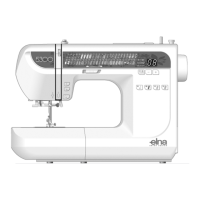
To combine 2 units of pattern #25 and one unit of
pattern #30:
Sew pattern #25 and press the auto-lock key q while
sewing the second unit.
The machine will stop automatically when the second
unit is completed.
Select pattern #30. Press the auto-lock button and
start sewing.
Machine will sew one unit of pattern #30 and stop
automatically.
Repeat steps above.
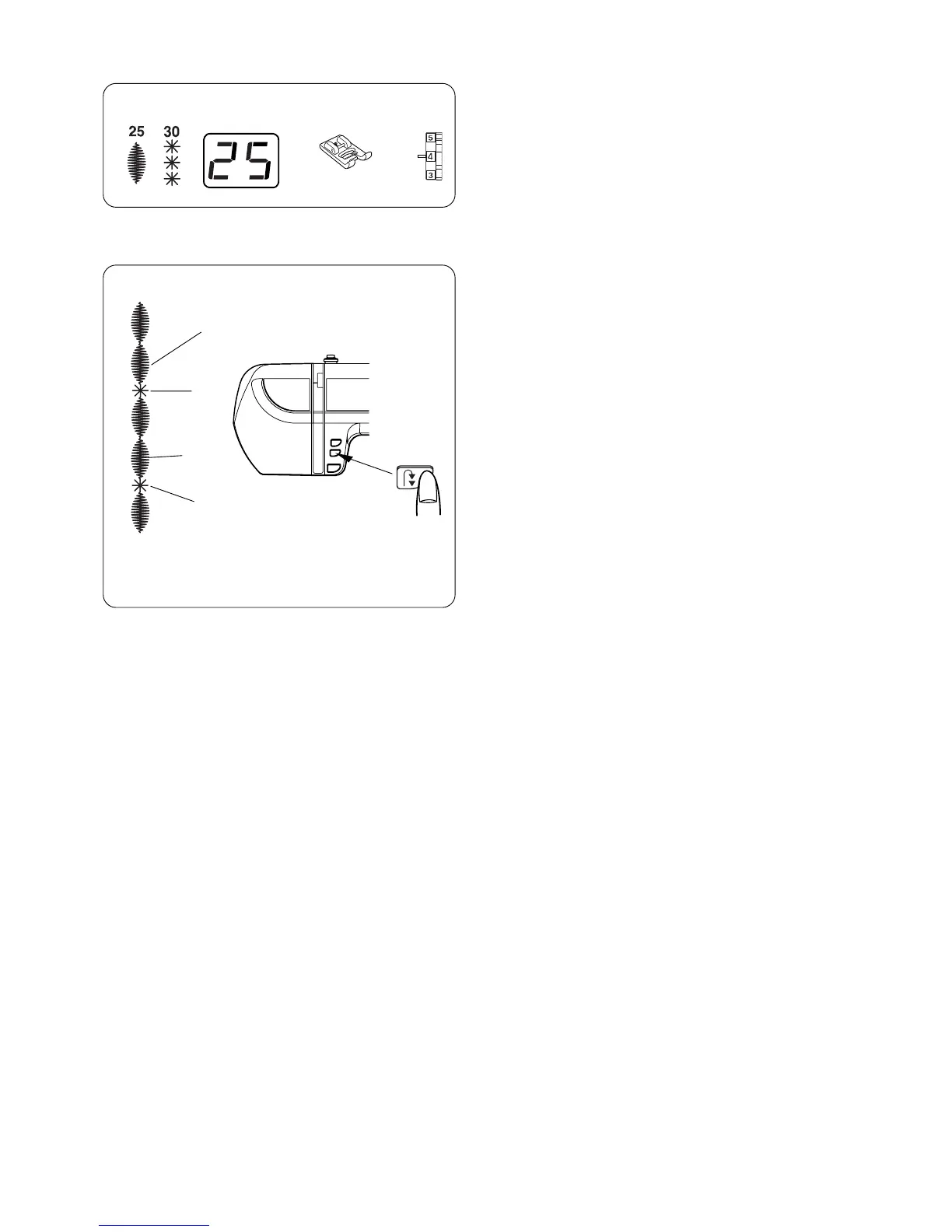
Machine Settings
q Pattern: #25 and #30 (example)
w Presser foot: Satin stitch foot F
e Needle thread tension: 1–4
#30
#25
#30
q we


 To Next Page