Portrait Orientation
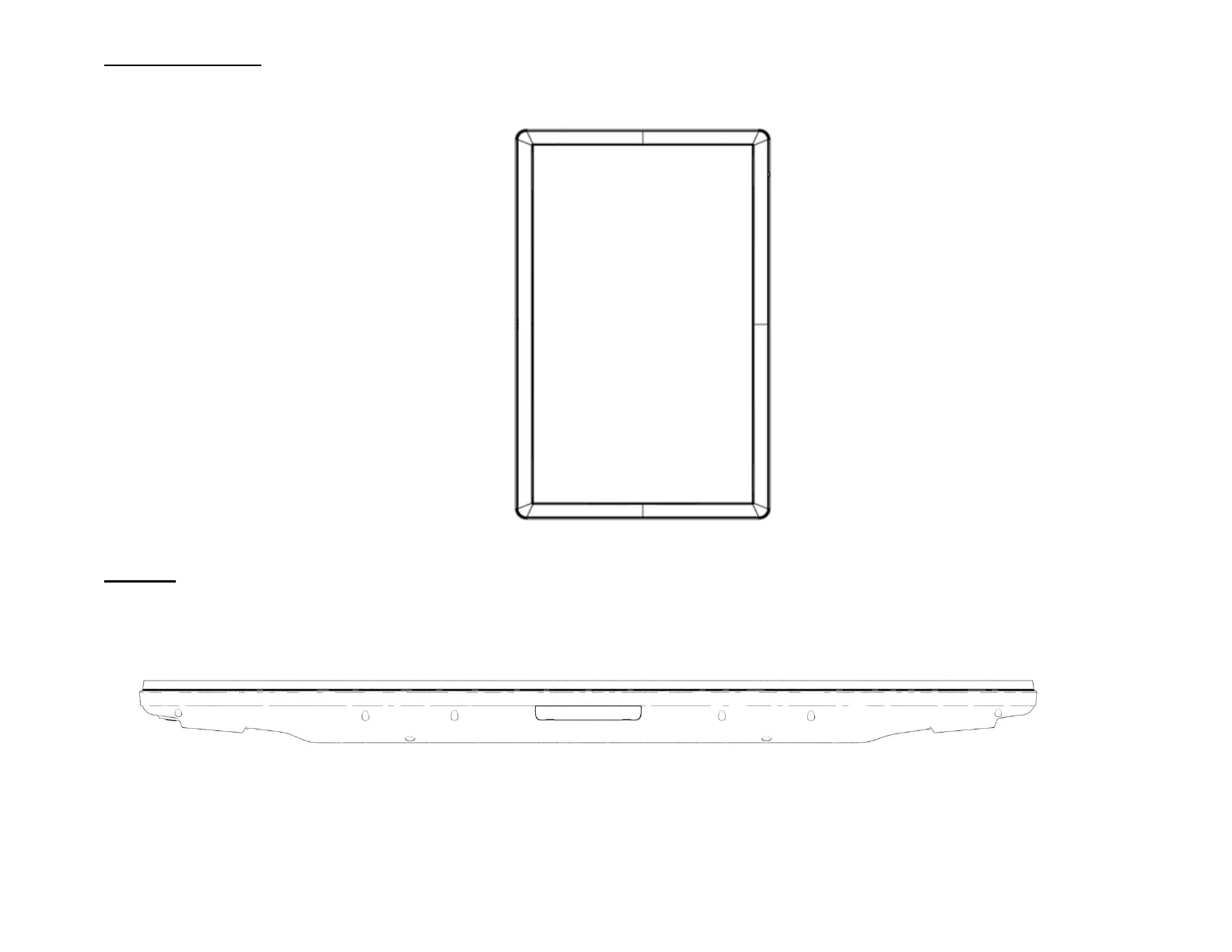
When rotating the IDS Display to portrait orientation, ensure that the ECM docking bay is on the bottom side when viewed from the front. The
IO ports will be located at the bottom.
Tabletop
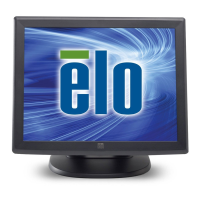
When the IDS Display is used in tabletop application, support the IDS Display using the VESA mounting pattern on the rear to support the
weight of the IDS Display. Additional support around the edge may also be added if desired to maintain flatness of the touch screen.
Cooling methods must be put in place to ensure that the air temperature beneath the monitor does not exceed the operating specifications.
Refer to the Operating & Storage Conditions section for tabletop mode requirements.


 To Next Page