Section 4: Mounting Information
Note: It is strongly recommended that at least two people handle, lift, or move the IDS
Display.
Note: Do not leave the IDS Display facing down for long periods of time as this will cause
permanent damage to the LCD panel.
Mounting Orientations
The following mounting orientations are supported: landscape, portrait, tabletop and tilt.
Landscape Orientation
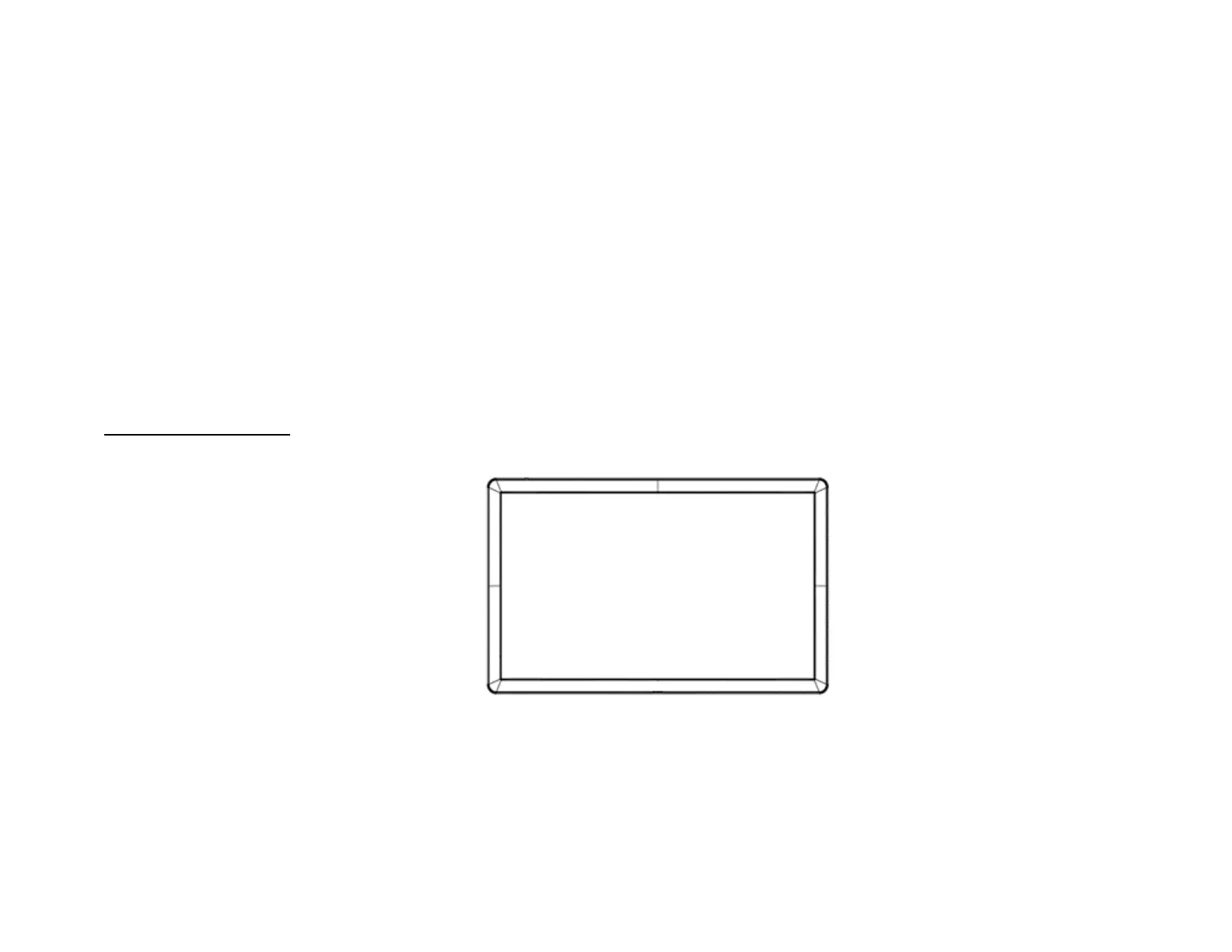
When mounting the IDS Display in landscape orientation, ensure that the ECM docking bay is on the right side when viewed from the front.


 To Next Page