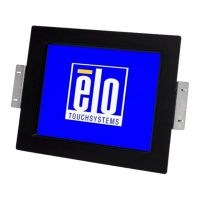
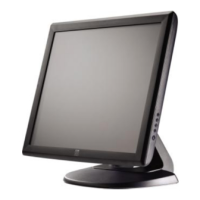
IDS Display: Connecting to the Elo Computer Module (ECM)
1. Remove the cover in order to expose the computer module docking area.
2. Slide the Elo Computer Module into the bay and secure the ECM with the locking screws.
a. Note: The ECM can be plugged in while there is power to the monitor.
3. As soon as video is detected, the monitor will begin to display the content.
Visit the Elo Touch Solutions website www.elotouch.com for:
• Updates to the monitor firmware
• Detailed driver installation guides
• Touch drivers for other operating systems
TouchPro and Infrared units are HID compatible and do not require an Elo touch driver. If an Elo touch driver has previously been installed on the host
computer, remove this driver by opening Control Panel and selecting the option to remove the driver completely.


 To Next Page