More Security, More Convenience
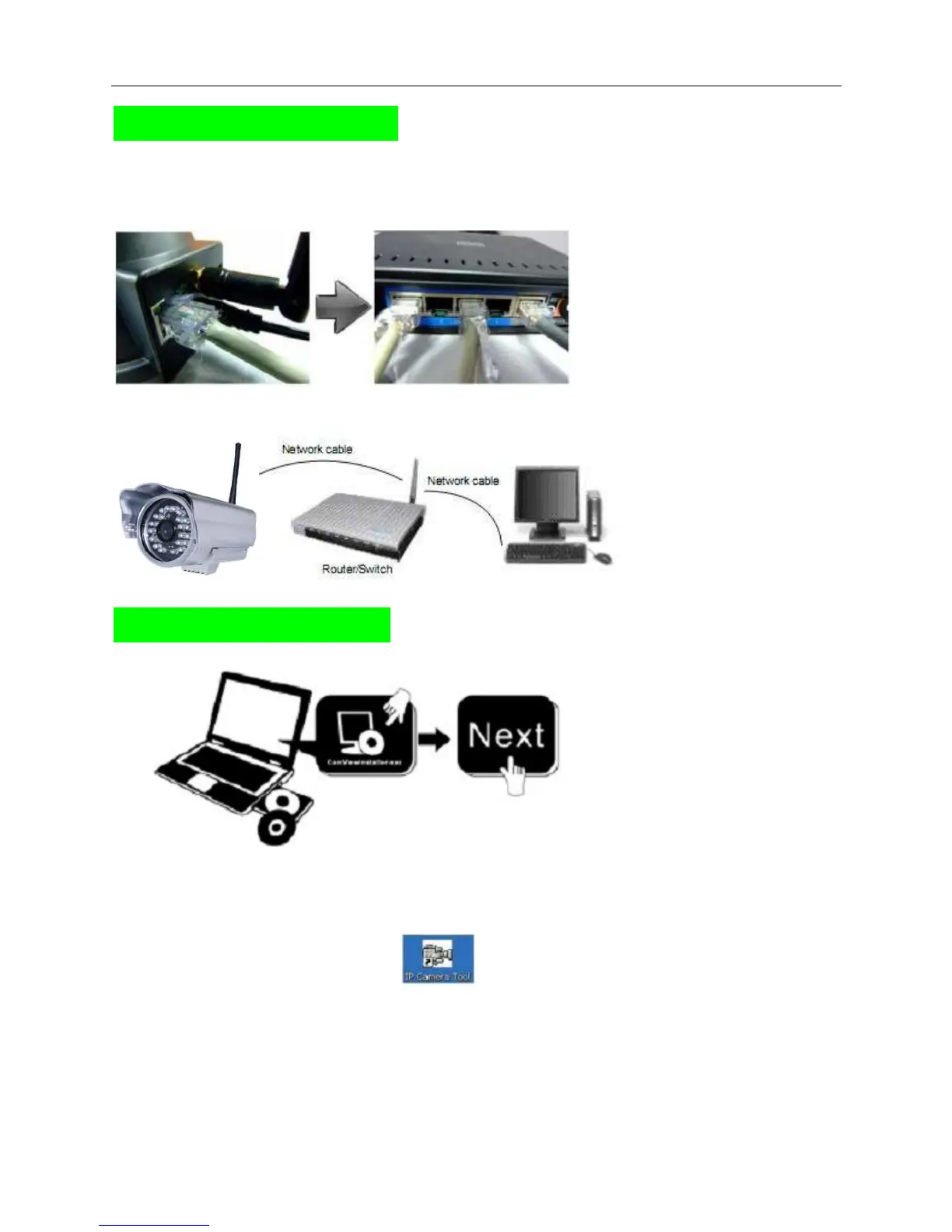
Step 1: Hardware Installation.
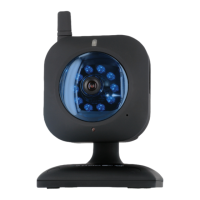
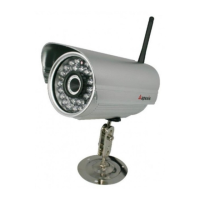
1. Install the Wi-Fi antenna.
2. Plug the power adaptor into camera.
3. Plug the network cable into camera, the other side to the router/switch.
Step 2: Software Installation.
Install the follow software:
1. IP Camera Tool: Open the CD, click “IPCamSetup.exe”—“Next”—“Next”—“Close”.
2. ActiveX: Click “Appinstall.exe”—“Next”—“Install”—“Finish”.
After this done, the icon “IP Camera Tool” will be displayed on desktop.


 To Next Page