Step ➌
Attach Interface
Cable
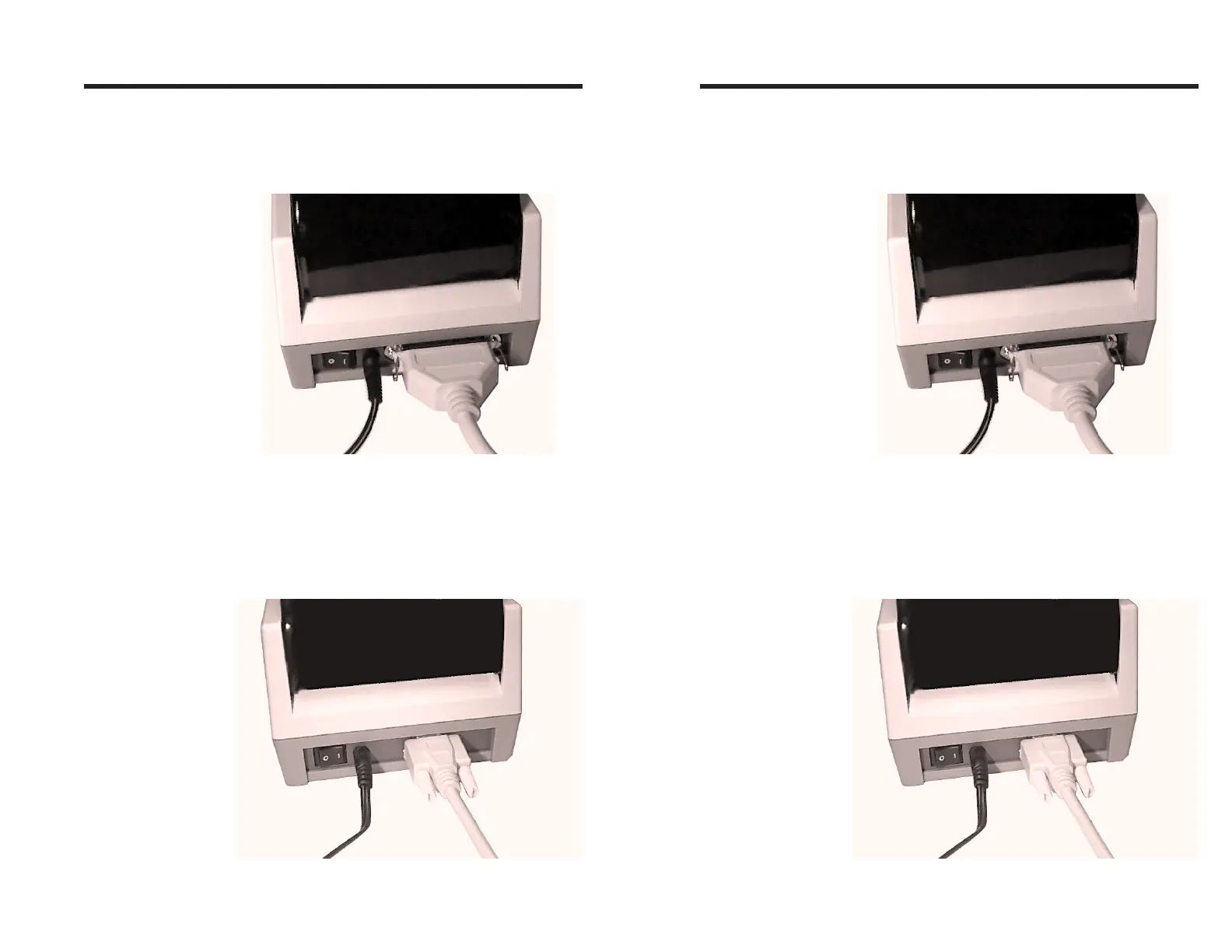
Parallel Interface
Attach a suitable parallel printer cable from the
computer to the Centronics interface connector
on the rear of the printer.
Serial Interface
Attach a suitable serial printer cable from the
computer to the DB-9 RS-232 Serial interface
connector at the back of the printer. For addi-
tional information on serial cable wiring and
connection parameters, refer to Appendix A -
Trouble Shooting.
Getting Started
980090-001 Rev. B 5
Step ➌
Attach Interface
Cable
Parallel Interface
Attach a suitable parallel printer cable from the
computer to the Centronics interface connector
on the rear of the printer.
Serial Interface
Attach a suitable serial printer cable from the
computer to the DB-9 RS-232 Serial interface
connector at the back of the printer. For addi-
tional information on serial cable wiring and
connection parameters, refer to Appendix A -
Trouble Shooting.
Getting Started
980090-001 Rev. B 5



 To Next Page