Basic Command
Syntax
Each command consists of one or two ASCII
alpha characters to identify the specific com-
mand desired. Some commands require one
or more additional parameters to supply the
command with sufficient information to com-
plete the command. Each command parame-
ter is delimited by a comma. Refer to Figure
3-1 for the basic command syntax.
Each command line must be terminated with a
Line Feed (LF) character (10). Most PC based
systems send CR/LF when the Enter key is
pressed. The Carriage Return (CR) character is
ignored by the printer and cannot be used in
place of LF.
Command Editor Any ASCII based text editor can be used to
create command files. In the DOS environ-
ment, MS-DOS EDIT or BRIEF are good
choices. To execute the file, use the editors
print command or the DOS COPY command
to send the file to the printer. An example of
the use of the COPY command is:
COPY “FILENAME.EXT” COM1
For more information on the use of the COPY
command, refer to your DOS software manual.
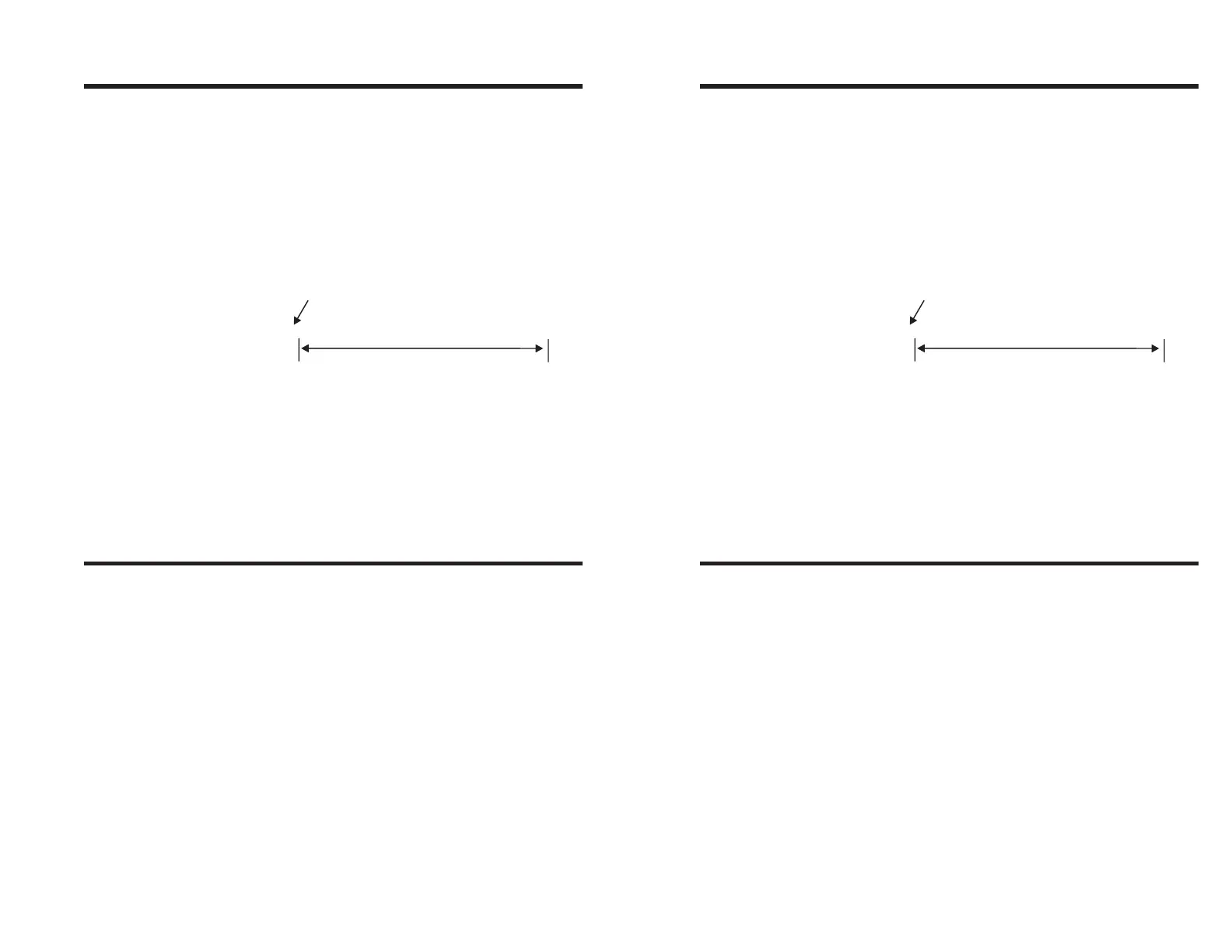
A24,40,0,4,1,1,N,"THIS IS A TEST"
Command
Command Parameters
Figure 3-1
Basic Command
Syntax
980090-001 Rev.B 21
Basic Command
Syntax
Each command consists of one or two ASCII
alpha characters to identify the specific com-
mand desired. Some commands require one
or more additional parameters to supply the
command with sufficient information to com-
plete the command. Each command parame-
ter is delimited by a comma. Refer to Figure
3-1 for the basic command syntax.
Each command line must be terminated with a
Line Feed (LF) character (10). Most PC based
systems send CR/LF when the Enter key is
pressed. The Carriage Return (CR) character is
ignored by the printer and cannot be used in
place of LF.
Command Editor Any ASCII based text editor can be used to
create command files. In the DOS environ-
ment, MS-DOS EDIT or BRIEF are good
choices. To execute the file, use the editors
print command or the DOS COPY command
to send the file to the printer. An example of
the use of the COPY command is:
COPY “FILENAME.EXT” COM1
For more information on the use of the COPY
command, refer to your DOS software manual.
A24,40,0,4,1,1,N,"THIS IS A TEST"
Command
Command Parameters
Figure 3-1
Basic Command
Syntax
980090-001 Rev.B 21



 To Next Page