The FEED Control The FEED control can be used in two ways,
tapping or holding. When power is first ap-
plied to the printer, tapping the FEED control
will cause the paper to advance approximately
0.25". This condition is refereed to as a Line
Feed. After printing a label, tapping the FEED
control will cause the paper to advance to the
top of the next label. This condition is referred
to as a Form Feed.
When power is first applied, holding the FEED
control will cause the paper to continuously line
feed until the control is released. This mode is
useful when loading labels in the printer. After
printing a label, holding the FEED control will
cause the paper to continuously form feed until
the control is released.
The POWER
Indicator
When the printer is first switched on, the
POWER indicator will glow Red. If labels are
not loaded, the indicator will continue to glow
Red. If labels are loaded, the indicator will
switch to Green, indicating that the printer is
ready for operation.
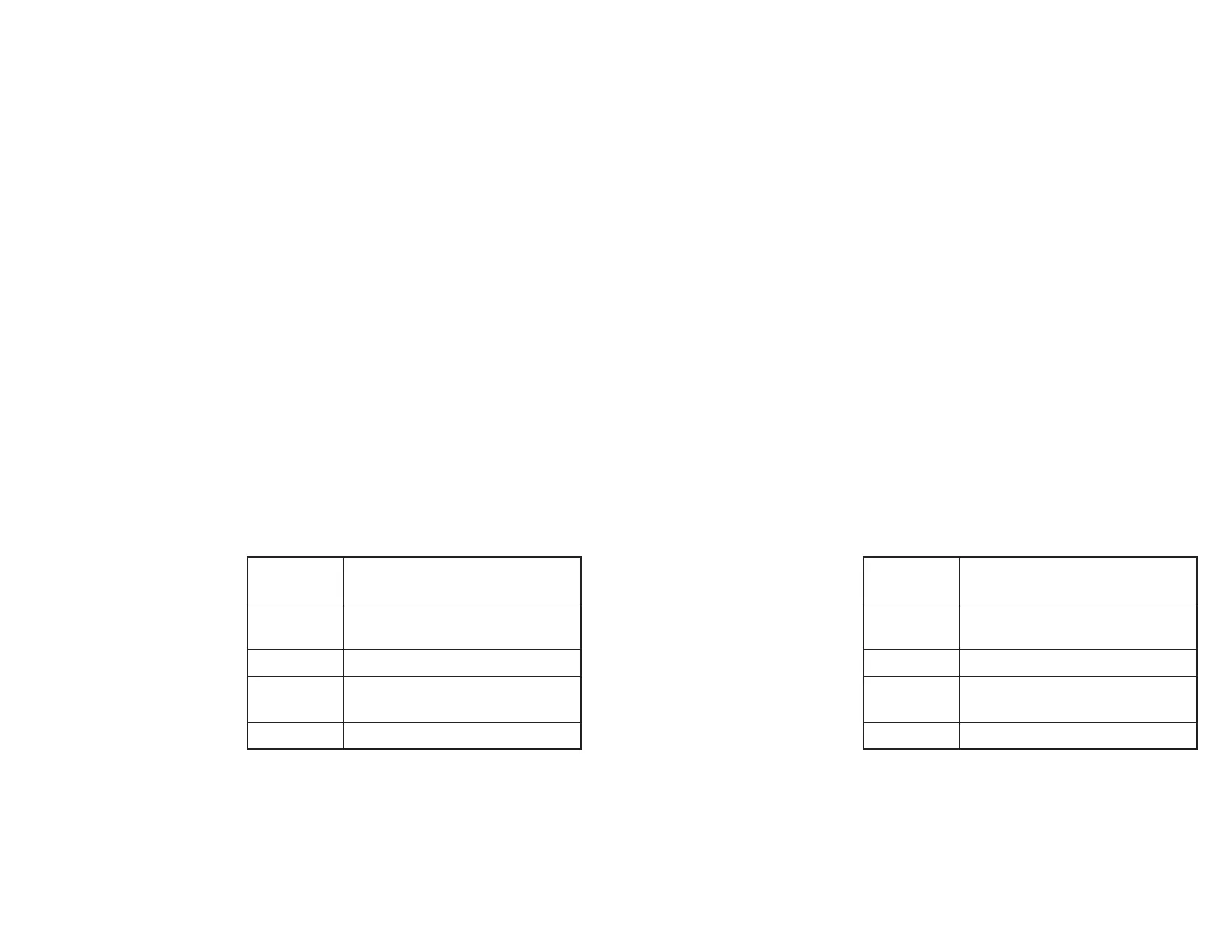
Indicator
Color
Meaning
Green
Power On, labels loaded, ready
for use.
Red Power On, out of labels.
Orange
Error condition, refer to
Appendix A - Troubleshooting.
Dark Power Off.
If the POWER indicator should fail to light or
glows Red even when labels are loaded, refer
to the Trouble Shooting section in Appendix A.
Operation
980090-001 Rev.B 9
The FEED Control The FEED control can be used in two ways,
tapping or holding. When power is first ap-
plied to the printer, tapping the FEED control
will cause the paper to advance approximately
0.25". This condition is refereed to as a Line
Feed. After printing a label, tapping the FEED
control will cause the paper to advance to the
top of the next label. This condition is referred
to as a Form Feed.
When power is first applied, holding the FEED
control will cause the paper to continuously line
feed until the control is released. This mode is
useful when loading labels in the printer. After
printing a label, holding the FEED control will
cause the paper to continuously form feed until
the control is released.
The POWER
Indicator
When the printer is first switched on, the
POWER indicator will glow Red. If labels are
not loaded, the indicator will continue to glow
Red. If labels are loaded, the indicator will
switch to Green, indicating that the printer is
ready for operation.
Indicator
Color
Meaning
Green
Power On, labels loaded, ready
for use.
Red Power On, out of labels.
Orange
Error condition, refer to
Appendix A - Troubleshooting.
Dark Power Off.
If the POWER indicator should fail to light or
glows Red even when labels are loaded, refer
to the Trouble Shooting section in Appendix A.
Operation
980090-001 Rev.B 9



 To Next Page