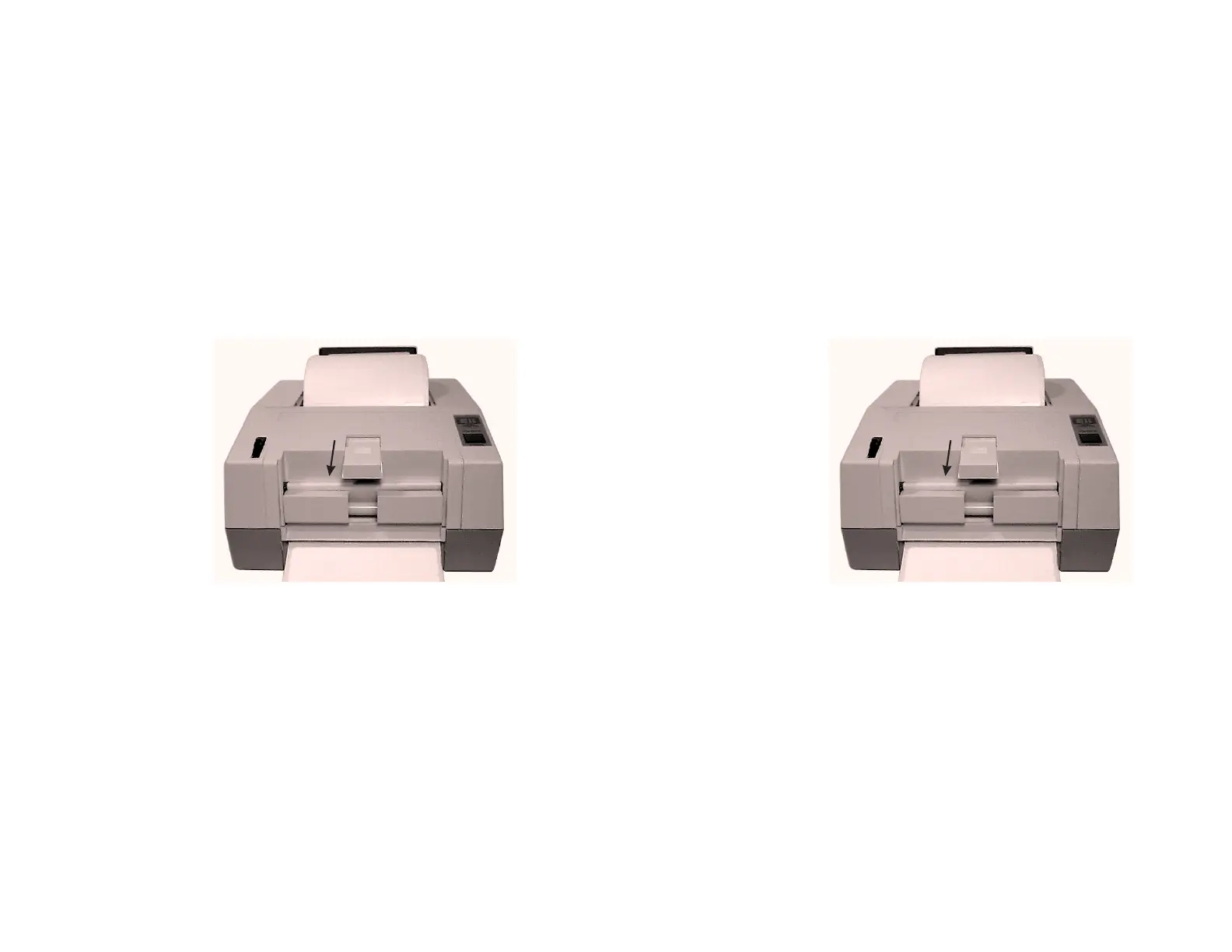
Step ➍ Press the FEED control to feed the leader
through the dispenser.
Step ➎ Push the Label Release towards the rear of the
printer and pull the excess liner through the
front until it is tight across the peeler bar.
Step ➏ Activate the Label Taken Sensor by pushing on
the top and sliding towards the front of the
printer. The printer is now ready to dispense
automatically peeled labels.
Push Sensor Out
To Activate
Figure 2-10
Activate Sensor
Operation
16 980090-001 Rev.B
Step ➍ Press the FEED control to feed the leader
through the dispenser.
Step ➎ Push the Label Release towards the rear of the
printer and pull the excess liner through the
front until it is tight across the peeler bar.
Step ➏ Activate the Label Taken Sensor by pushing on
the top and sliding towards the front of the
printer. The printer is now ready to dispense
automatically peeled labels.
Push Sensor Out
To Activate
Figure 2-10
Activate Sensor
Operation
16 980090-001 Rev.B



 To Next Page