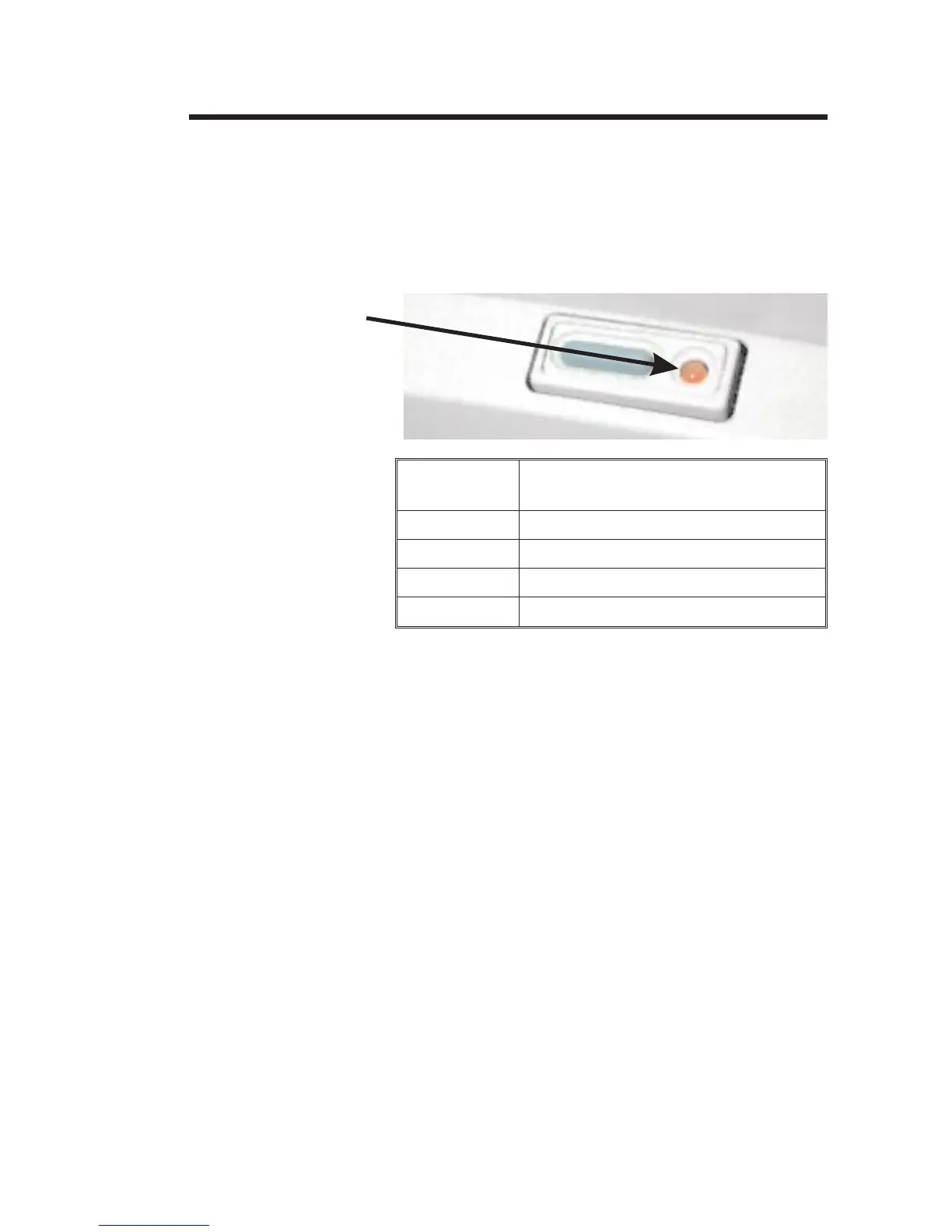
The POWER
Indicator
When the printer power is first switched ON (1)
with labels loaded, the POWER indicator will
glow GREEN, indicating that the printer is
ready for operation. If labels are not loaded,
the indicator will glow RED, indicating an out
of labels or ribbon condition.
Indicator
Color
Meaning
GREEN
Power ON, labels loaded, ready for use.
RED
Power ON, out of labels or ribbon.
ORANGE
Error condition, refer to Appendix A.
DARK
Power OFF.
If the POWER indicator should fail to light or
glows RED even when labels are loaded, refer
to Appendix A.
980101-001 Rev. A 13
Operation
POWER
Indicator


 To Next Page