Cleaning The
Print Head
As you use your printer, the print head may be
-
come dirty resulting in poor print quality.
Whenever new labels or transfer ribbon are
loaded into the printer, the print head should
be cleaned with a Cleaning Pen (p/n 800105-
001).
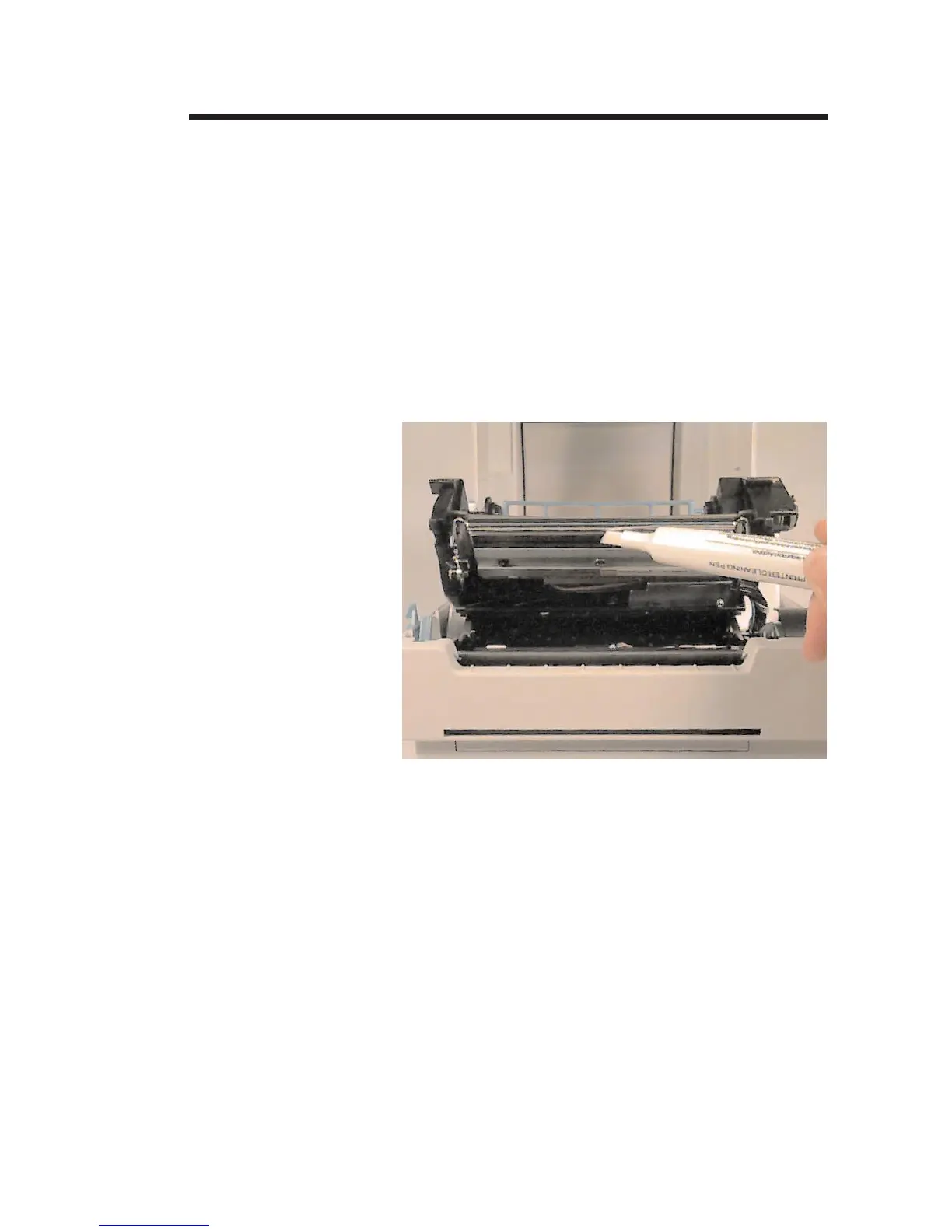
Step ➊ Remove the transfer ribbon.
Step ➋ Gently rub the Cleaning Pen across the dark
area of the print head.
Allow the print head to dry for 1 minute before
loading a transfer ribbon or labels.
980101-001 Rev. A 21
Operation


 To Next Page