Threading The
Optional Label
Dispenser
If your printer is equipped with the optional Label
Dispenser (PSAT or PSET) and you would like
the printer to automatically peel adhesive labels
from the backing, follow the steps below:
Step ➊ Perform steps 1-4 of the Loading Labels proce
-
dure.
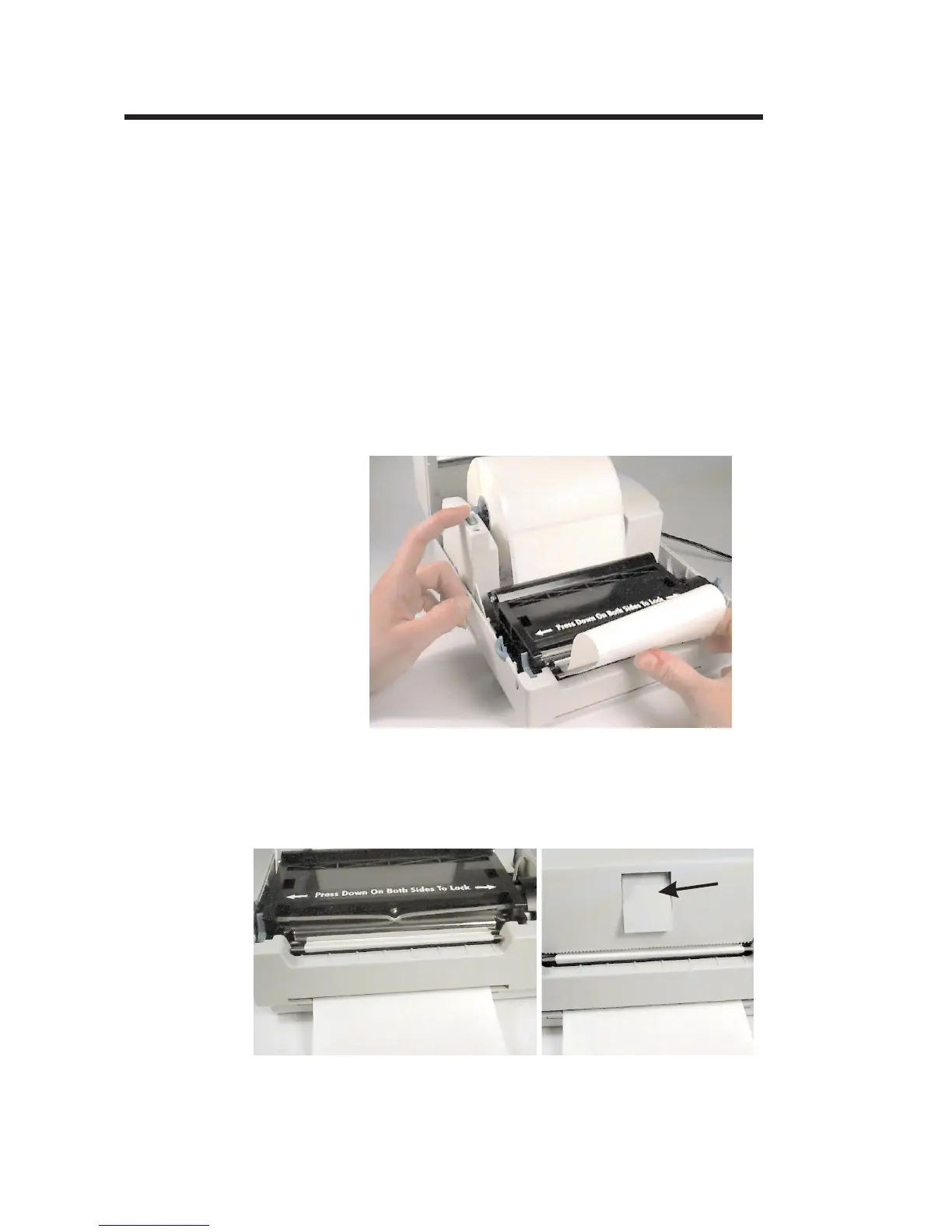
Step ➋ Peel the first two labels off the backing.
Step ➌ While pressing the FEED switch, push the label
backing into the peeler slot.
Step ➍ Open the print carriage and pull the label backing
out the bottom slot until it is tight across the peeler
bar. Close and lock the print carriage.
Activate the Label Taken Sensor by pressing in
on the top of the sensor.
20
980101-001 Rev. A
Operation


 To Next Page