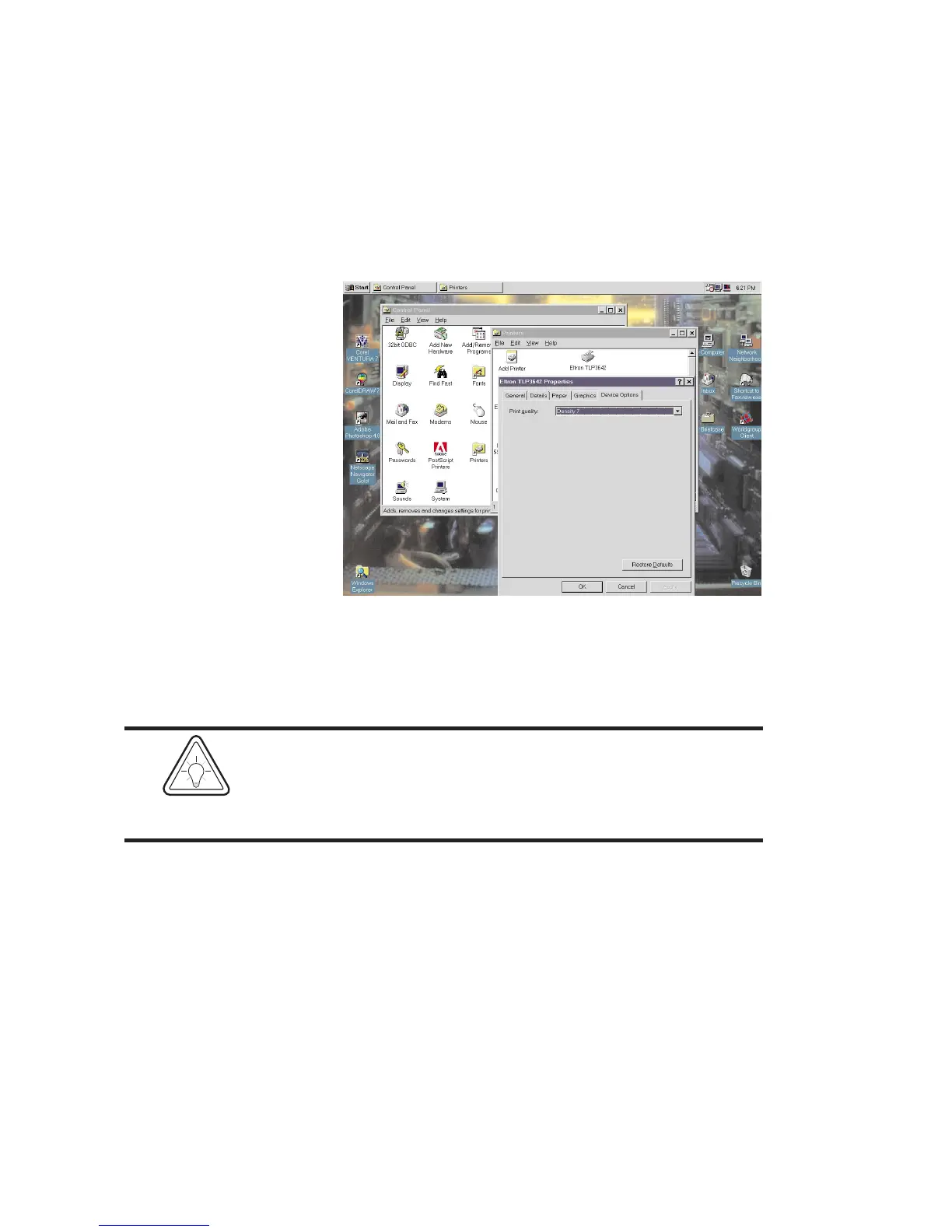
Print Quality,
Print Density
The print darkness or density can be changed
by using the Print Quality option. If print looks
faded when printing at high speed, select a
higher darkness number for the Print Quality
setting. If horizontal lines seem to run together,
select a lower darkness number.
To access this menu, select the Device Options
tab from the printer properties menu.
Print density is also affected by print speed.
Changing both Print Speed and Density may
be required to achieve the desired results.
36
980101-001 Rev. A
HINT


 To Next Page