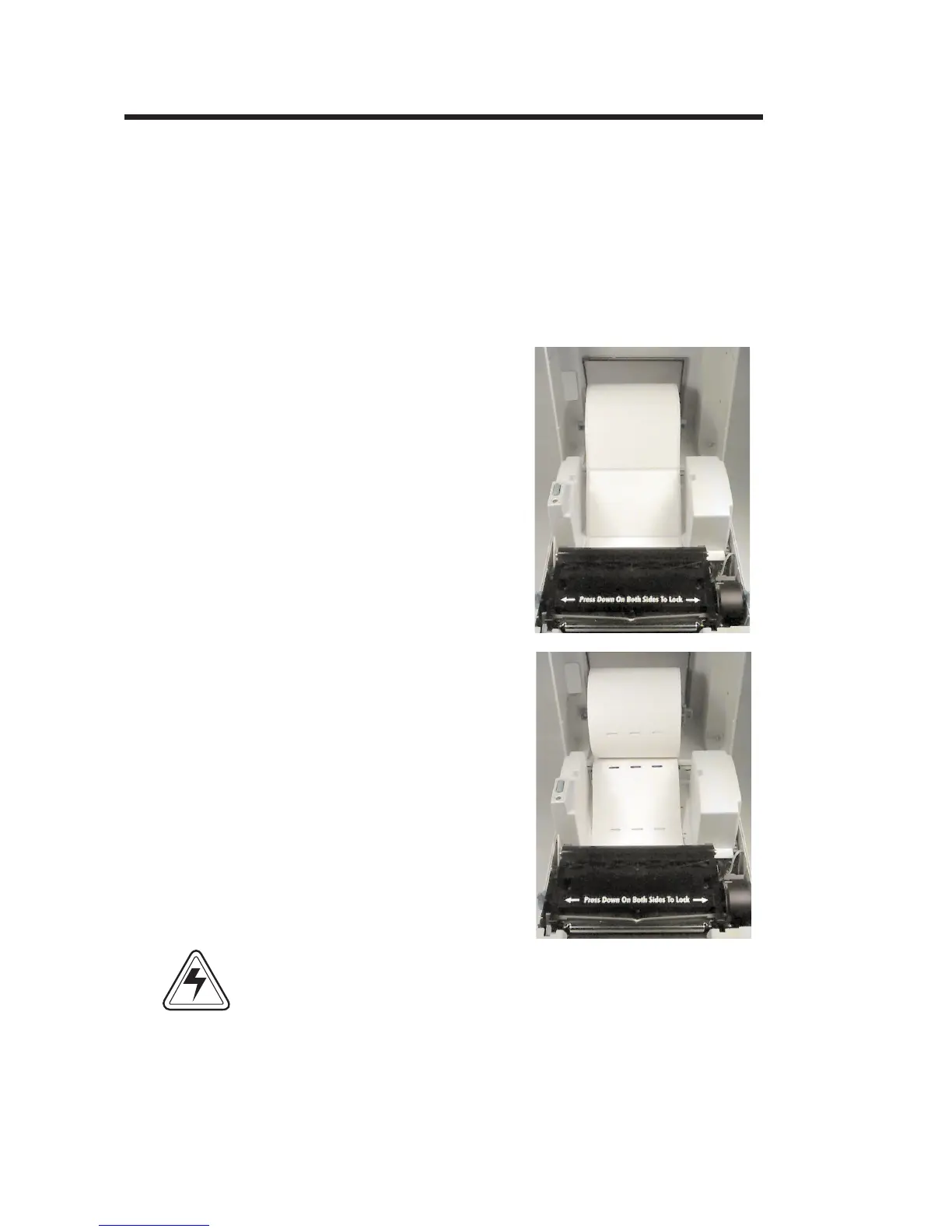
Loading Labels
or Tags
Your printer can print on adhesive backed la
-
bels, non-adhesive tags or continuous non-
adhesive paper. Loading either labels or tags is
easy, however the feed direction of each roll is
different.
Step ➊ Open the printer top cover and place the spin
-
dle inside the roll of labels or tags.
See Caution on Page v.
14
980101-001 Rev. A
Operation
Labels
Tag s
CAUTION


 To Next Page