A-4
Solving Common Problems
Cause Solution
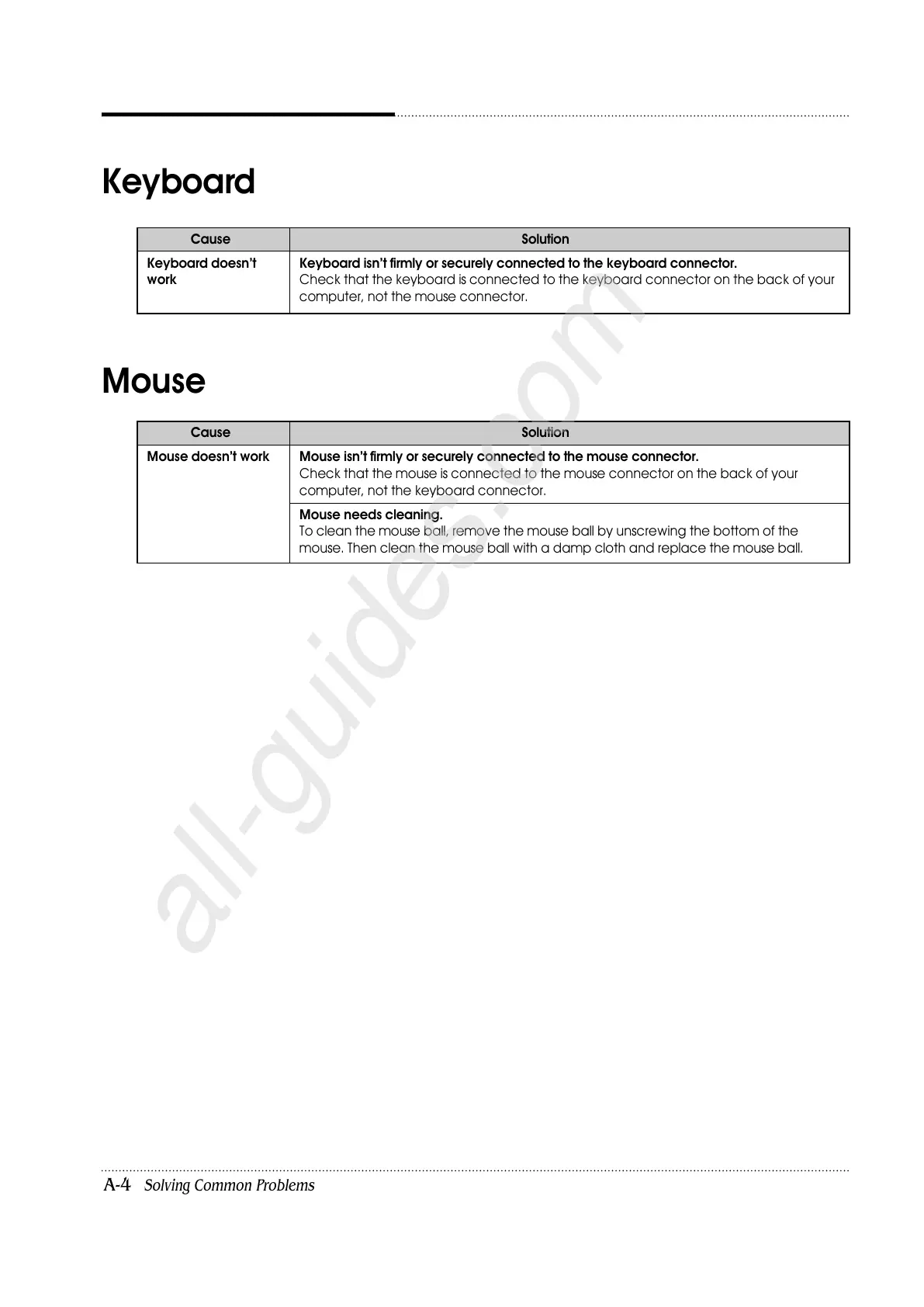
Keyboard doesn’t Keyboard isn’t firmly or securely connected to the keyboard connector.
work Check that the keyboard is connected to the keyboard connector on the back of your
computer, not the mouse connector.
Keyboard
Cause Solution
Mouse doesn’t work Mouse isn’t firmly or securely connected to the mouse connector.
Check that the mouse is connected to the mouse connector on the back of your
computer, not the keyboard connector.
Mouse needs cleaning.
To clean the mouse ball, remove the mouse ball by unscrewing the bottom of the
mouse. Then clean the mouse ball with a damp cloth and replace the mouse ball.
Mouse













 To Next Page