12
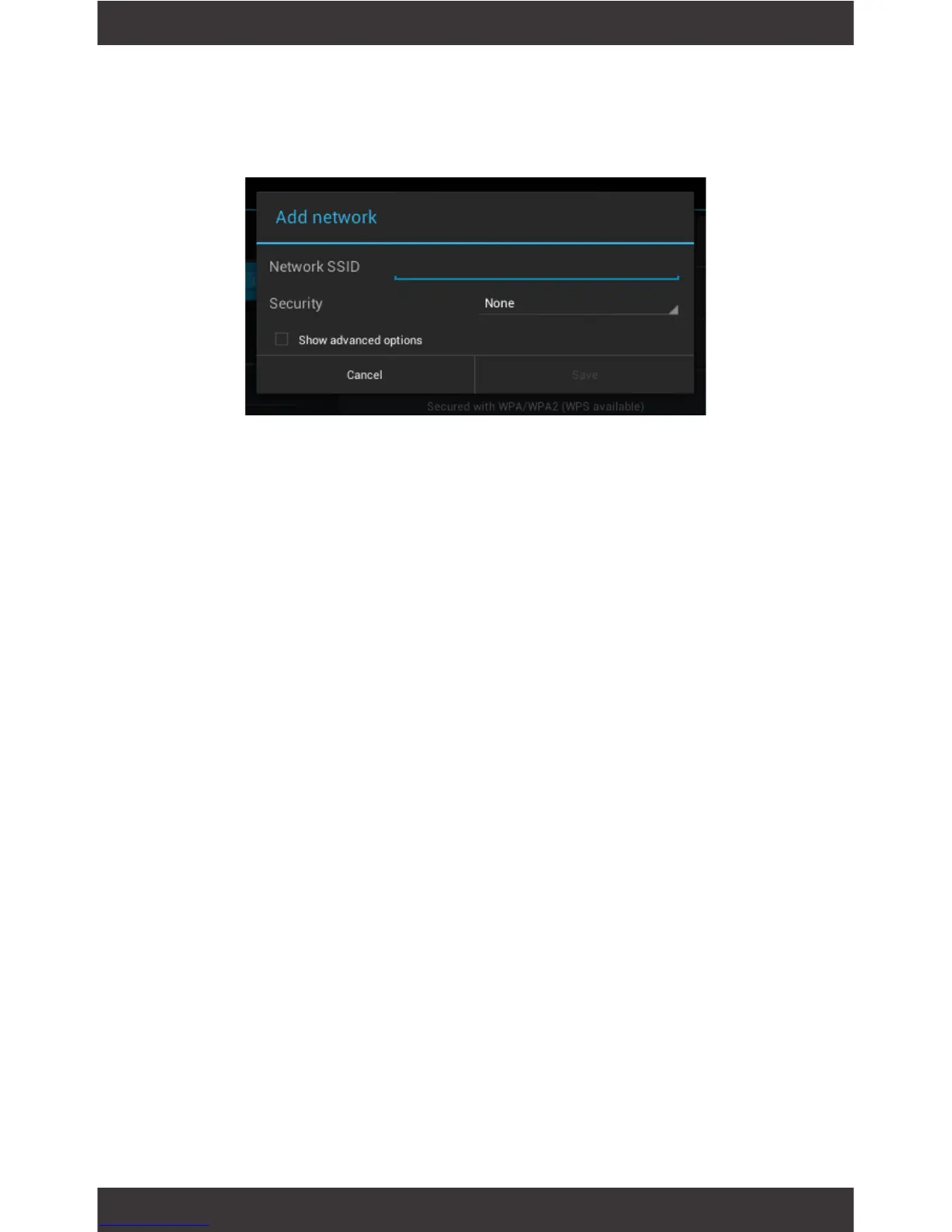
Users may also add a Wi-Fi network under Wi-Fi set-
tings by tapping the + icon in the upper right corner.
In the Wi-Fi settings screen, tap the name of the net-
work. Tap “Forget” in the dialog that opens.
Opens a screen that prompts you to select the type
of VPN to add. You are then prompted for VPN con-
guration details.
Adding a Wi-Fi Network
Forget a Wi-Fi Network
Add a VPN prole



 To Next Page