19
8.
Exploring Apps
Open up some Apps to better familiarize yourself
with your new tablet.
Use Gmail to read and write email from
any mobile device or browser.
When reading a message, touch the
icons and menu along the top of the
Use the Calendar app to view and edit
your schedule.
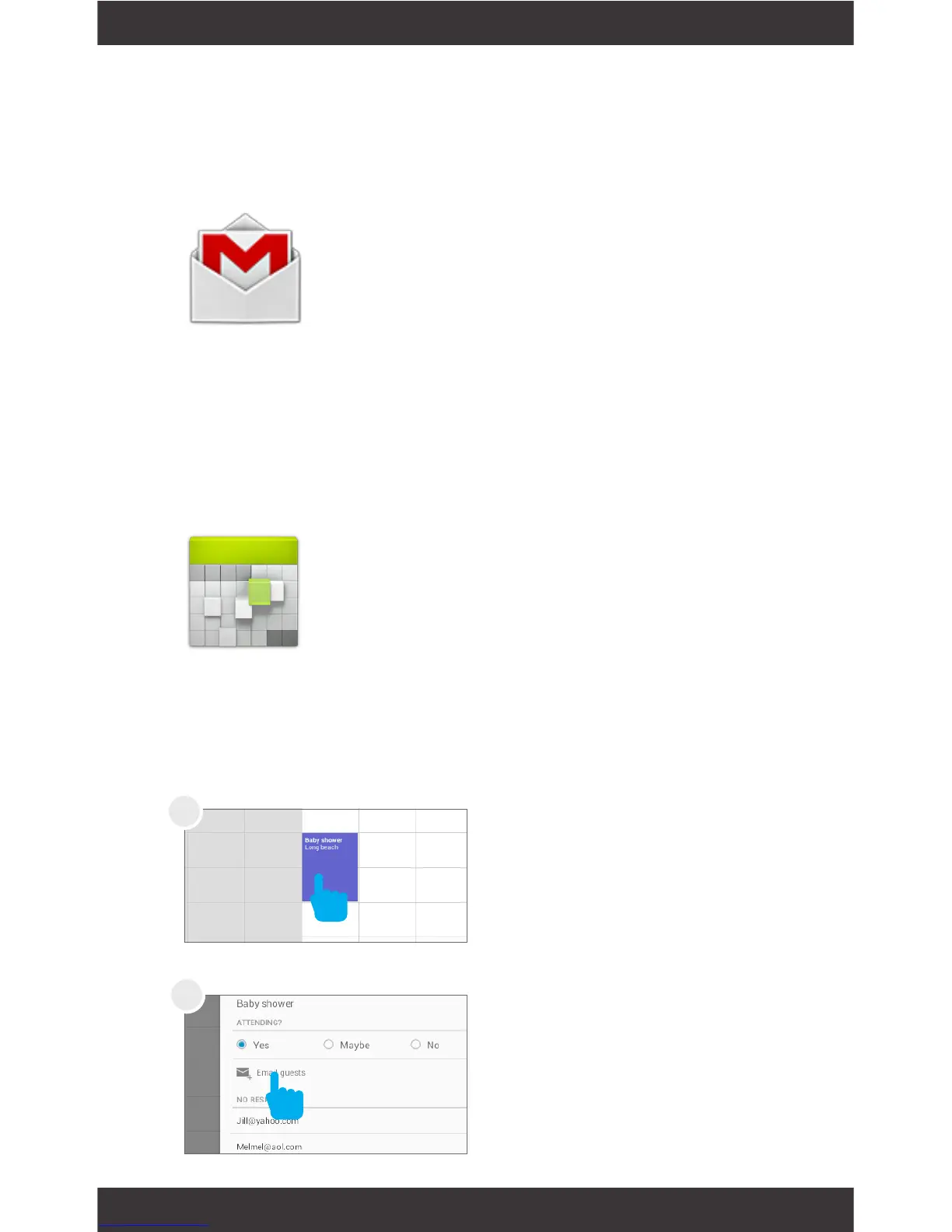
Touch an event to view its details.
Touch icons across the top of the screen
Tap event on Calendar
Tap Email Guests
Gmail
Calendar
screen to archive, throw away, label, or perform
other actions on that message.
Swipe left or right to read the previous or next con-
versation.
or Menu to search/create events, return to today, or
adjust settings.
To email everyone who is invited to an event:
2
1



 To Next Page