7
Connecting to Wi-Fi
Setting up your Google Account
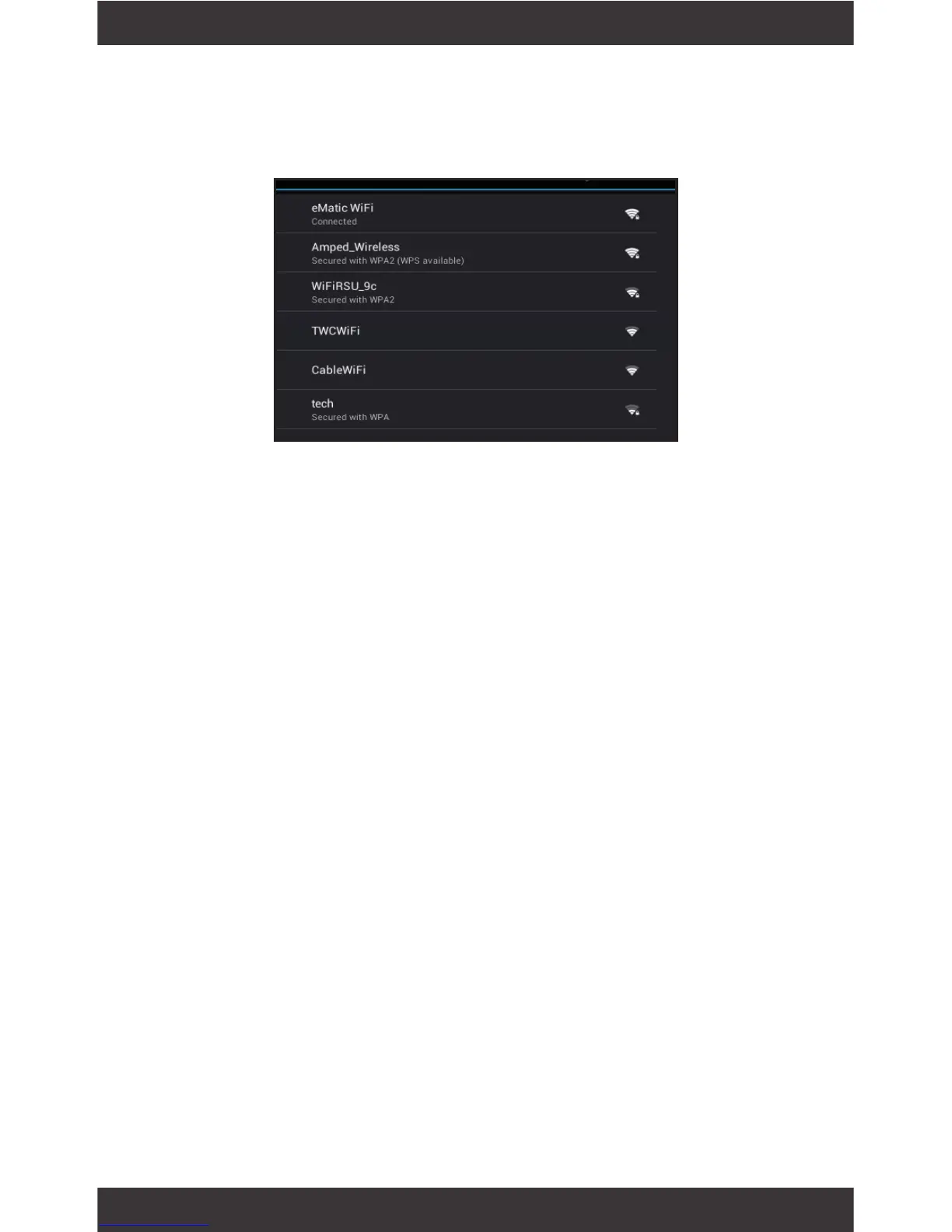
You will be asked to select your Wi-Fi connection.
Tap to select your network and enter your password.
When prompted, sign in using the email address and
password from your Google Account. If you don’t
have one yet, create one.
An email address that you use for any of the follow-
ing counts as a Google Account:
• Gmail
• YouTube
• Google Apps
• AdWords
• Any other Google product
When you sign in with a Google Account, all the
email, contacts, Calendar events, and other data as-
sociated with that account are automatically synced
with your tablet. You can also add multiple Google
Accounts later.



 To Next Page